
1. Introduction: Goodbye Baklava, Hello Cinnamon Bun
It is December 17, 2025. Android 16 (Baklava) has only been on Pixel devices for a few months, bringing stability and speed. However, in the fast-paced world of mobile OS development, stability is yesterday's news.
Sources close to the development team have confirmed that the first internal builds of Android 17 are already being tested under the delicious codename "Cinnamon Bun."
Why does this update matter? Because for the last few years, Android updates have been iterative—polishing the edges of Material You. Android 17 appears to be different. It represents a fundamental shift in philosophy. Google is no longer building an operating system just for phones; they are building a universal computing platform designed to scale from a 6-inch screen to a 34-inch monitor seamlessly.
2. Desktop Mode 2.0: The Convergence Dream
For years, "Stock Android Desktop Mode" was a half-baked developer setting hidden in the developer options—a buggy, barebones experience that paled in comparison to Samsung’s polished DeX.
According to code spotted in the latest QPR (Quarterly Platform Release) beta branches by code sleuths like Mishaal Rahman, Android 17 is finally taking the gloves off.
2.1. Window Management: Beyond Freeform
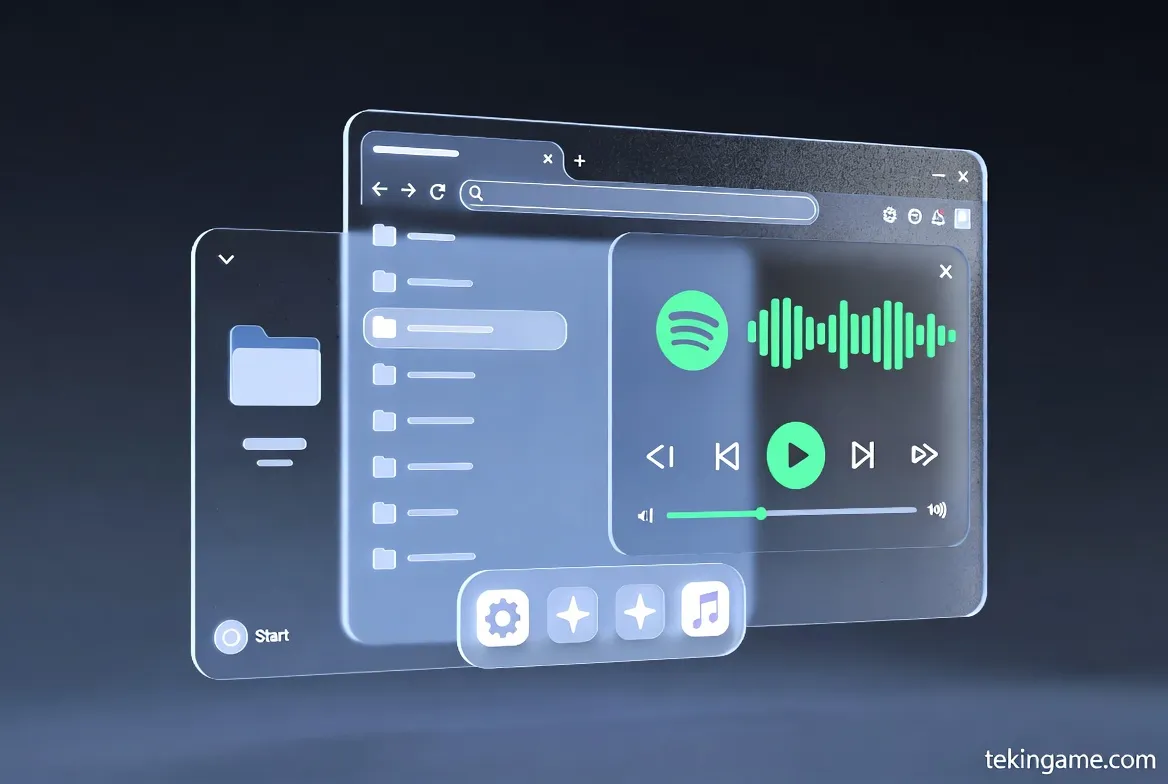
The new windowing system in Android 17 is indistinguishable from a modern desktop OS.
- Fluid Resizing: Users can grab the corner of any app window and resize it with mouse-cursor precision. The jittery resizing of Android 15 is gone.
- Snap Layouts: Borrowing a page from Windows 11, hovering over the maximize button on an app window reveals a "Snap Menu," allowing you to instantly pin apps to the left, right, or quadrants of the screen.
- Session Memory: This is the killer feature. If you disconnect your phone from the monitor and reconnect it an hour later, Android 17 remembers exactly where your windows were placed.
2.2. The Floating Taskbar & Start Menu
The persistent black bar at the bottom of the screen is history. Android 17 introduces a Dynamic Floating Taskbar.
When using a mouse and keyboard, the taskbar auto-hides to maximize screen real estate. Moving the cursor to the bottom edge summons it with a fluid animation.
Furthermore, a new "App Drawer" button on the left functions almost exactly like a Start Menu, offering a searchable grid of apps, recent files, and quick settings, optimized for landscape navigation.
2.3. The End of the Low-End Chromebook?
This aggressive push into desktop territory raises a strategic question: Is Google cannibalizing ChromeOS?
With Android 17, a mid-range Pixel or Galaxy phone connected to a generic USB-C monitor offers a more powerful computing experience than a budget Chromebook. Analysts predict that Google is moving toward a unified future where "Android" handles the consumer desktop experience, while ChromeOS moves upmarket for enterprise.
3. Design Language: Material 3 "Expressive"
Material You (Material 3) brought color extraction and personalization. Android 17 introduces the next evolution: Material 3 Expressive.
The focus here is not just on how things look, but how they feel.
3.1. Physics and Inertia
The UI is getting a physics engine overhaul.
Stretch Overscroll: When you scroll to the end of a list in Settings or Instagram, the content doesn't just stop; it stretches like rubber and snaps back, giving a tactile sense of inertia.
Morphing Buttons: Interactive elements now have depth. Pressing a Quick Setting tile doesn't just change its color; it slightly depresses in 3D space, mimicking a physical button press. These "micro-interactions" make the phone feel like a living object rather than a static screen.
3.2. The Return of Lock Screen Widgets
Long-time Android users remember the glory days of lock screen widgets in Android 4.2 Jelly Bean. Google killed them in Android 4.4, citing clutter.
Now, following Apple’s success with iOS 16, widgets are coming back—but smarter.
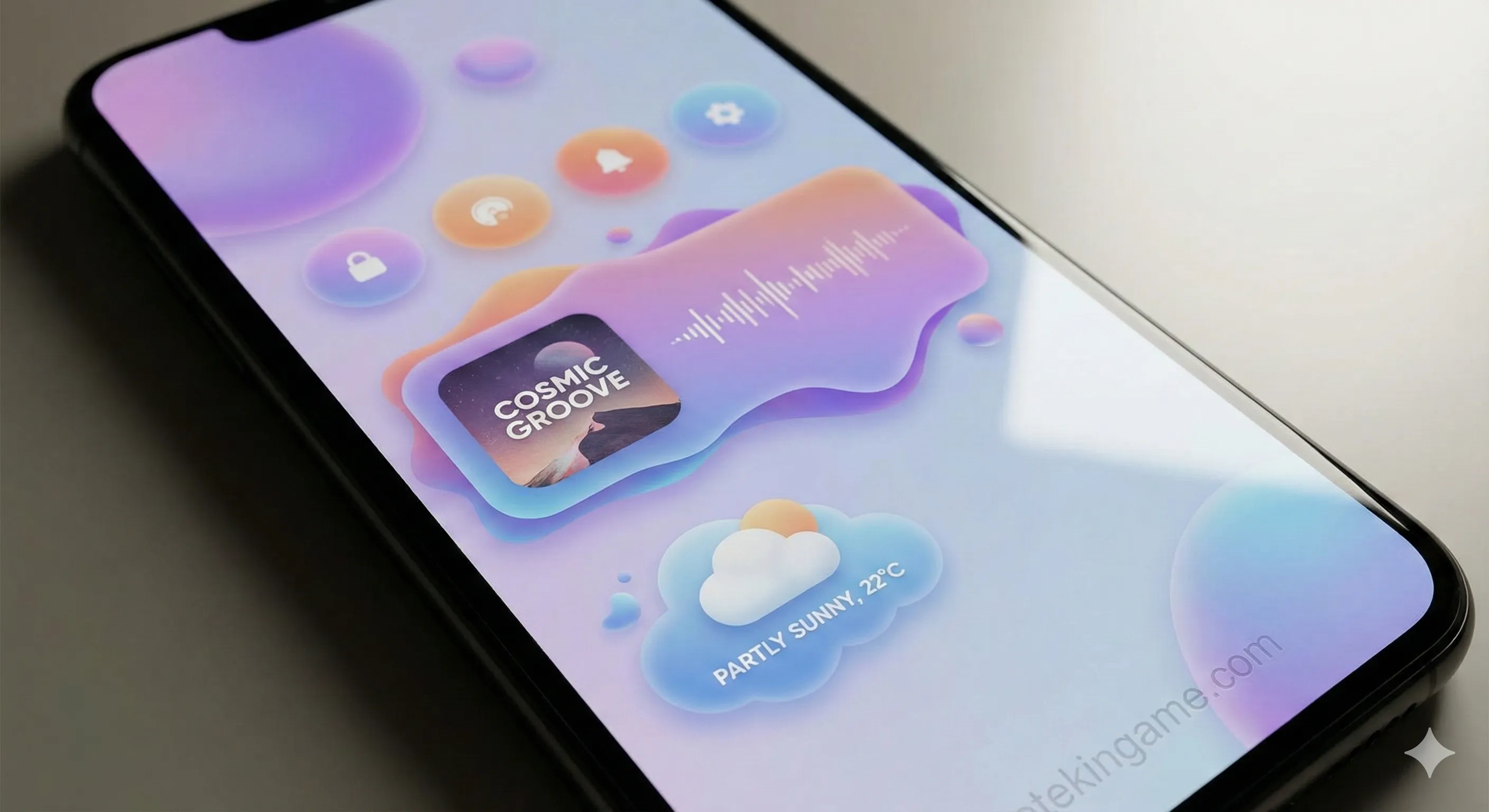
Android 17’s lock screen widgets are Context-Aware.
- At the Airport? A widget with your boarding pass QR code automatically appears.
- At the Gym? The media player widget expands to show your workout metrics from your smartwatch.
4. Under the Hood: Kernel-Level AI
In 2024 and 2025, "AI" on smartphones often meant "Cloud AI." You asked a question, it went to a server, and came back.
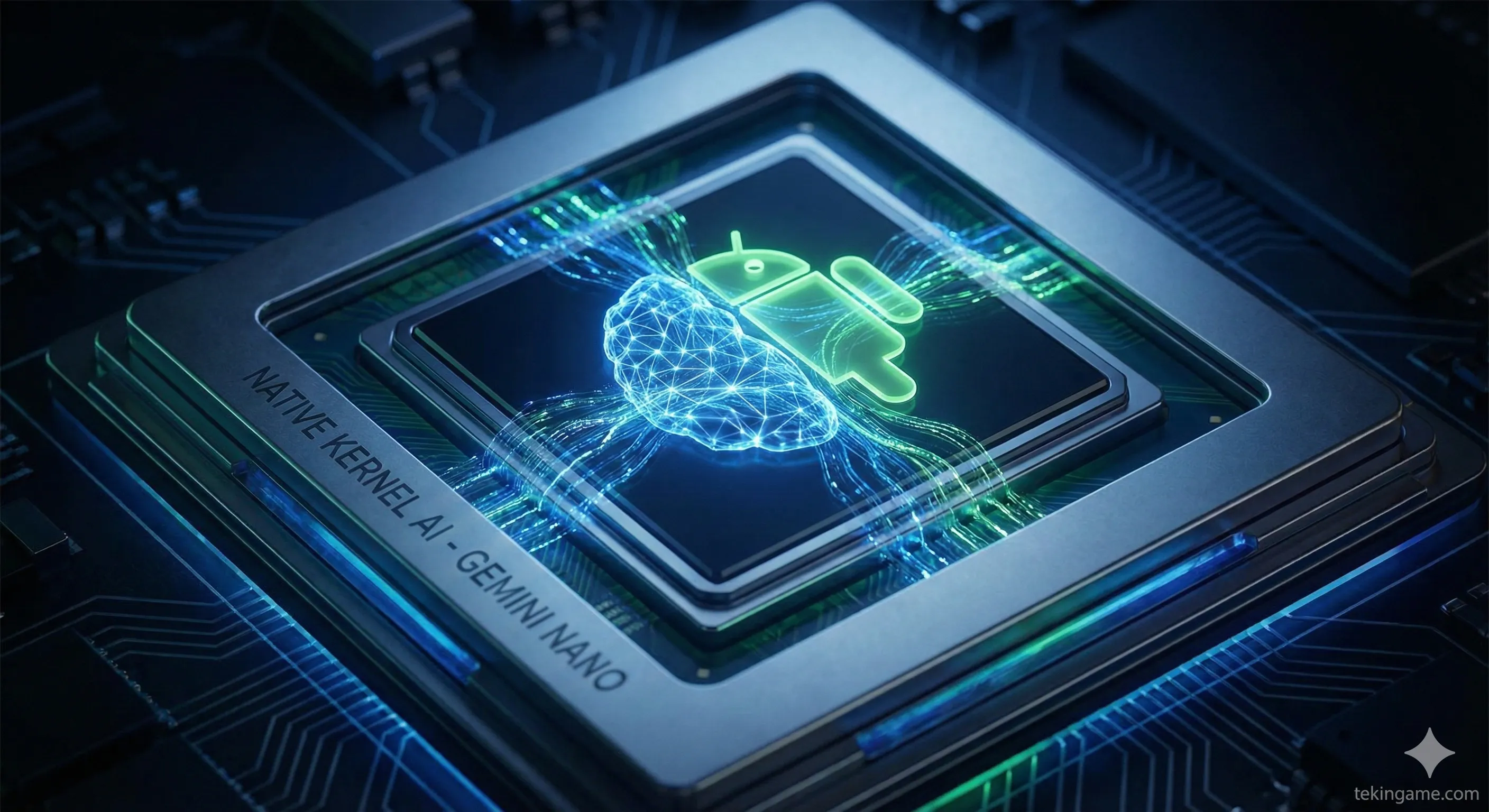
Android 17 changes the architecture by embedding the LLM (Large Language Model) directly into the Linux Kernel workflow.
4.1. Project Gemini Nano v2
The operating system now includes a native runtime for Gemini Nano v2.
This allows for "System-Level Intelligence." For example, the OS can read the text on your screen in real-time (OCR) and offer context-sensitive actions—like automatically copying an IBAN number from a photo and opening your banking app—without sending a single byte of data to the cloud. Privacy is the main selling point here.
4.2. Intelligent Power Management
Instead of relying on rigid timers to put apps to sleep, Android 17 uses an AI model to learn your usage patterns.
It knows you usually doom-scroll Reddit at 11:00 PM and check emails at 8:00 AM. It pre-loads these apps into RAM milliseconds before you open them, and aggressively kills background processes for apps you won't need for hours. Leaked internal slides claim this can extend battery life by up to 15% on the same hardware.
5. Developer & Technical Changes
For the developers and power users reading this, the changes are even more exciting.
5.1. Native Virtualization (The "Ferrochrome" Project)
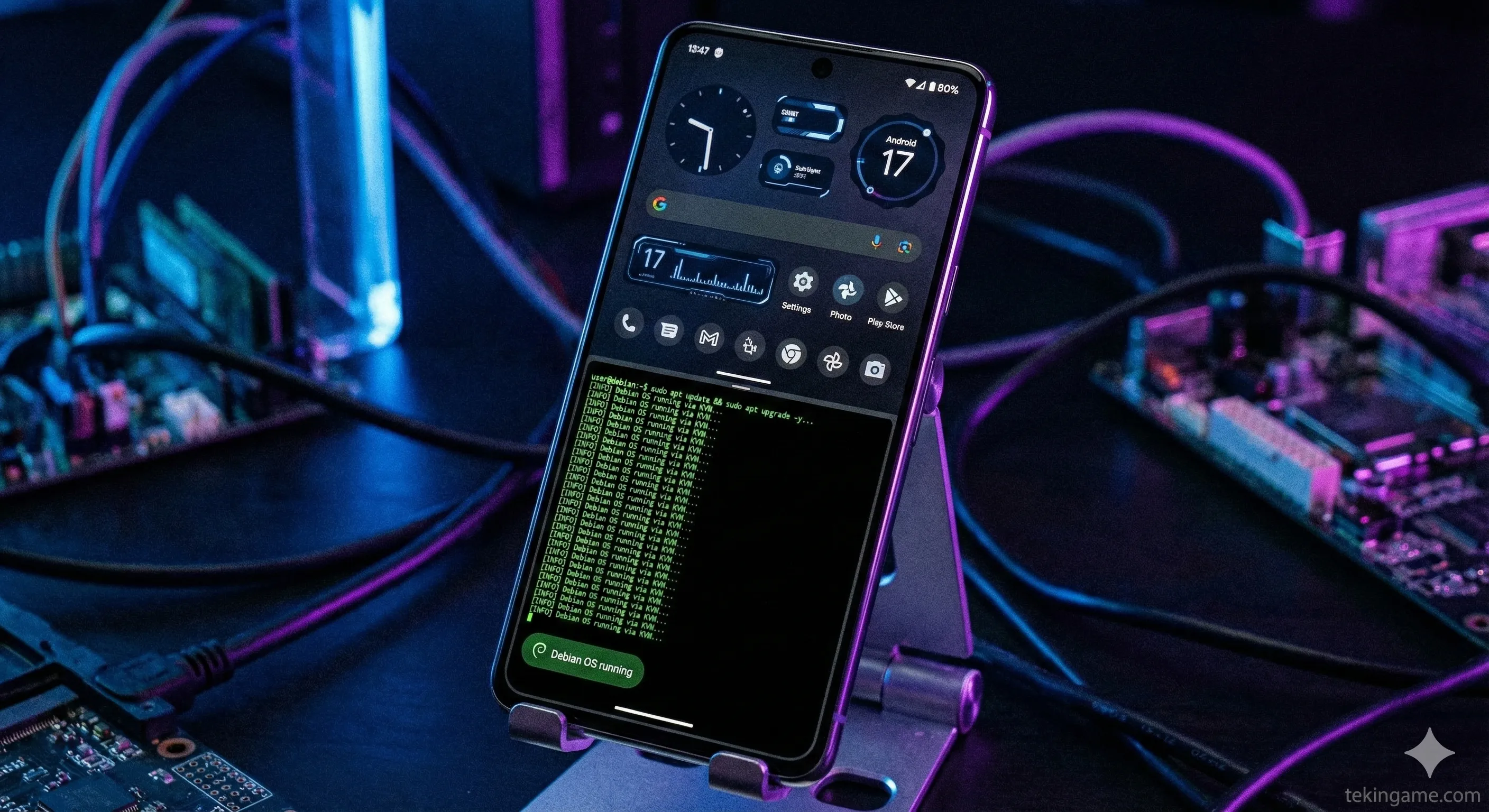
Last year, we saw glimpses of running generic Linux distros on Pixel phones via the Android Virtualization Framework (AVF).
In Android 17, this is a user-facing feature. A simple toggle in Developer Options allows users to boot a GPU-accelerated version of Debian or even ARM-based Windows. Combined with Desktop Mode, this turns a smartphone into a legitimate development rig for coders on the go.
5.2. The Final 32-Bit Purge
Android 17 is rumored to be the first "64-bit Only" release for all devices, not just Pixels.
This means the OS will contain zero 32-bit libraries. While this streamlines the code and improves security (ASLR is more effective in 64-bit), it effectively kills thousands of abandoned legacy games and apps from the 2010-2015 era. It is the end of an era, but a necessary step for performance.
6. Release Timeline & Roadmap
With Google shifting its hardware launch window to August (for the Pixel 10 and now Pixel 11), the Android release cycle has accelerated.
Based on the current trajectory, here is the expected roadmap for Cinnamon Bun:
- November 2025 (Now): Secret "Partner Preview" distributed to Samsung and Xiaomi.
- January 2026: Public Beta 1 (Pixel Exclusive).
- March 2026: Platform Stability (APIs finalized).
- May 2026 (Google I/O): Full consumer reveal of AI features.
- June 2026: Stable Release (OTA rollout begins).
7. Verdict: The Pixel 11's Secret Weapon
Android 17 isn't just a software update; it is a declaration of intent.
For the last decade, we have treated smartphones as companion devices. With "Cinnamon Bun," Google is arguing that the smartphone is the only computer you need.
If the implementation of Desktop Mode is as smooth as the leaks suggest, the release of the Pixel 11 next year could mark the beginning of the "Post-PC" era that Steve Jobs predicted, but Android finally delivered.
Be honest: If Android 17's Desktop Mode is truly as good as Windows, would you sell your laptop and just use a phone dock?
Drop your thoughts in the comments below!