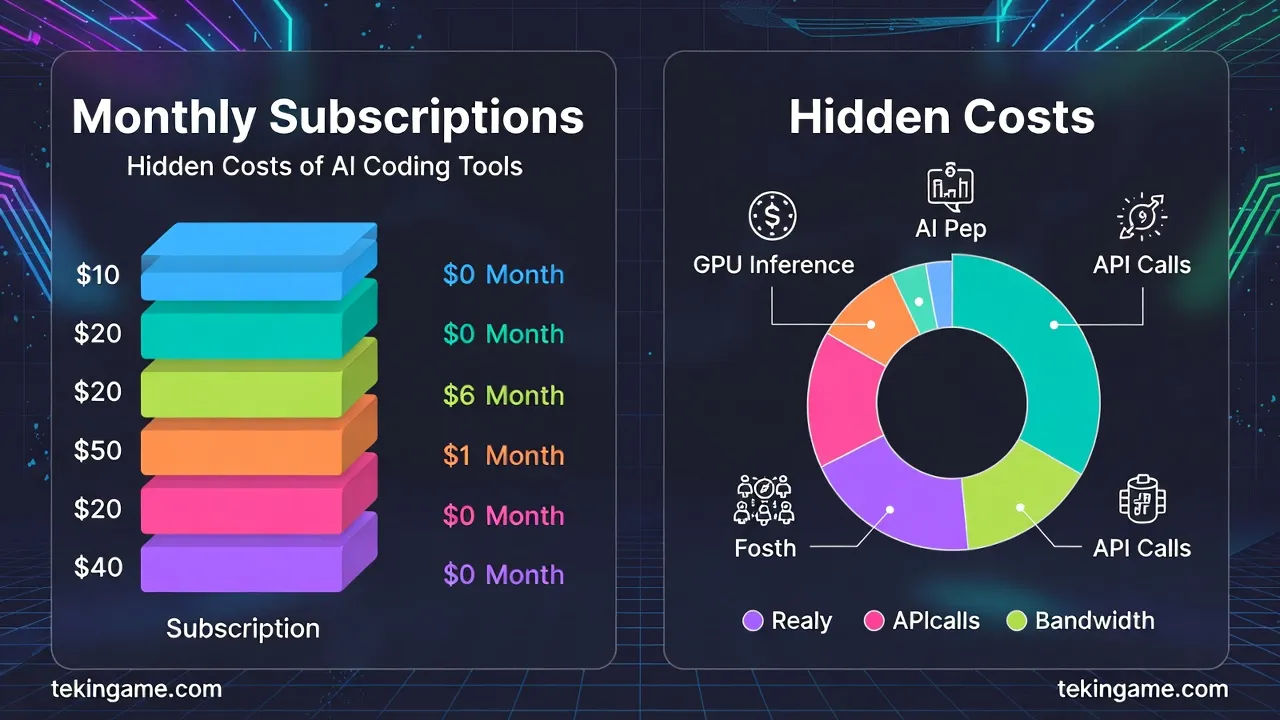
On February 12, 2026, Chinese startup Zhipu announced a price increase for its GLM Coding subscription due to overwhelming user demand. This comprehensive article provides deep economic analysis, detailed comparison of AI coding tools (GitHub Copilot, Codeium, DeepSeek, Gemini Code Assist), and practical guides for installing local models to help you make informed decisions about your coding future.
Introduction: When AI Coding Got Expensive Too
Imagine it's Monday morning, you've grabbed your coffee, opened VS Code, and suddenly receive an email: "Your subscription price will increase by 50% next month." This is exactly what thousands of Chinese developers experienced on February 12, 2026.
Zhipu AI, one of China's leading AI startups, announced that due to "unexpected user surge" and "increased infrastructure costs," the price of its GLM Coding plan would increase from 99 yuan (about $14) to 149 yuan (about $21) per month. That's a 50% price hike overnight!
But this isn't just Zhipu's story. It's a warning sign for the entire industry. GitHub Copilot started at $10/month in 2023, now it's $19. Cursor went from $20 to $30. Tabnine revised its plans. It seems the era of "cheap AI coding" is over.

Why Are Prices Rising? The Economics Behind AI Coding
The Real Cost of Running an AI Model
Let's be honest: running an AI coding service isn't cheap. Every time you use Copilot or any similar tool, this happens behind the scenes:
- GPU Inference: Each request requires processing on powerful GPUs (A100, H100)
- Context Window: The model must read entire files or even multiple files (token cost)
- Real-time Response: Users expect responses in under 2 seconds
- Scale: Millions of requests per day
Based on industry estimates, the cost of serving an active user (who gets 100-200 completions daily) is between $8 to $15 per month. Now you understand why companies can't keep prices low?
Business Model: Freemium or Premium?
Most AI coding companies started with a Freemium model: a limited free plan + unlimited paid plan. But this model isn't sustainable. Why?
- Free users: Cost money but generate no revenue
- Paid users: Must cover their own costs + free users' costs
- Competition: If prices go up, users switch to competitors
The result? Either eliminate the free plan (like GitHub Copilot no longer has a free tier), or raise paid plan prices (like Zhipu).

What Is Zhipu and Why Does It Matter?
Introducing Zhipu AI
Zhipu AI is a Chinese startup founded in 2019 by researchers from Tsinghua University. They've developed their own large language models called GLM (General Language Model). GLM-4 is their latest version, which claims to compete with GPT-4 in some benchmarks.
GLM Coding is the specialized version for coding that:
- Supports 20+ programming languages
- Integrates with VS Code, JetBrains IDEs, and Vim
- Offers Code Completion, Code Explanation, and Bug Detection
- Trained its models on Chinese code (Mandarin comments)
Why Does Zhipu's Price Increase Matter?
You might think: "Well, a Chinese company raised prices, so what?" But this is a sign of a larger trend:
1. End of aggressive pricing: AI companies can no longer operate at a loss to capture market share.
2. Reality check on costs: Prices are moving toward the actual cost of service delivery.
3. Pressure on users: Developers must decide: pay up or find alternatives.
4. Opportunity for Open Source: The higher commercial prices go, the more attractive open-source models become.
Comprehensive Comparison: 5 Major AI Coding Tools
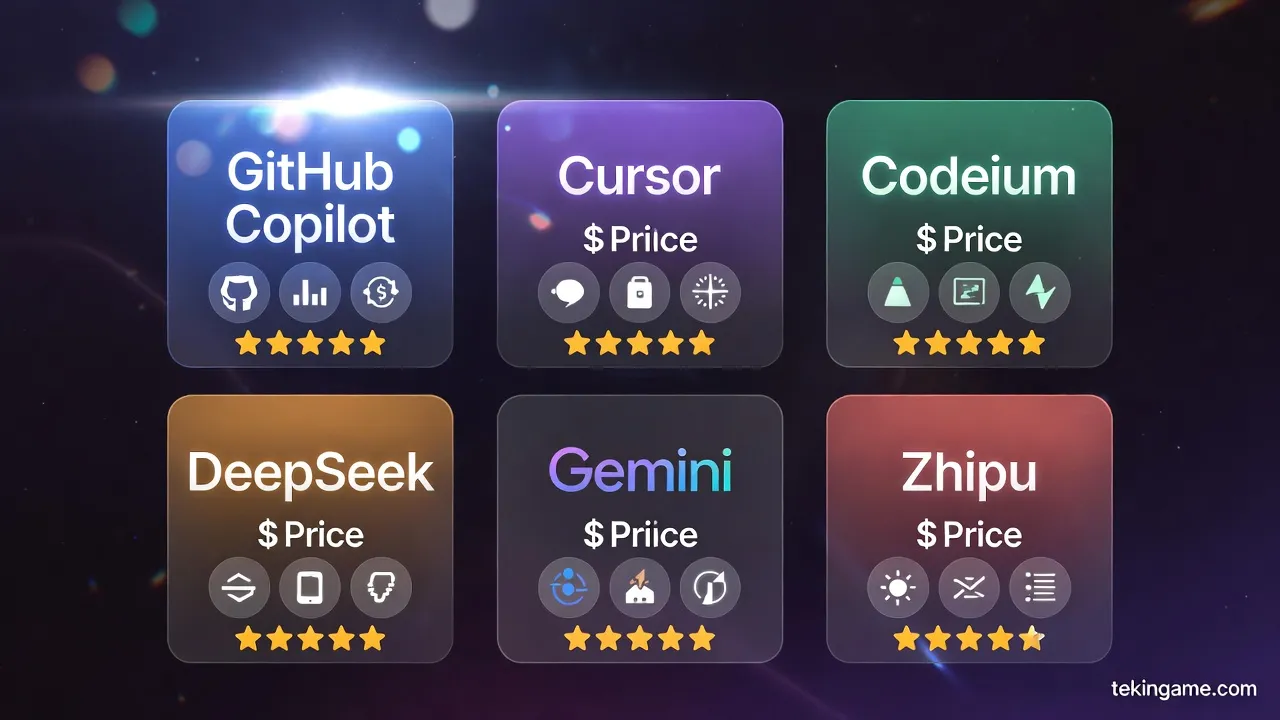
Complete Comparison Table
| Tool | Price/Month | AI Model | Languages | IDE Support | Free Plan |
| GitHub Copilot | $19 (Individual) $39 (Team) |
GPT-4 + Codex | 40+ | VS Code, JetBrains, Vim, Neovim | No (Students only) |
| Cursor | $20 (Pro) $40 (Business) |
GPT-4, Claude 3.5 | 50+ | Standalone IDE | Yes (Limited) |
| Codeium | $0 (Individual) $12 (Team) |
Proprietary | 70+ | All major IDEs | Yes (Unlimited) |
| DeepSeek Coder | $0 (Open Source) | DeepSeek-Coder-33B | 80+ | Self-hosted | Yes (Completely free) |
| Gemini Code Assist | $19 (Individual) Custom (Enterprise) |
Gemini 1.5 Pro | 20+ | VS Code, JetBrains, Cloud IDEs | Yes (Limited) |
| Zhipu GLM Coding | $21 (New) $14 (Old) |
GLM-4 | 20+ | VS Code, JetBrains | Yes (100 req/day) |
Comparative Analysis
GitHub Copilot: Pioneer and most popular. Excellent GitHub integration. But the most expensive option for individuals. Main advantage: Microsoft backing and continuous updates.
Cursor: Standalone IDE with advanced features like "Composer Mode" for multi-file changes. Expensive but powerful. Best for: Full-stack developers who want to manage entire projects with AI.
Codeium: Value champion! Unlimited free plan for individuals. Good quality but not quite Copilot level. Best for: Students, freelancers, and those with limited budgets.
DeepSeek Coder: Completely free and open source. Requires self-hosting. Quality nearly matches Copilot in many languages. Best for: Companies concerned about privacy or wanting to control costs.
Gemini Code Assist: Google's newest entry. Excellent Google Cloud integration. Large context window (1M tokens). Best for: Developers using Google Cloud.
The Real Cost of AI Coding: Is It Worth Paying?
Calculating ROI (Return on Investment)
Let's talk real numbers. Suppose you're a full-stack developer earning $50/hour (about $8,000/month at 40 hours/week). Now let's see how much GitHub Copilot at $19/month is worth to you:
Conservative Scenario:
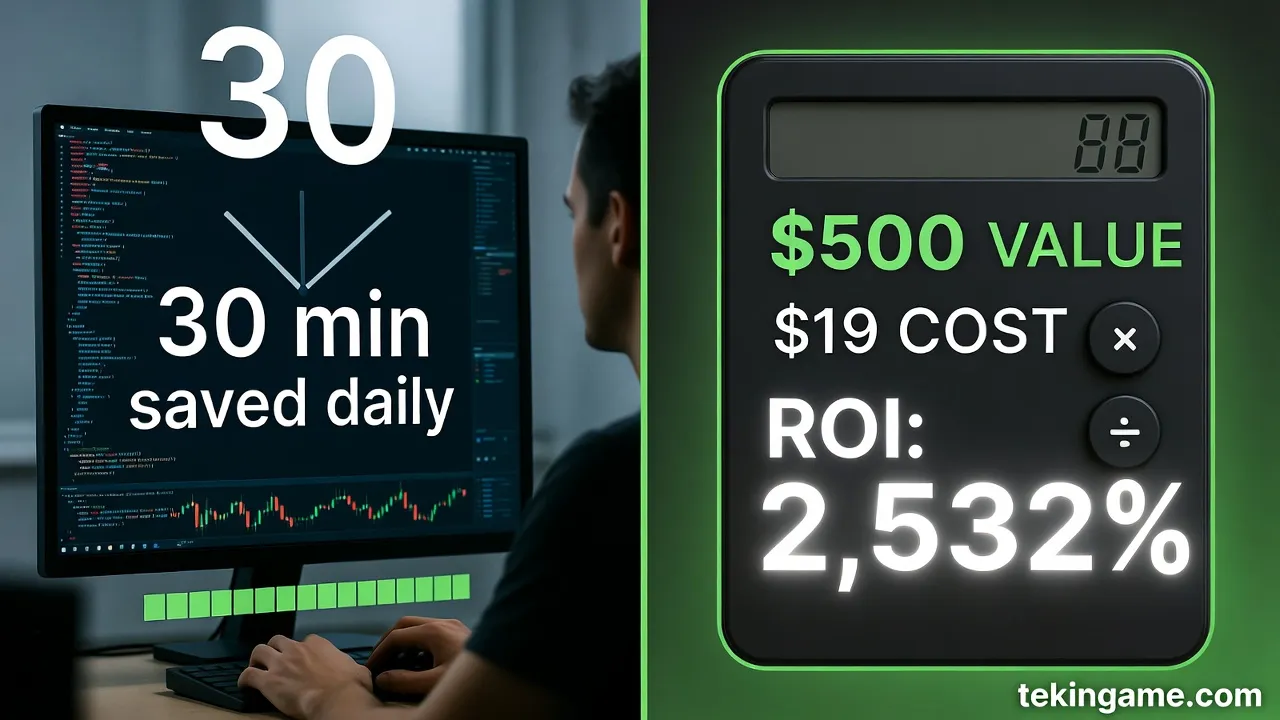
- Copilot saves you 30 minutes daily
- 30 minutes × 20 working days = 10 hours/month
- 10 hours × $50 = $500 time value
- Cost: $19/month
- ROI: 2,532% (you get $500 value for $19 cost)
Realistic Scenario:
- Copilot saves 1 hour daily (boilerplate code, documentation, debugging)
- 1 hour × 20 days = 20 hours/month
- 20 hours × $50 = $1,000 time value
- ROI: 5,163%
Even if Copilot only saves 15 minutes per day, the ROI is still over 1,000%. So why do developers complain about paying?
The Real Problem: Perceived Value, Not Actual Value
The issue is that most developers don't feel the actual value. Why?
- Time savings are invisible: You don't see how much faster you're coding
- Quality varies: Sometimes Copilot gives great suggestions, sometimes useless ones
- Psychological dependency: After a while, you can't code without it
- Comparison with free: When Codeium is free, why pay $19?
Local Models: The Alternative Solution
Why Local Models?
Local models are AI models that run on your own system, not on company servers. Their advantages:
- Free: After installation, no monthly fees
- Privacy: Your code never leaves your system
- Offline: Works even without internet
- Customizable: You can fine-tune the model on your own code
- No Limits: No request limits
Disadvantages:
- Requires GPU: Need a powerful GPU for good speed
- Installation complexity: Requires technical knowledge
- Lower quality: Usually slightly lower quality than commercial models
- No support: You must solve problems yourself
Best Local Models in 2026
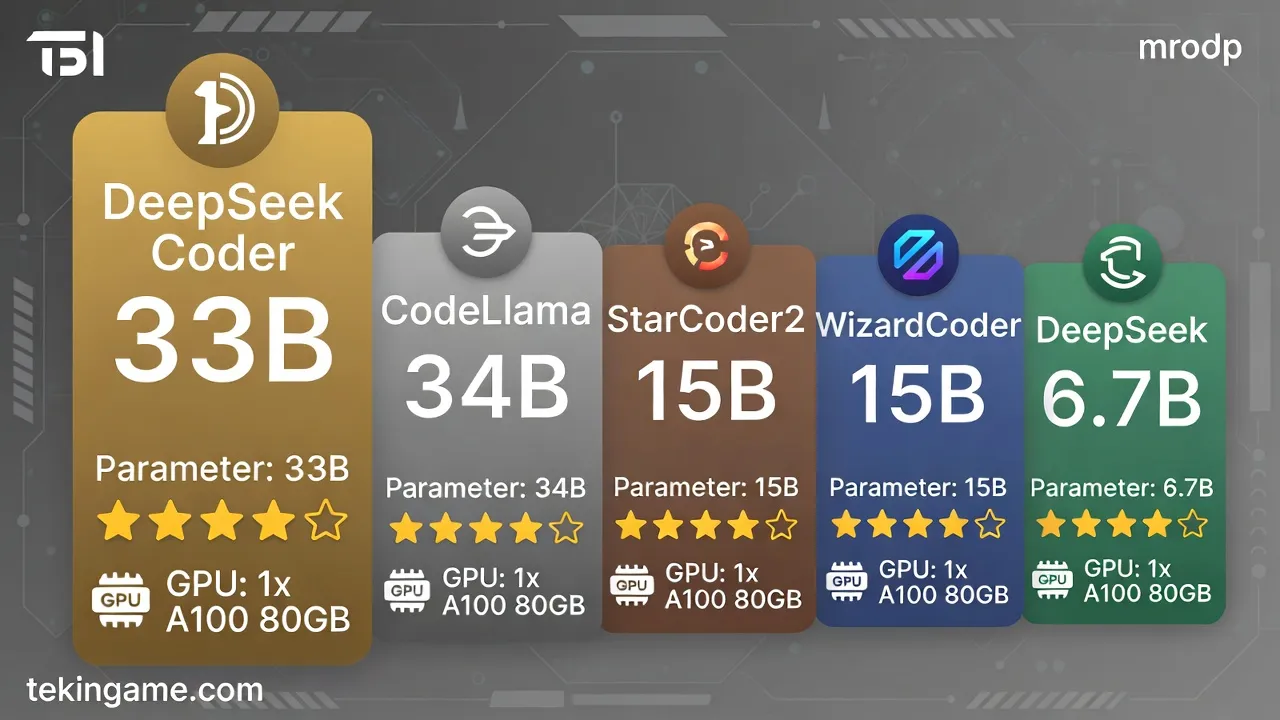
| Model | Size | GPU Required | Quality | Speed |
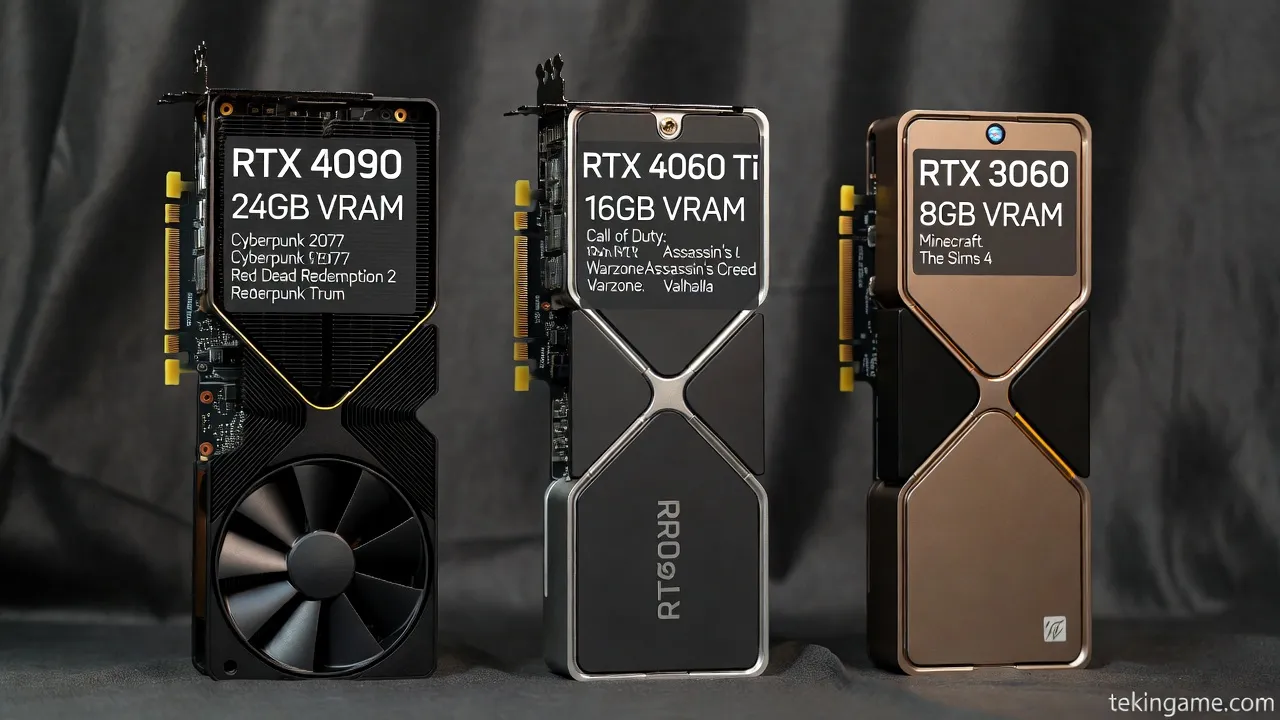
| DeepSeek Coder 33B | 33B parameters | 24GB VRAM (RTX 4090) | ⭐⭐⭐⭐⭐ | Medium |
| CodeLlama 34B | 34B parameters | 24GB VRAM | ⭐⭐⭐⭐ | Medium |
| StarCoder2 15B | 15B parameters | 16GB VRAM (RTX 4060 Ti) | ⭐⭐⭐⭐ | Fast |
| WizardCoder 15B | 15B parameters | 16GB VRAM | ⭐⭐⭐⭐ | Fast |
| DeepSeek Coder 6.7B | 6.7B parameters | 8GB VRAM (RTX 3060) | ⭐⭐⭐ | Very Fast |
Our recommendation: DeepSeek Coder 33B offers the best balance between quality and speed. If you have a weaker GPU, StarCoder2 15B is an excellent choice.
Practical Guide: Installing Local Models with Ollama
Step 1: Install Ollama
Ollama is an open-source tool that makes installing and running AI models incredibly simple. Like Docker for AI models!
Installation on Windows:
# Download from official site
https://ollama.ai/download

# Or with Winget
winget install Ollama.Ollama
Installation on macOS:
# With Homebrew
brew install ollama
Installation on Linux:
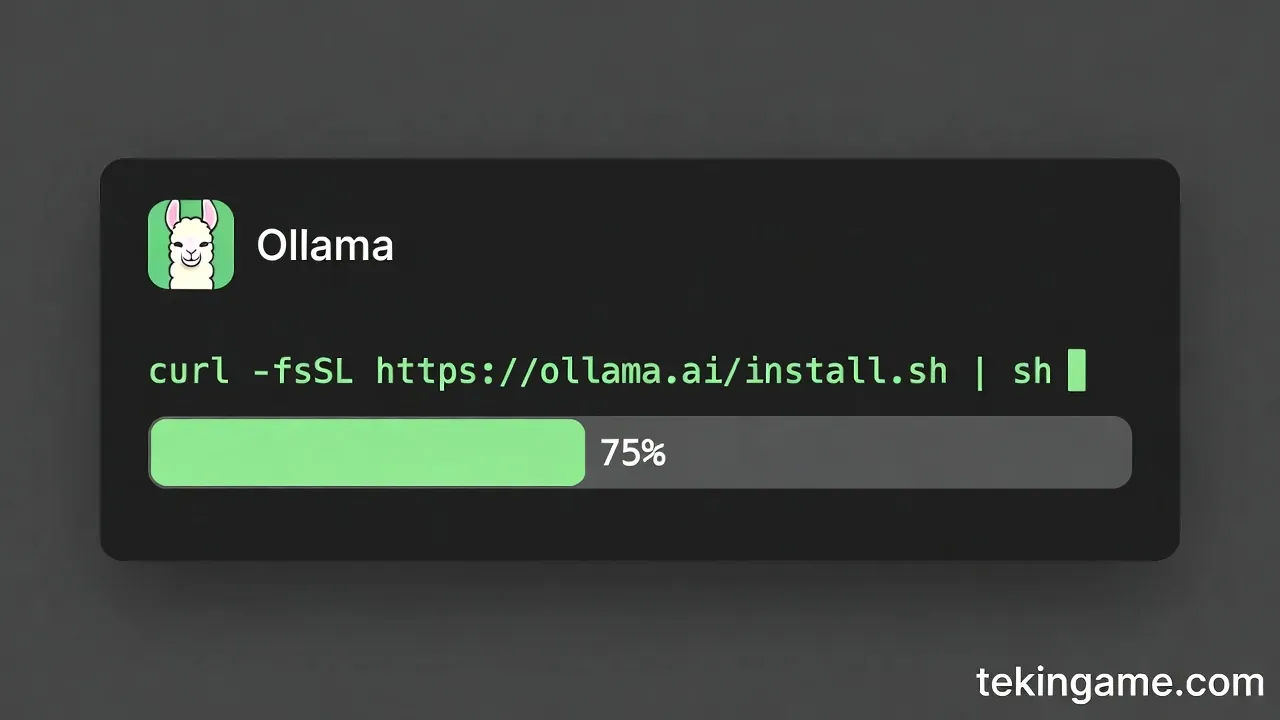
curl -fsSL https://ollama.ai/install.sh | sh
Step 2: Download Model
After installing Ollama, you can download models with a simple command:
# DeepSeek Coder 6.7B (for weaker GPUs)
ollama pull deepseek-coder:6.7b

# DeepSeek Coder 33B (for powerful GPUs)
ollama pull deepseek-coder:33b

# CodeLlama 13B (good alternative)
ollama pull codellama:13b
Download takes 10-30 minutes depending on your internet speed.
Step 3: Install Extension in VS Code
To use the local model in VS Code, you need an extension:
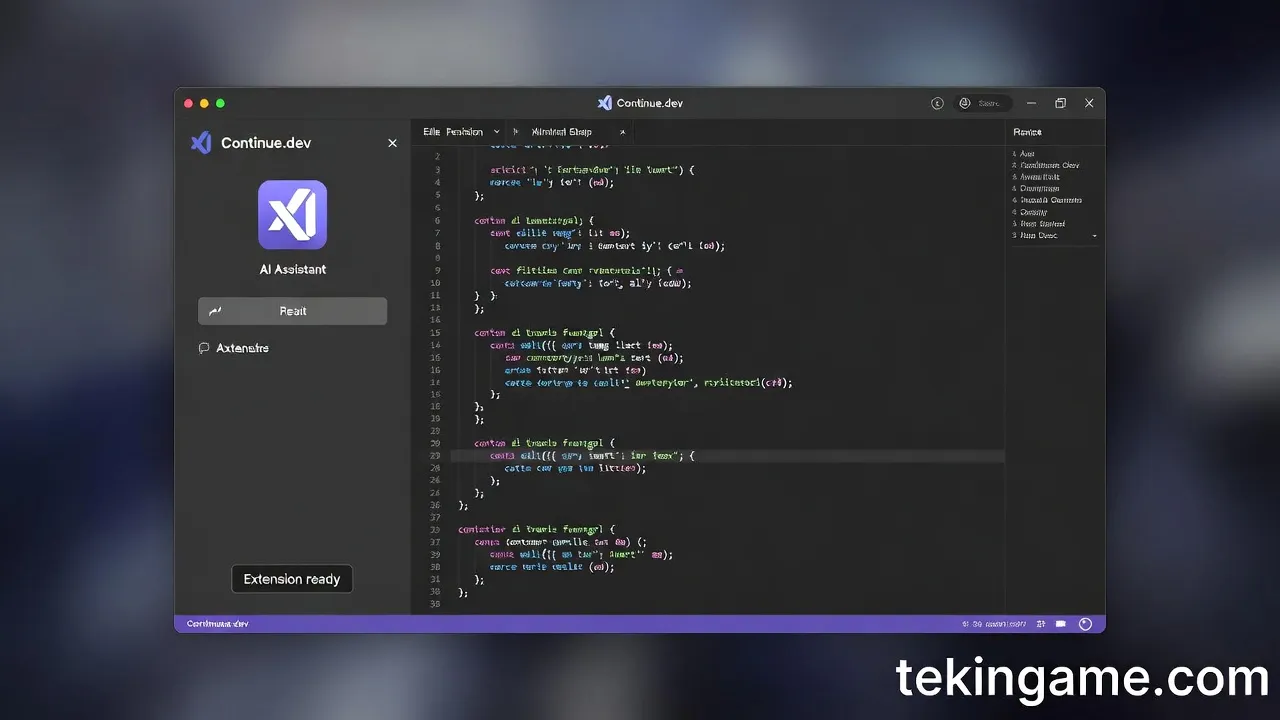
- Continue.dev: Best and most popular (free and open source)
- Twinny: Lighter and faster
- Ollama Autocoder: Simple and minimal
Installing Continue.dev:
- Go to Extensions in VS Code (Ctrl+Shift+X)
- Search for: "Continue"
- Install and Reload
- In Continue settings, select Ollama as Provider
- Select the model (e.g., deepseek-coder:6.7b)
Step 4: Test and Use
Now you can use it like Copilot:
- Autocomplete: Start typing, suggestions appear automatically
- Chat: Press Ctrl+L and ask questions
- Explain Code: Select code and click "Explain"
- Fix Bugs: Select error and click "Fix"
Performance Comparison: Local vs Cloud
Real Test: Python Function Generation
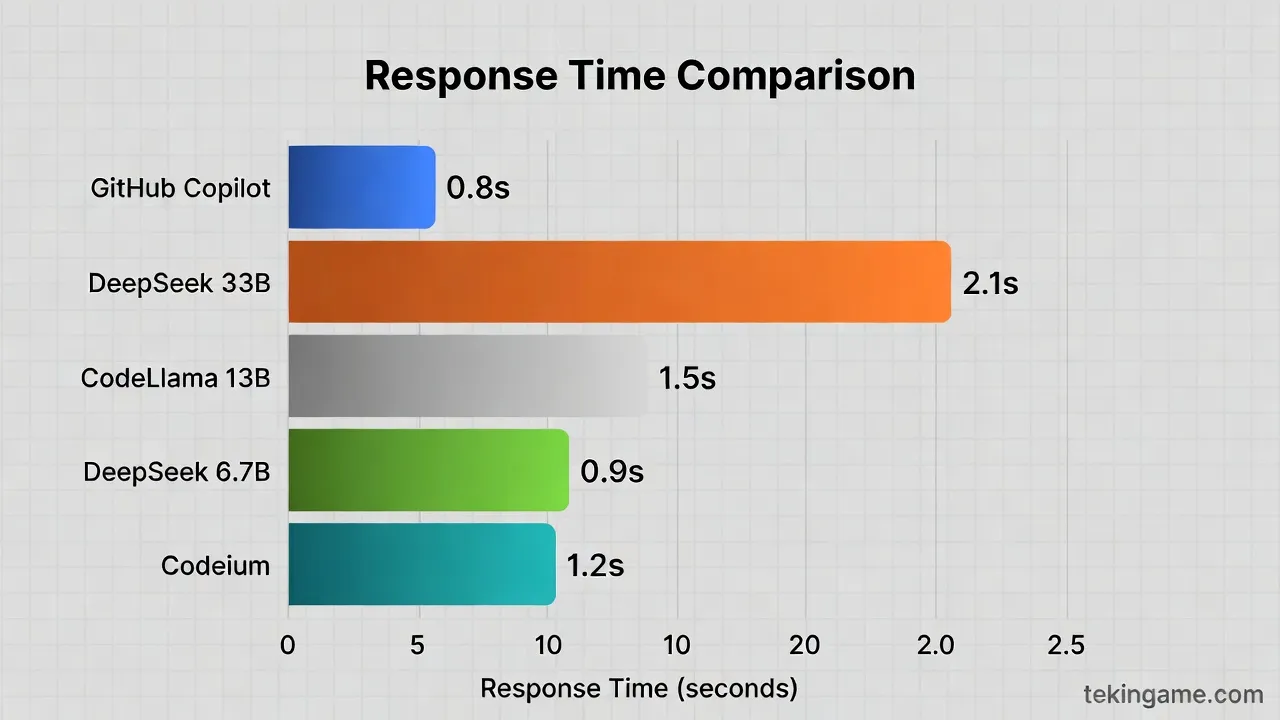
We ran a simple test: asked each model to write a Python function to calculate Fibonacci. Results:

| Model | Response Time | Code Quality | Explanation |
| GitHub Copilot | 0.8 seconds | ⭐⭐⭐⭐⭐ | Complete with docstring and type hints |
| DeepSeek Coder 33B | 2.1 seconds | ⭐⭐⭐⭐⭐ | Complete, similar to Copilot |
| CodeLlama 13B | 1.5 seconds | ⭐⭐⭐⭐ | Good but without type hints |
| DeepSeek Coder 6.7B | 0.9 seconds | ⭐⭐⭐ | Simple and works |
| Codeium | 1.2 seconds | ⭐⭐⭐⭐ | Good and fast |
Conclusion: DeepSeek Coder 33B nearly matches Copilot quality, but is slightly slower. For simple code, smaller models are sufficient.
Real Hardware Requirements
Based on our tests, these are the real requirements:
- DeepSeek 33B: RTX 4090 (24GB) or RTX 3090 (24GB) - good speed
- CodeLlama 13B: RTX 4060 Ti (16GB) or RTX 3060 (12GB) - acceptable speed
- DeepSeek 6.7B: RTX 3060 (8GB) or even GTX 1660 Ti - excellent speed
Important note: If you don't have a GPU, you can run on CPU, but it will be very slow (10-30 seconds per completion).
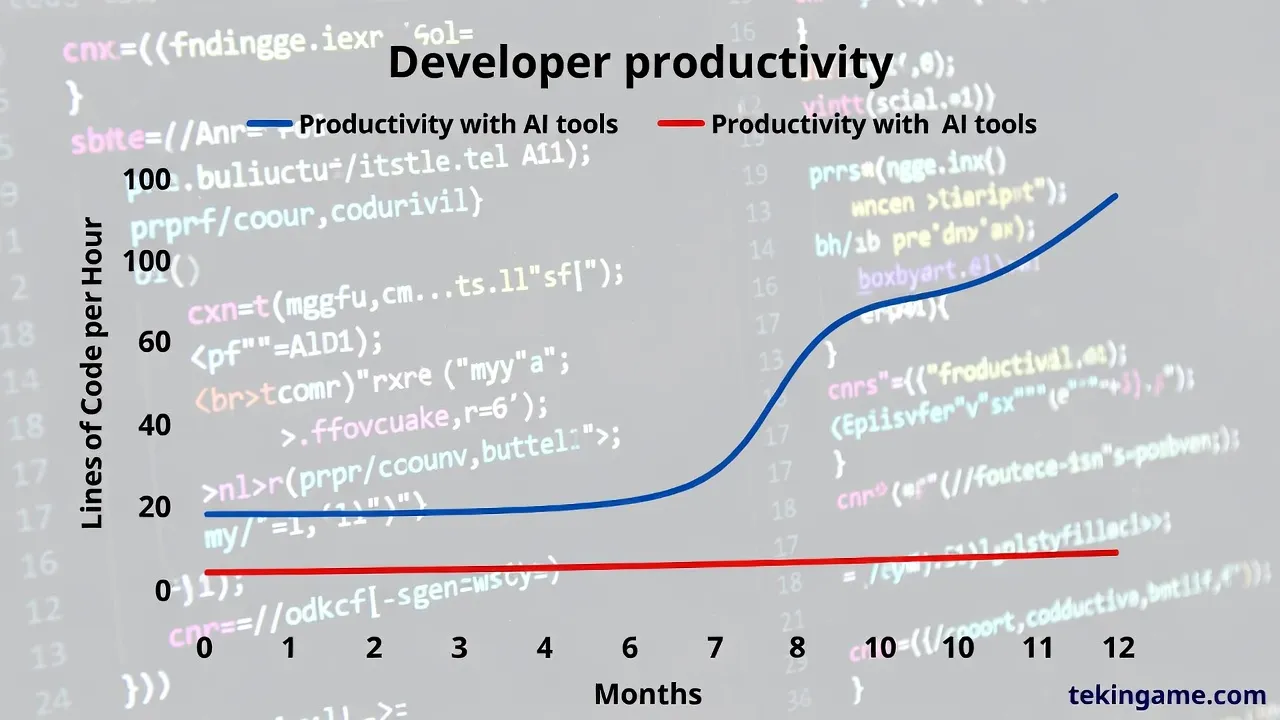
The Future of Coding: 3 Likely Scenarios
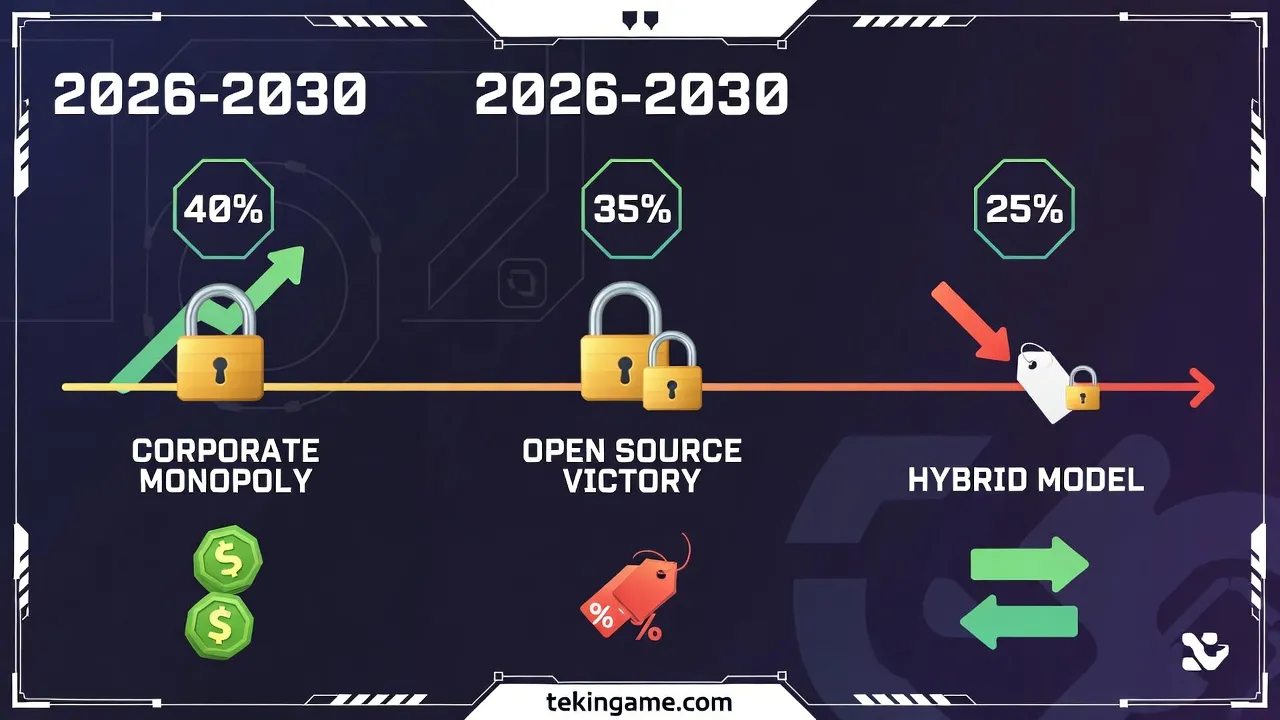
Scenario 1: Big Tech Monopoly (40% Probability)
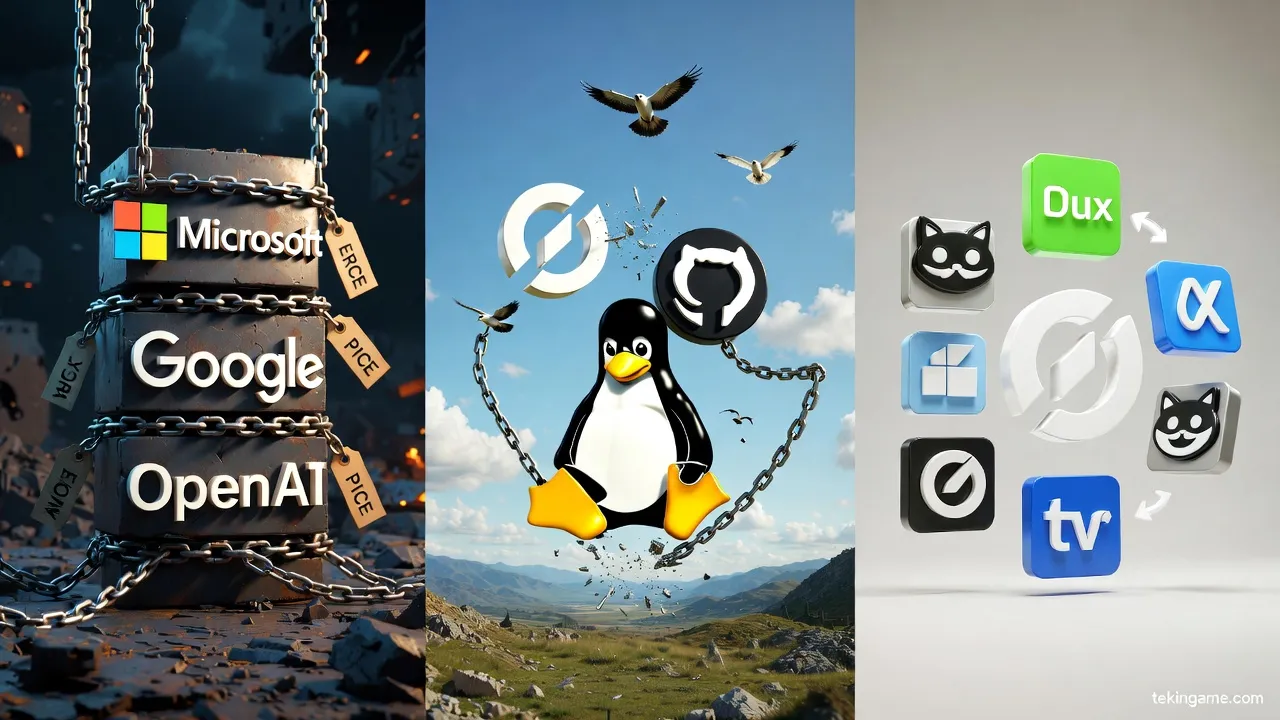
In this scenario, big companies like Microsoft, Google, and OpenAI control the market:
- Prices reach $30-50/month
- Open-source models can't compete
- Developers are forced to pay
- Companies sell expensive enterprise plans ($100-500/month)
What to do? If you think this scenario is likely, start learning local models now.
Scenario 2: Open Source Dominance (35% Probability)
In this scenario, open-source models become good enough:
- DeepSeek, CodeLlama, and StarCoder reach GPT-4 quality
- Self-hosting tools become simpler
- Big companies are forced to lower prices
- Market returns to Freemium
What to do? Support open-source projects and contribute to their development.

Scenario 3: Hybrid Model (25% Probability)
In this scenario, both models coexist:
- Cloud services for complex and sensitive code
- Local models for simple and routine code
- Prices stabilize ($15-25/month)
- Companies offer Hybrid options
What to do? Learn to use both and decide based on needs.
Impact on Job Market: Will Developers Be Replaced?
Reality: AI Augments, Not Replaces
Let's be honest: AI coding doesn't replace developers, it makes them more powerful. But this doesn't mean no change:
New Skills Required:
- Prompt Engineering: Writing good descriptions for AI
- Code Review: Reviewing and fixing AI-generated code
- Architecture: Designing large systems (AI can't do this)
- Problem Solving: Breaking complex problems into small pieces
- Domain Knowledge: Specialized knowledge in your field
Who's at Risk?
- Junior developers who only write simple code
- Those who refuse to learn new skills
- Developers who just copy code, not think
Who's Safe?
- Software architects and tech leads
- Security and performance specialists
- Developers who use AI as a tool
- Those with strong soft skills
Practical Recommendations: Which Option When?
Decision Matrix
Choose the best option based on your profile:
| Profile | Best Option | Reason | Monthly Cost |
| Student / Beginner | Codeium Free | Free, unlimited, good quality | $0 |
| Freelancer with limited budget | DeepSeek Coder Local | One-time GPU investment, then free | $0 (after GPU purchase) |
| Professional Developer | GitHub Copilot | Best quality, excellent integration | $19 |
| Small Team (2-10 people) | Cursor Team | Team collaboration, advanced features | $40/person |
| Large Company | GitHub Copilot Enterprise | Security, centralized management, support | $39-100/person |
| Privacy-Concerned Company | DeepSeek Self-hosted | Complete control, no external code sharing | Server costs |
| Google Cloud Developer | Gemini Code Assist | GCP integration, large context window | $19 |
Hybrid Strategy: Best of Both Worlds
Many professional developers use a hybrid strategy:
Scenario 1: Daily Work + Sensitive Projects
- GitHub Copilot for general and routine code
- DeepSeek Local for confidential company projects
- Cost: $19/month + one-time GPU purchase
Scenario 2: Limited Budget + Occasional Needs
- Codeium Free for 90% of work
- ChatGPT Plus ($20/month) for complex code
- Cost: $20/month
Scenario 3: Professional with Powerful GPU
- DeepSeek Local for everything
- GitHub Copilot only for open-source projects
- Cost: $0 (with existing GPU)
Advanced Tips: Optimizing AI Coding Usage
1. Writing Better Prompts
AI output quality depends on your input quality. Key tips:
Bad:
# function to sort array
Good:
# Sort an array of integers in ascending order using quicksort algorithm
# Input: unsorted array of integers
# Output: sorted array
# Time complexity: O(n log n) average case
def quicksort(arr: list[int]) -> list[int]:
With more detailed descriptions, AI generates better code.
2. Using Context
AI uses files open in your IDE. Tips:
- Keep related files open
- Use clear variable naming
- Write good comments (AI learns from them)
3. Always Code Review
Never use AI code without review:
- Security: AI might generate insecure code
- Performance: Algorithm might not be optimal
- Logic Errors: Code logic might be wrong
- Dependencies: Might use old or deprecated libraries
4. Continuous Learning
AI is a tool, not a replacement. You still need to:
- Learn algorithms and data structures
- Know design patterns
- Follow best practices
- Read and analyze others' code

Quick Comparison Table: Decide in 30 Seconds

If you don't have time to read the entire article, this table will help:
| Question | Answer Yes | Answer No |
| Do you have $20/month budget? | GitHub Copilot | Codeium Free |
| Do you have a powerful GPU? (RTX 3060+) | DeepSeek Local | Cloud service |
| Is privacy important to you? | Local model | Any cloud service |
| Do you work in a team? | Cursor Team | GitHub Copilot |
| Do you use Google Cloud? | Gemini Code Assist | GitHub Copilot |
| Are you a student? | GitHub Student (free) | Codeium Free |
| Want to try multiple models? | Cursor (multiple models) | GitHub Copilot |
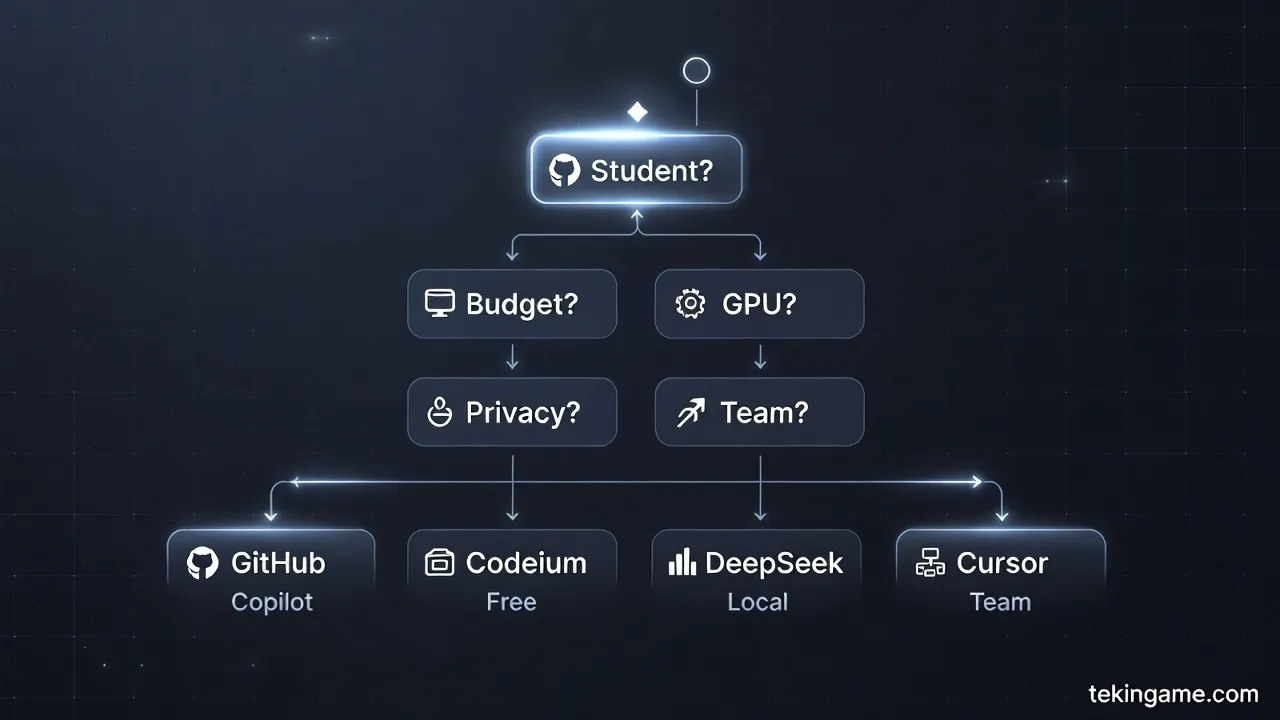
Decision Flowchart
Follow your path:
- Are you a student? → Yes: GitHub Student Pack (free) | No: Go to 2
- Do you have monthly budget? → Yes: Go to 3 | No: Codeium Free
- Do you have powerful GPU? → Yes: DeepSeek Local | No: Go to 4
- Is privacy important? → Yes: DeepSeek Local (buy GPU) | No: Go to 5
- Do you work in a team? → Yes: Cursor Team | No: GitHub Copilot
💡 Practical Solutions: How to Manage Costs
Now that we know prices are rising, what can we do? Here are some practical solutions:
1. Use Open Source Models
As explained in this article, Open Source models like DeepSeek Coder and CodeLlama have excellent quality and are completely free. By installing Ollama and Continue.dev, you can have a completely free AI coding system.
2. Hybrid Approach
You don't need to use just one tool. You can:
- For simple daily code: Local models (free)
- For complex and sensitive code: GitHub Copilot or Cursor (paid)
- For personal projects: Codeium (free)
- For company projects: Enterprise plans
3. Optimize Usage
If using paid services, follow these tips:
- Use AI only for important code
- Write boilerplate code yourself
- Use Snippets and Templates
- Learn to write better Prompts
4. Invest in GPU
If you're serious, buying a good GPU (like RTX 4060 Ti with 16GB) can be a great investment:
- One-time cost: $400-600
- Monthly savings: $20-40 (compared to subscription)
- ROI: 10-15 months
- Additional benefits: Gaming, Machine Learning, Video Editing

5. Support Open Source
The more we use and contribute to Open Source projects, the stronger they become and can compete with commercial giants. You can:
- Star projects on GitHub
- Report bugs
- Contribute to development
- Be active in the community
Conclusion: Price increases are inevitable, but with smart choices and using the right tools, we can control costs and still benefit from AI coding.
Conclusion: The Future Is in Your Hands
Key Summary
Let's summarize everything:
1. Prices are rising: This is a fact. Zhipu was just the first. Expect GitHub Copilot, Cursor, and others to raise prices too.
2. Local models are real alternatives: DeepSeek Coder 33B nearly matches Copilot quality. With a good GPU, you can be completely independent.
3. ROI is still positive: Even at $20-30/month, if you save 30 minutes daily, the investment is worth it.
4. Hybrid strategy is best: Use a combination of cloud services and local models based on needs.
5. AI augments, not replaces: Developers are still needed, but must work with AI.
Our Final Recommendation
For beginners: Start with Codeium Free. It's free and good quality. When you earn income, upgrade to Copilot.
For professionals: If you have budget, GitHub Copilot is best. If you're concerned about privacy or want to control costs, invest in DeepSeek Local.
For companies: If small, Cursor Team. If large, GitHub Copilot Enterprise. If concerned about security, DeepSeek Self-hosted.
Golden Rule
The most important thing isn't which tool you choose, but how you use it. A good developer with Codeium Free codes better than a weak developer with GitHub Copilot.
AI is a tool. You're still the architect, designer, and decision-maker. Use AI to accelerate work, not replace thinking.
Your Next Step
Now that you've read everything, it's time to act:
- Identify your budget and needs
- Choose one of the recommended options
- Try it for 1 month
- Evaluate results (time saved, code quality)
- Decide: continue, change, or combine
Remember: The future of coding is in your hands, not in companies' hands. With smart choices, you can have both productivity and independence.
Good luck! 🚀
Useful Resources and Links:
- Ollama: https://ollama.ai
- Continue.dev: https://continue.dev
- DeepSeek Coder: https://github.com/deepseek-ai/DeepSeek-Coder
- CodeLlama: https://github.com/facebookresearch/codellama
- StarCoder: https://github.com/bigcode-project/starcoder
- Codeium: https://codeium.com
- GitHub Copilot: https://github.com/features/copilot
- Cursor: https://cursor.sh