
1. The Historic Bottleneck: Why Does Windows Stutter?
Windows is designed as a "General Purpose" operating system. It is engineered to multitask—printing a document, checking emails, indexing files, and running a game simultaneously. This flexibility is the enemy of gaming performance.
In Windows 11, even when "idling," there are often over 150 active processes running in the background. From telemetry services to search indexing, each of these steals precious "CPU Cycles" and memory bandwidth. The result? Micro-stutters and frame drops that persist even on high-end hardware like the RTX 4090.
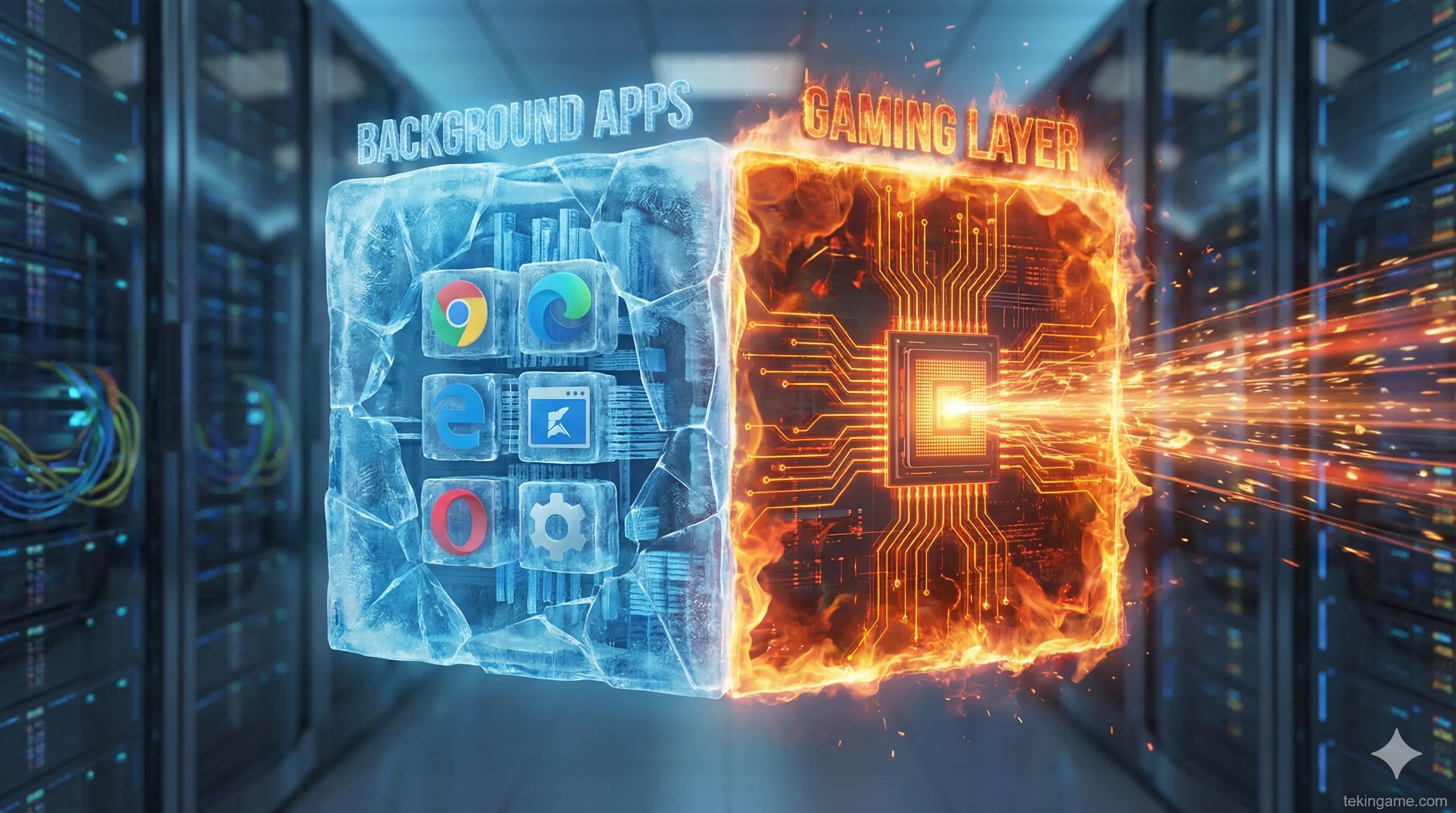
2. Introducing Game Core: When Windows Turns Itself Off
The Game Core feature in Windows 12 takes a radical approach. When activated, it forces the OS into a new "State."
The Difference vs. Old Game Mode:
- Windows 11 Game Mode: Merely tells Windows Update to pause. Background apps remain active and consume resources.
- Windows 12 Game Core: This mode effectively partitions the OS. It puts the non-essential partition (the desktop environment) into a "Hibernate" state, giving the game partition direct, low-level hardware access—mimicking the architecture of the Xbox Series X operating system.
3. Technical Architecture: Process Freezing & VRAM Liberation
According to leaked technical documentation, Game Core performs three critical functions previously impossible in Windows:
A) Ruthless Process Killing
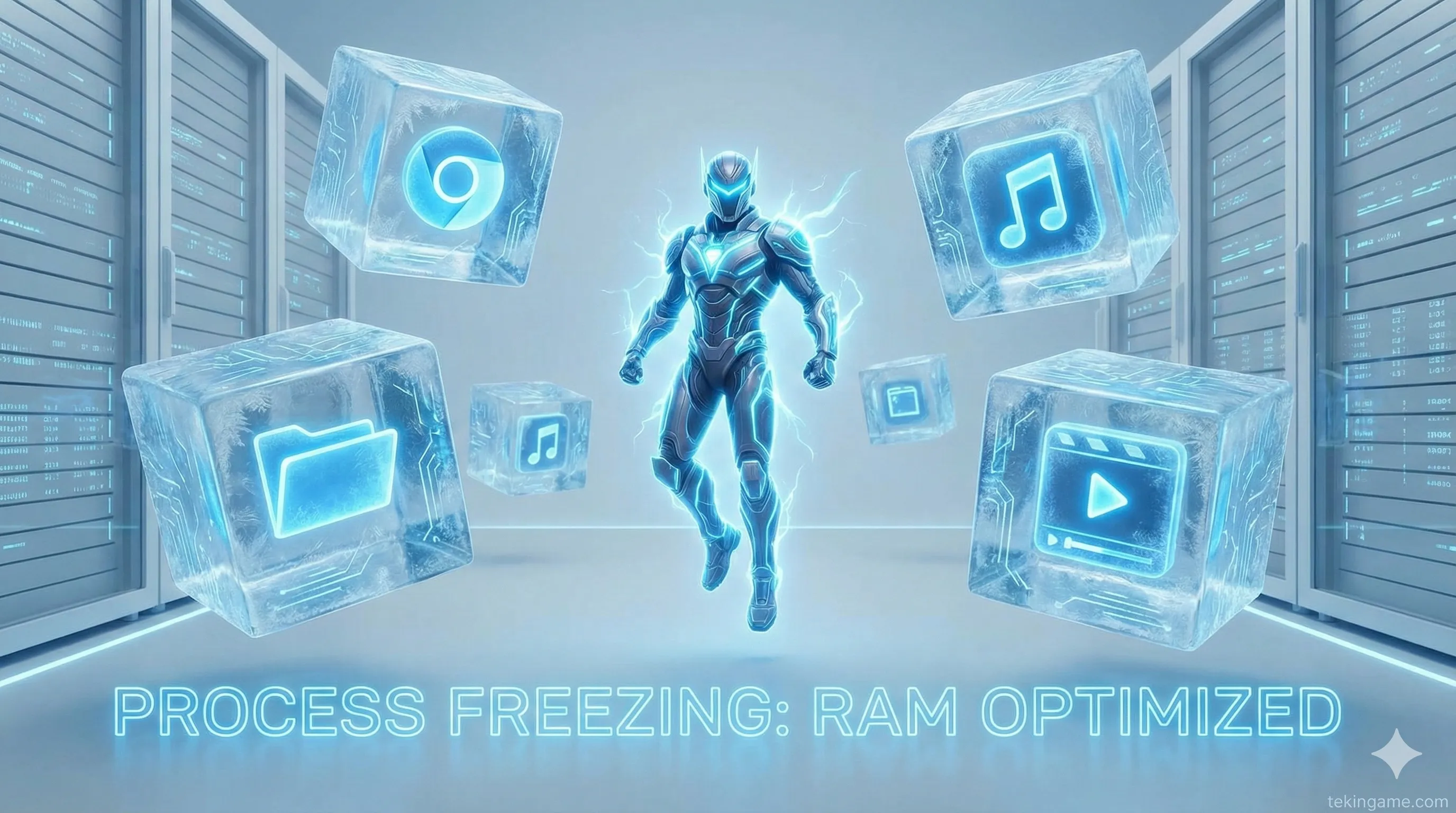
All non-kernel services—such as the print spooler, Windows Search, widgets, and even desktop visual effects—are completely unloaded from the RAM. On mid-range systems, this can free up to 4GB of system memory instantly.
B) VRAM Management
Currently, the Desktop Window Manager (DWM) reserves about 500MB to 1GB of your GPU's video memory (VRAM) just to render your wallpaper and icons. Game Core disables this environment, handing that VRAM entirely to the game. For cards with 8GB of VRAM, this is a massive 10% capacity boost for textures.
4. The AI Factor: NPU Offloading
Windows 12 is the first OS optimized for processors featuring an NPU (Neural Processing Unit). How does this affect gaming?
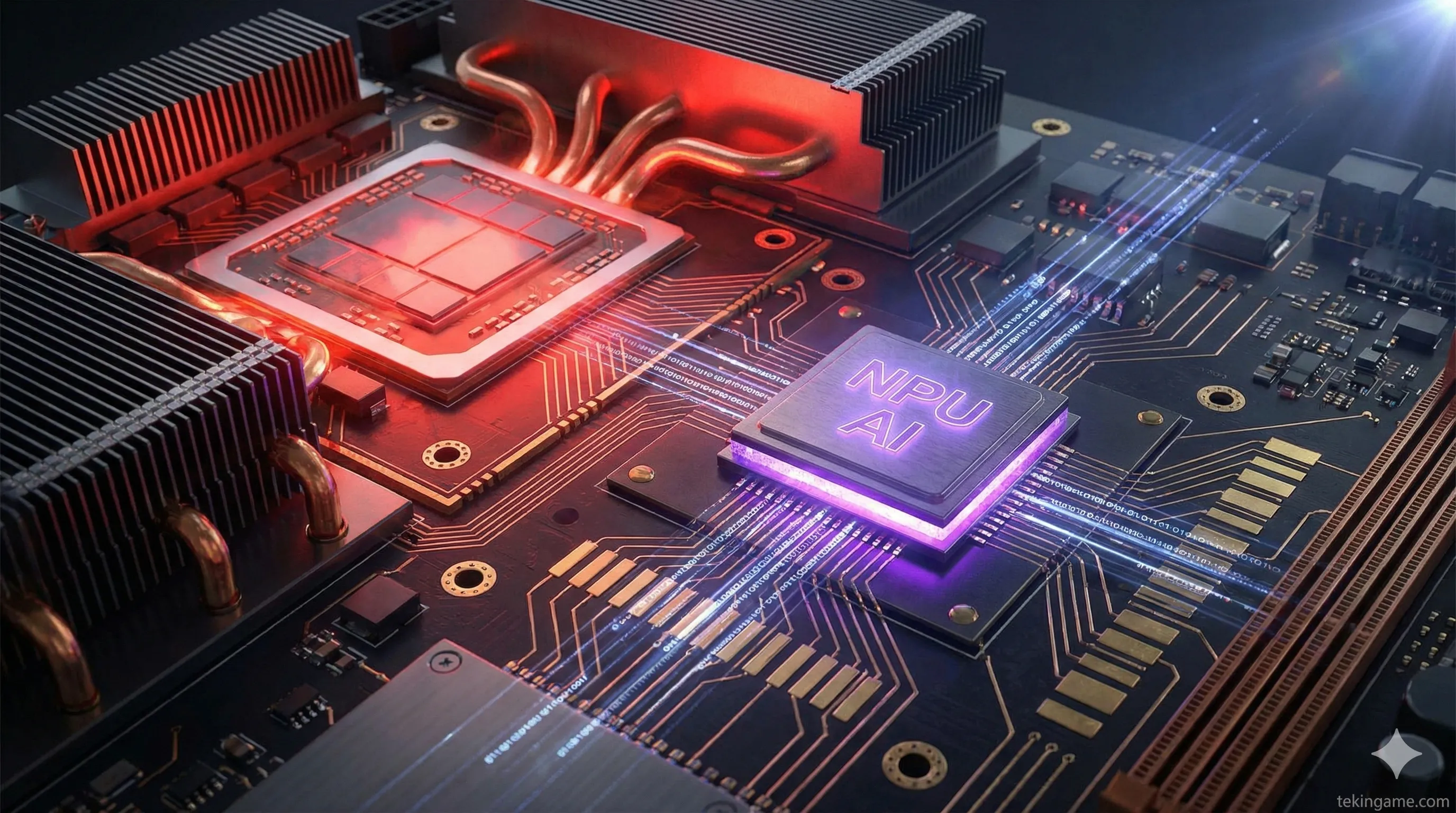
In Game Core mode, Microsoft offloads lightweight, essential background tasks (like network management or anti-virus heuristics) from the main CPU to the NPU. Since the NPU operates independently and consumes minimal power, your main CPU cores (e.g., your i9 or Ryzen 7) can focus 100% of their power on game physics and enemy AI.
5. Projected Benchmarks: The Impact
Hardware analysts predict the performance gains will vary by genre:
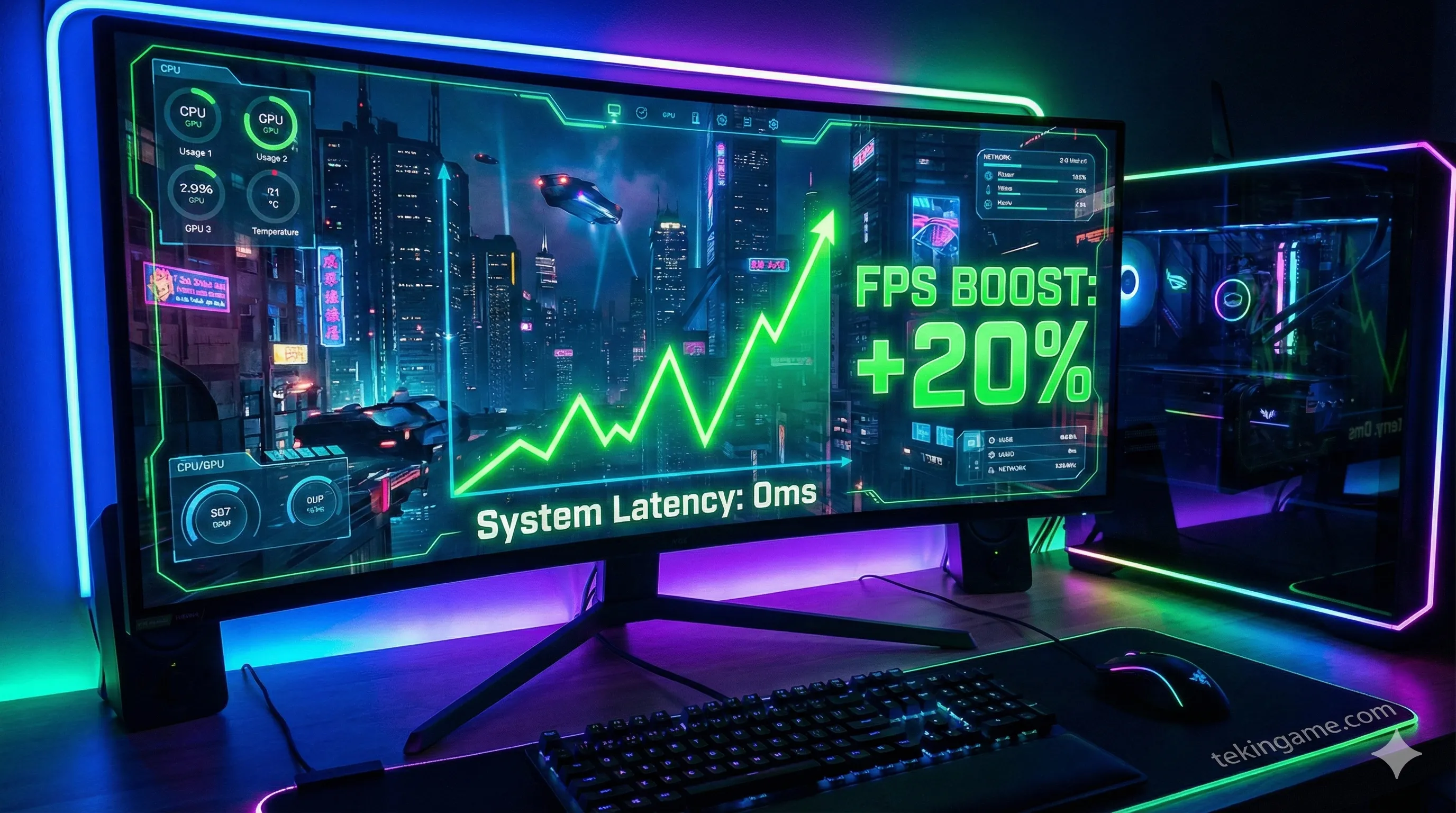
- CPU-Bound Games (e.g., CS2, Valorant, Fortnite): Will see the biggest gains. Eliminating background interference could boost FPS by up to 25% and virtually eliminate network lag spikes.
- AAA Single Player (e.g., Cyberpunk 2077): The main benefit will be frame-time stability (1% Low FPS). The game will feel smoother, even if the average FPS only increases by 10-15%.
6. The Streamer's Dilemma: What About OBS?
A major concern for content creators is: "If Windows kills everything, will my OBS and Discord crash?"
Microsoft is ahead of the curve. Game Core features a "Smart Whitelist." The system automatically detects software interacting with the game layer (like streaming tools, voice chat, or RGB controller software) and keeps them alive. However, for the first time, users can set strict CPU limits on these apps to ensure they never impact game performance.
7. TekinGame Verdict: The End of Annual Upgrades?
Windows 12 and Game Core promise a future where software finally aids hardware rather than hindering it. If this feature delivers on its promises, millions of gamers with aging PCs could essentially download a free performance upgrade.
Perhaps Microsoft has finally realized that its biggest competitor isn't Sony—it's their own operating system getting in the way of the fun. Windows 12 could be the best gift to the PC gaming community since DirectX.
🖥️ Ready to Switch?
Would you reinstall your OS for a 20% FPS boost, or is this just marketing hype? Let us know your thoughts in the comments.