
1. Introduction: The End of the "Alt-Tab" Workflow
Until yesterday, the workflow for a content creator was fragmented. If you wanted to edit a photo and write a caption for it, you had to bounce between your browser and heavy desktop software like Photoshop. Low-end systems would freeze, and your creative flow would be interrupted.
But today, December 12, 2025, that friction has been eliminated forever.
Overshadowed slightly by the gaming news from TGA, OpenAI—in collaboration with Adobe—released an update that might be the most significant news of the year for designers and marketers. The robust engine of Adobe Photoshop and the cognitive brilliance of GPT-5.2 have merged into a single window.
2. The New Giant Enters: GPT-5.2
2.1. An AI That Truly "Reasons"
Before we dive into the graphics, we must understand the brain behind this update. The GPT-5.2 model, activated last night, is not just a minor patch.
According to benchmarks released on OpenAI's blog, this model has surpassed its fiercest rival, Google Gemini 3, by a 4% margin in "Logical Reasoning" and "Complex Coding" tasks.
The key feature of GPT-5.2 is Velocity. Response latency has dropped to near-zero, making the interaction feel less like querying a database and more like conversing with a super-smart human colleague.
2.2. Infinite Context
GPT-5.2 also introduces "Dynamic Context Management." It remembers details from projects you started weeks ago without losing track, making it perfect for long-term design projects where consistency is key.
3. Photoshop Inside AI: A Historic Partnership
3.1. This is NOT DALL-E!
A common confusion we see in the comments is: "Couldn't we already make images with DALL-E?"
Here is the critical distinction: DALL-E is a Generation tool (Text-to-Image). Photoshop is an Editing tool.
Previously, if you uploaded a photo of yourself to ChatGPT and asked it to "change the shirt color," DALL-E would generate a new image of a person who looked kind of like you.
With the Adobe Firefly & Photoshop API integration, ChatGPT now understands the pixel layers of your actual photo. It changes the shirt but keeps your face, the lighting, and the background pixels 100% intact.
4. Step-by-Step Tutorial: How to Photoshop in ChatGPT
This is the most important section for you. If you have a ChatGPT Plus or Team account, follow these steps immediately to unlock these powers:
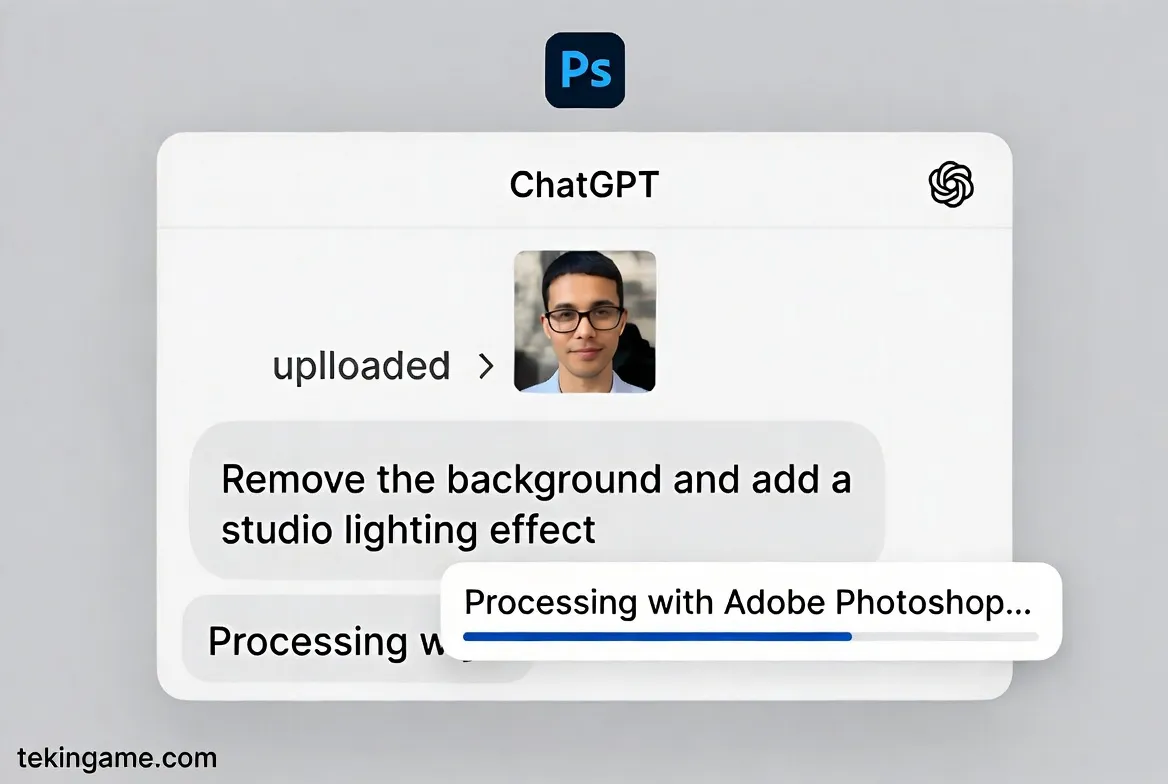
Step 1: Activate the Adobe Integration
1. Go to Settings in the bottom left corner.
2. Navigate to the Beta Features or Connected Apps tab.
3. Find the new Adobe Creative Integration toggle and switch it to ON.
(Note: You may be prompted to sign in with your Adobe ID once, but the feature works even with a free Adobe account).
Step 2: Upload and Analyze
Click the "Paperclip" icon (Attachment) and upload your photo.
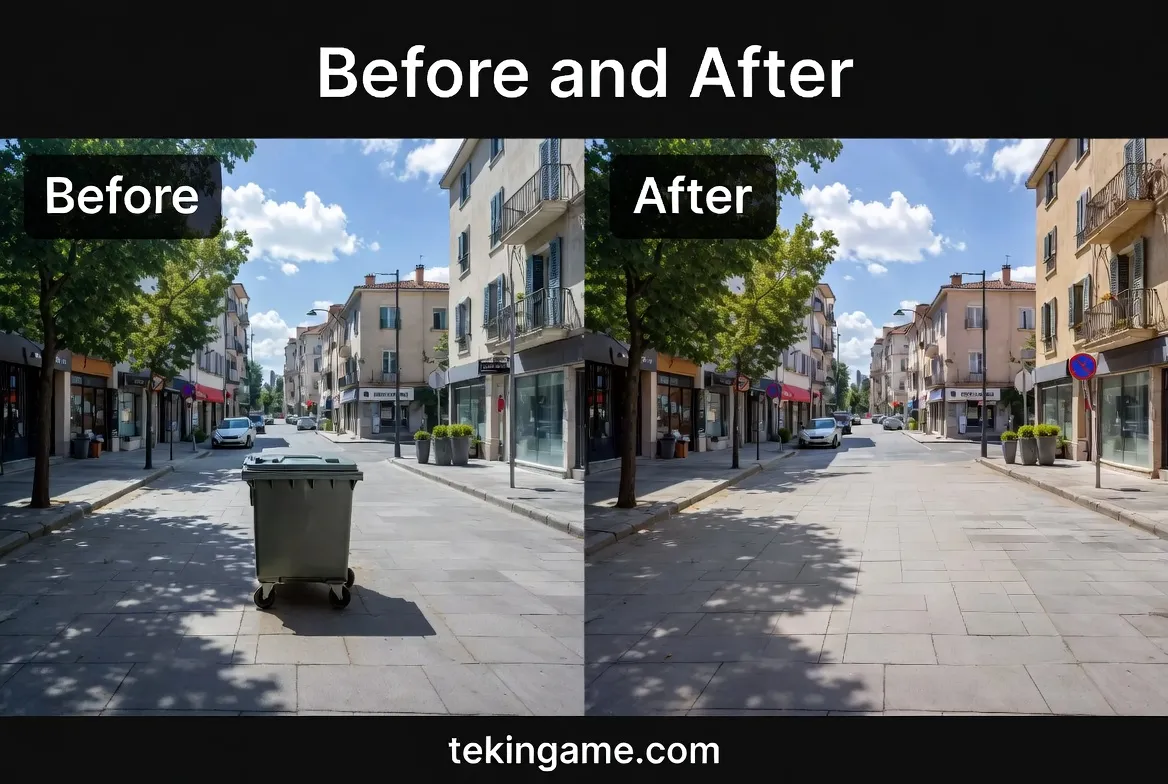
Scenario: Imagine you have a great selfie, but the lighting is dull, and there is an ugly trash can in the background.
Step 3: The Magic Prompt
Instead of struggling with the Clone Stamp tool or Lasso selections in Photoshop, simply type:
The Result: ChatGPT utilizes Adobe's Generative Fill engine to seamlessly erase the trash can, filling the space with realistic pavement or wall textures, and color-grades the image. All within 10 seconds.
Step 4: Design with Adobe Express
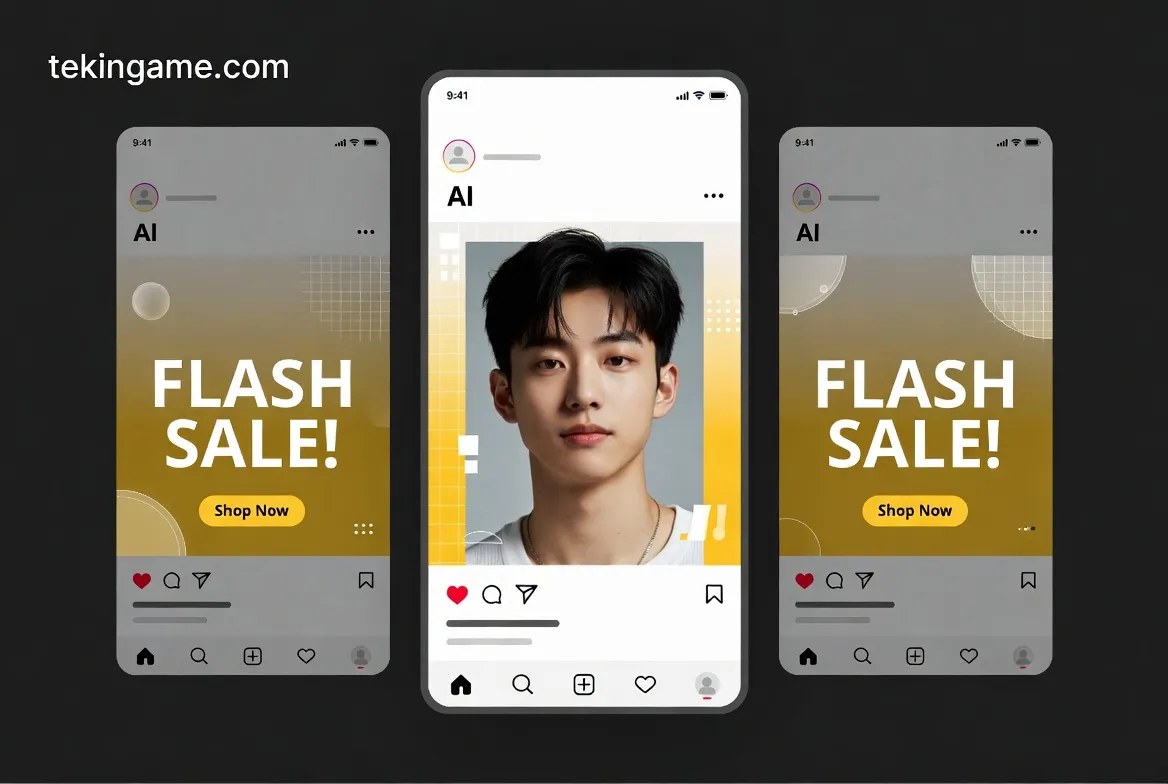
You can even create social media assets instantly.
Prompt: "Take this edited photo and put it into an Instagram Story layout. Add the text 'Flash Sale' in a modern yellow font above my head."
The AI accesses the Adobe Express engine and provides a downloadable, layered file (or a finalized PNG) ready for posting.
5. Real-World Use Cases
- For E-commerce: "Remove the background from these 10 product photos and add a soft, natural shadow." (Batch processing is supported!).
- For Architects: "In this building render, change the cloudy sky to a sunny day with birds flying."
- For Fun: "Photoshop me standing next to Elon Musk." (With realistic lighting matching, not a cartoonish cut-out).
6. Cost and Availability
Currently, this feature is not available for Free Tier users.
You need a ChatGPT Plus subscription ($20/month).
The good news? You do not need a separate, expensive Adobe Creative Cloud subscription to use the basic Photoshop features inside ChatGPT. This makes the $20 ChatGPT subscription arguably the best value deal in the tech world right now.
7. Tekin Plus Verdict
The integration of Photoshop and ChatGPT has demolished the wall that stood between "Idea" and "Execution."
You no longer need to watch hours of tutorials to perform a simple edit. With GPT-5.2, natural human language has become the ultimate design tool.
Go to ChatGPT right now, upload a photo, and witness the magic of words turning into pixels. Let us know your results in the comments!