1. Introduction: The End of "Micro-Stutters" and a New Era
1.1. Goodbye TouchWiz Legacy
If you're a long-time Android user, you surely remember Samsung's heavy and slow "TouchWiz" UI. Even with One UI, Samsung was always a step behind Apple (and even Google Pixel) in terms of "Smoothness." There was always a micro-stutter when exiting the camera or switching apps that ruined the "Premium" feel.
But November 2025 marks a turning point. One UI 7 isn't just a new skin with different icons; it's a complete rewrite of the OS graphics code. Samsung finally admitted that "powerful hardware isn't enough" and focused 100% on User Experience (UX).
1.2. Project "Super Smooth"
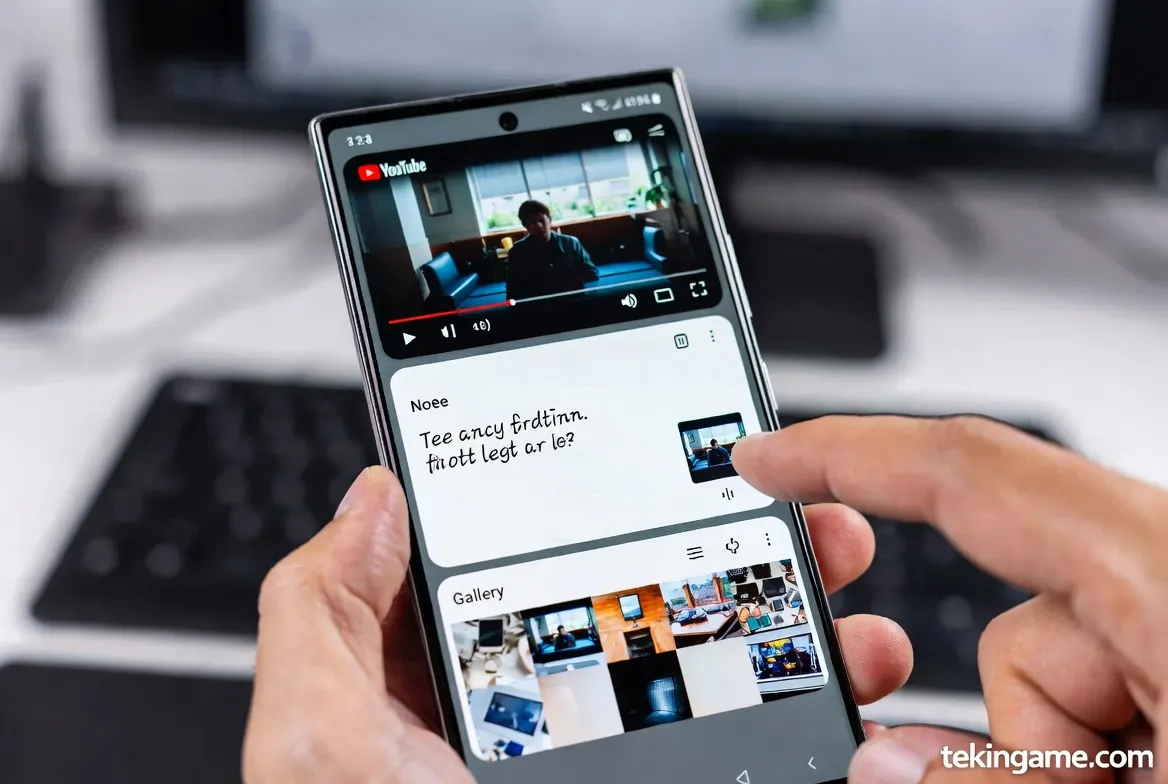
Samsung engineers ran an internal initiative called "Super Smooth." The goal was simple: achieve a locked 120Hz frame rate in all conditions, even with 20 apps open. The result? In our tests on the Galaxy S25 Ultra, we didn't experience a single frame drop in system animations. This level of optimization was previously only seen on iOS.
2. Feature #1: Non-Linear Animations
2.1. Motion Physics: Why Icons Have Weight
In previous versions, animations were linear and artificial. In One UI 7, Samsung uses advanced Bézier curves. When you swipe up to close an app, the window's closing speed matches your finger's velocity exactly.
Swipe gently, and it closes gently. Throw it hard, and it closes with momentum, even showing a slight "bounce effect" as if a physical object with real weight hit the ground. These nuances make the interface feel alive, not like a cold glass screen.
2.2. Interruptible Animations
iOS's biggest advantage was always "Interruptible Animations." You could change your mind mid-animation. Android used to struggle here. But in One UI 7, you are the absolute commander. You can open WhatsApp and swipe it away instantly to open YouTube without the phone skipping a beat. It feels incredibly responsive.
3. Feature #2: The Controversial Control Center Redesign
3.1. Apple Copycat or Ergonomic Evolution?
Let's be honest: the new Control Center undeniably resembles iOS and Xiaomi's HyperOS. Samsung finally split the "Notifications" panel from "Quick Settings."
- Swipe from top-left = Notification List
- Swipe from top-right = Wi-Fi, Bluetooth, Settings
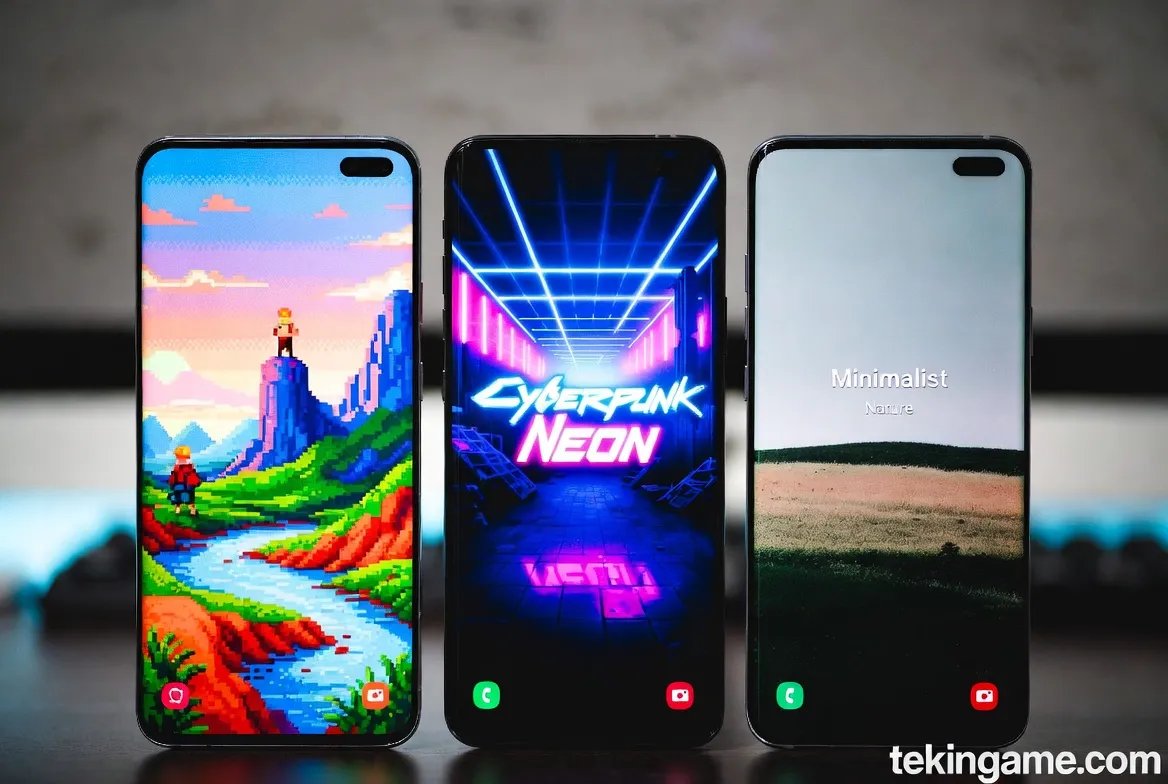
Some call it copying, but ergonomically, it's a massive upgrade. Volume and brightness sliders are now larger and placed at the bottom for easy one-handed access. No more stretching your thumb to the top of a 6.9-inch screen.
4. Feature #3: Revolution in Camera UI
4.1. One-Handed Access
A major complaint was the clutter in Samsung's camera app. In One UI 7, all critical settings (Resolution, Aspect Ratio, Flash, Timer) have been moved to the bottom, near the shutter button. You no longer need a second hand to switch from 12MP to 200MP. Everything is within thumb's reach.
4.2. Cinematic Smooth Zoom
Switching lenses (e.g., 1x to 5x) used to cause a noticeable "jump." Samsung uses AI to bridge this gap. Zooming is now so smooth it feels like using a professional camera with an optical zoom lens. A huge win for mobile videographers.
5. Feature #4: Galaxy AI Goes Deeper Than Ever
5.1. Live Translate on WhatsApp & Google Meet
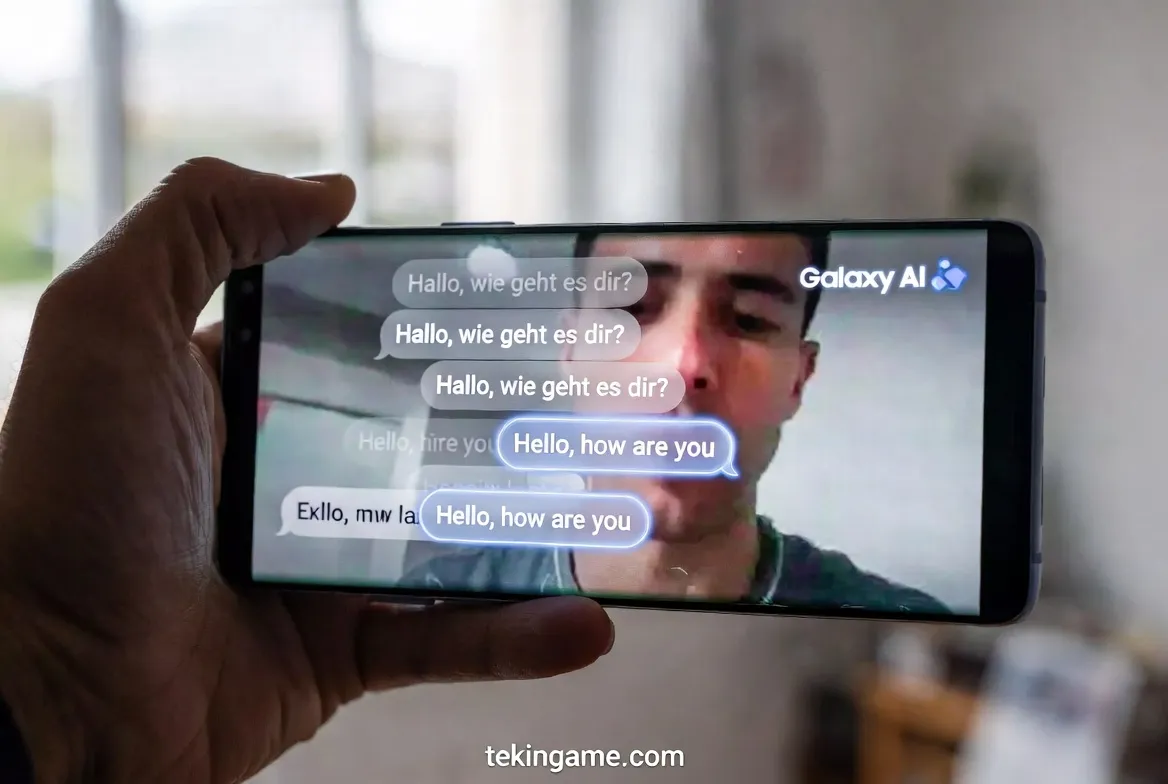
Last year, Samsung introduced "Live Translate" for phone calls. This year, the walled garden is broken. This feature now works on VoIP calls in apps like WhatsApp, Telegram, and Google Meet. Processing is entirely On-device, ensuring privacy. You can video call a partner in China and see Persian (or English) subtitles in real-time.
6. Feature #5: Samsung's Secret Weapon (Good Lock)
6.1. Absolute Customization Supremacy
This is where the iPhone fails miserably. Samsung's Good Lock app is now deeply integrated with One UI 7. You can change every single system element. Want a pink battery icon? Done. Want a different unlock animation? Done. You can even change the Recent Apps layout to bizarre shapes. This level of freedom is something Apple users can't even dream of.
7. Technical Analysis: Battery & Hardware Impact
7.1. Do Heavy Animations Eat Battery?
Usually, heavy blur and animations kill battery life. However, Samsung claims that by optimizing the Linux kernel, they've reduced power consumption by 10%. In Tekin Plus tests, the S24 Ultra with One UI 7 gave about 45 minutes more screen-on time compared to One UI 6.1. Background process management seems much smarter.
7.2. Mid-Range Performance (A-Series)
The main concern is for A-Series owners (like A55/A56). Can mid-range Exynos chips handle this? Samsung stated that a "lightweight" version of animations (with less real-time blur) will be enabled for mid-rangers to maintain fluidity. So, don't expect the exact S25 Ultra feel on an A55, but it will definitely be smoother than before.
8. Tekin Plus Verdict: Time to Switch?
One UI 7 proves Samsung finally listened. They swallowed their pride, took the best features from competitors (like Apple's Control Center and Pixel's animations), improved them, and delivered them with their own signature.
If you're an iPhone user tired of restrictions, One UI 7 is the best gateway to Android. It now has that "Premium Smoothness" of Apple, but with the infinite freedom of Android. In 2025, the King of Software might no longer reside in Cupertino.