
1. Introduction: Maturing from Toy to Tool
1.1. The Leap from 1.5 to 2.2
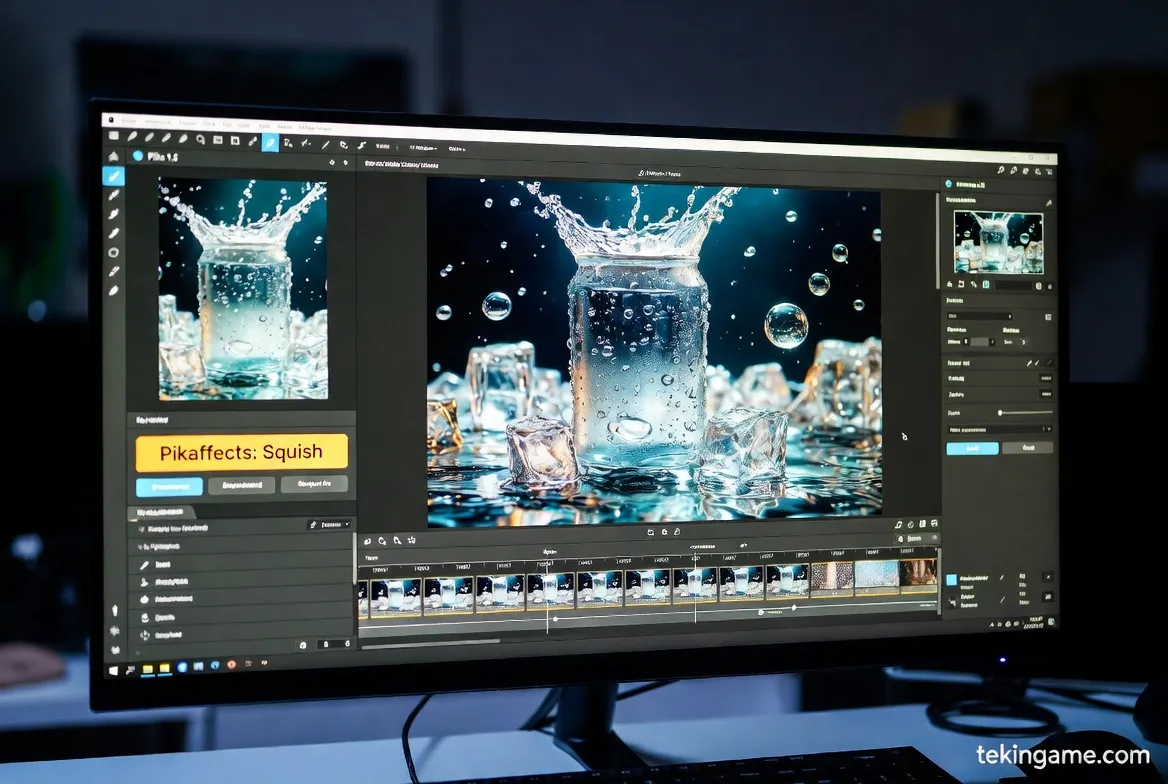
A few months ago, Pika 1.5 conquered the internet with its viral "Melt" and "Squish" effects. However, that version felt more like an Instagram filter than a filmmaking tool. Today, with the release of Pika 2.2, everything has changed. This version isn't just for making memes; it is a tool that YouTubers and even independent filmmakers are using to create B-Roll and visual effects.
1.2. A Threat to Hollywood?
At Tekin Plus, we tested the new version extensively. The main difference lies in "Cinematic Understanding." Pika 2.2 understands the rules of Composition, Rembrandt lighting, and camera movement. You no longer need to tell it to "be realistic"; it is realistic by default. The uncanny valley has been crossed, and we are now in the territory of photorealism.
2. New Capabilities: Physics, Light, and Time
2.1. Physics Engine 2.0
The biggest weakness of previous models was a lack of understanding of fluid and cloth physics. In version 2.2, if you prompt "Ocean waves crashing against a cliff," the water droplets (Splash) scatter naturally based on gravity. If a character runs with a cape, the fabric folds and flows based on wind direction and movement speed. This level of Physics Simulation was previously only possible in heavy software like Houdini.
2.2. Timeline Editor
The most revolutionary feature of Pika 2.2 is the addition of the Timeline. Previously, you generated a video, and that was it. Now, you can open the video within Pika itself, cut it, and define a separate effect for each segment.
Example: Seconds 1 to 3: Character walks. Seconds 3 to 5: Rain starts. Seconds 5 onwards: Camera zooms back. This "Temporal Directing" capability transforms Pika from an image generator into smart editing software.
2.3. Cinematic Camera Control
You are no longer limited to simple Pan and Zoom. Pika 2.2 recognizes complex camera movements like Dolly Zoom (the Vertigo effect) and Crane Shot. You can specify exactly how fast and from what angle the camera should move, giving you the control of a Director of Photography (DP).
3. Image Quality: Native 4K
3.1. Goodbye Flickering
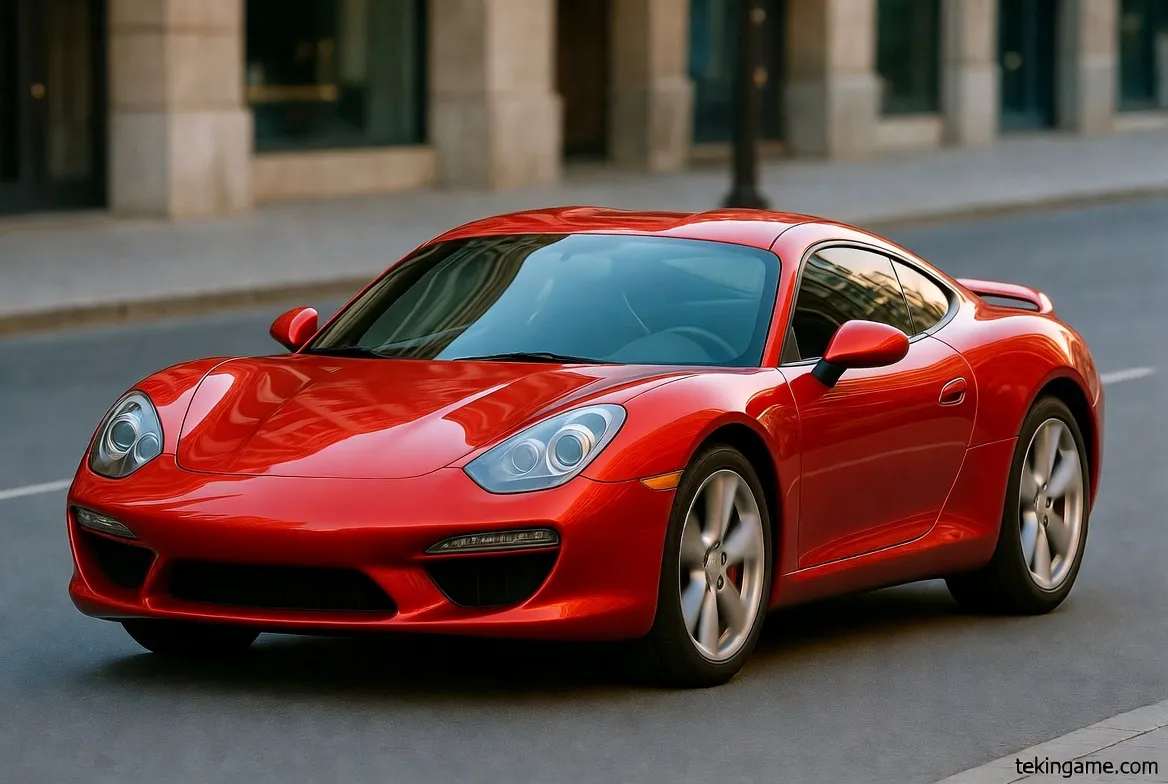
The main problem with AI videos was "Flickering." Textures changed in every frame. In version 2.2, the Temporal Coherence algorithm has been drastically improved. If there is a brick texture on a wall, it remains static and doesn't morph throughout the video. Outputs are now Native 4K, eliminating the need for third-party upscaling tools.
3.2. Character Consistency
The Character Reference feature introduced in the previous version has now matured. You can create an actor and place them in 10 different videos with different outfits and locations without their face changing even slightly. This feature is gold for creating short YouTube series or narrative storytelling.
4. Comparison with Giants: Pika 2.2 vs. OpenAI Sora 2
4.1. Render Speed
OpenAI's Sora 2 model has high quality, but rendering a 10-second video with it might take 10 minutes. Pika 2.2, thanks to WebGPU optimizations, delivers the same video in under 1 minute. For content creators for whom speed is currency, Pika is the winner.
4.2. Controllability
Sora is more of a "Black Box"; you give text, you get video. But Pika puts control tools (sliders, brushes, timeline) in your hands. Pika is for "Artists," while Sora is for "General Users." Pika allows for granular control over the output that professionals demand.
5. Practical Guide: New Prompting Formulas
5.1. Camera Commands
To utilize the new camera power, use these parameters:
-camera_move zoom_in
-camera_move truck_left
-fps 60
-motion 3 (For high movement)
5.2. Advanced Image-to-Video for Architects
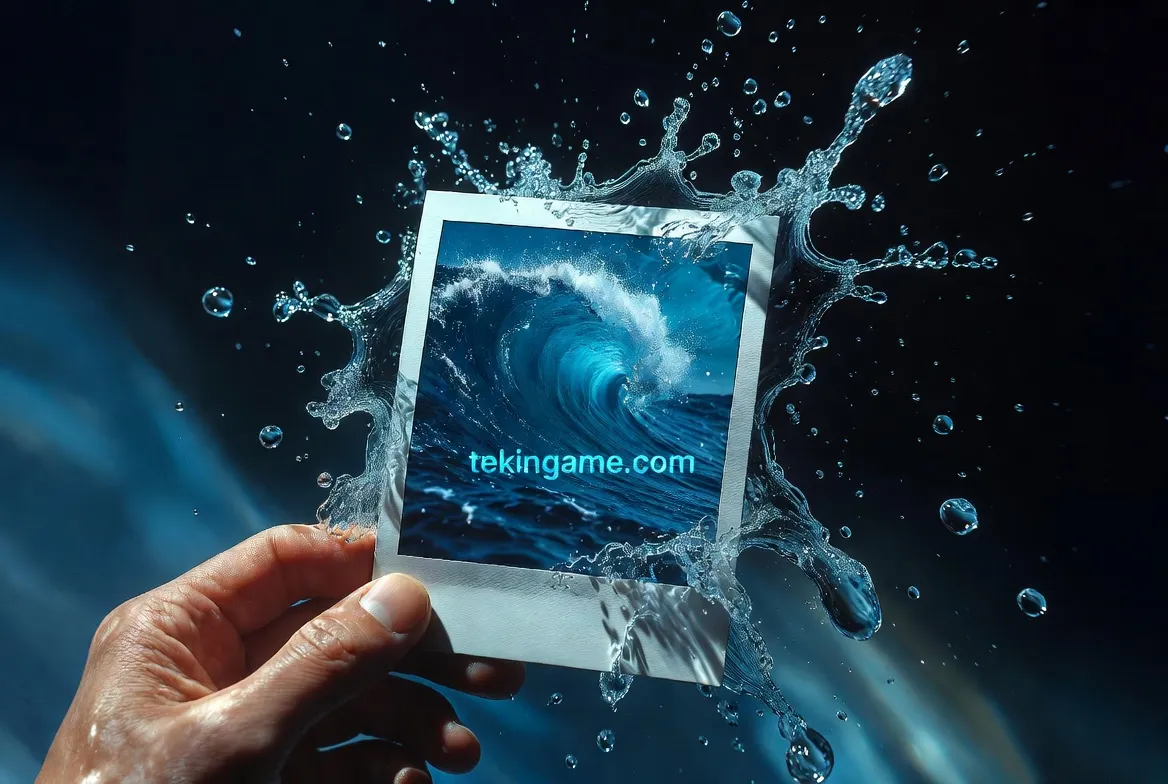
Upload a simple photo of a physical model or a building sketch and prompt: "Cinematic drone shot, sunset lighting, realistic water reflection, 4k." Pika 2.2 creates an aerial virtual tour of your project in seconds, a task that used to take weeks of rendering.
6. Challenges & Limitations
6.1. The Cost of 4K
Quality comes at a price. Rendering 4K videos in Pika 2.2 consumes a lot of Credits. If you are a free user, you can likely only create 2 or 3 videos of this quality per day. For serious use, purchasing a Pro subscription is essential.
6.2. Copyright
Copyright laws regarding AI videos remain unclear. YouTube and Instagram have recently mandated labeling for AI content. Pika 2.2 automatically embeds invisible metadata (C2PA) into videos to identify them as AI-generated, ensuring transparency.
7. Tekin Plus Verdict: Your Personal Studio
Pika 2.2 is no longer just an "Assistant Tool"; it is a "Production Platform." The distance between the idea in your mind and the video on your screen has been shortened to the time it takes to type a sentence.
If you are a content creator, marketer, or artist, not learning Pika 2.2 is like not learning Photoshop in the year 2000. This tool is the future of visual storytelling.
- Image Quality Score: 9.5/10
- Physics & Motion Score: 9/10
- User Interface: 10/10 (Best in Class)
- Value: High (Essential for Pros)