
1. Starting the Game: Settings That Change Everything
Before you take your first step on the alien planet, you need to tune your tools. The default settings in Metroid Prime 4 are designed for casual play, but if you want to play like a true Bounty Hunter, these tweaks are essential.
1.1. Activating Gyro Aiming: The Secret to Precision
The new Nintendo Switch 2 Joy-Con Pro controllers feature incredibly accurate gyroscope sensors.
Many players assume Gyro is just a gimmick, but in Metroid Prime, it is vital. The new enemies have tiny weak points that are difficult to track with just the right analog stick.
TekinGame's Recommended Settings:
- Motion Control: ON
- Sensitivity: Low (20% - 30%)
1.2. Graphics vs. Frame Rate (Performance Mode on Switch 2)

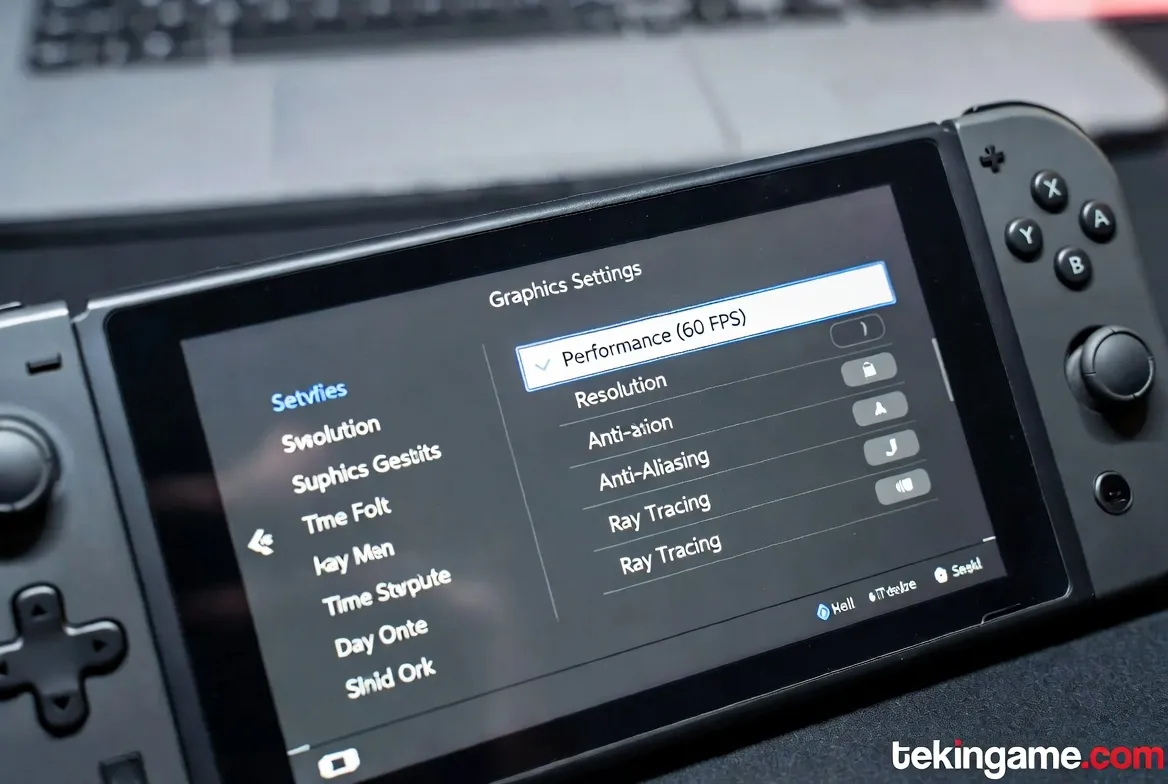
The game offers two graphics modes on Switch 2. You might be tempted to pick Quality Mode (4K Upscaled) to see the ray-traced reflections on Samus's visor, but hold on.
Metroid Prime 4 is a fast-paced game. In chaotic battles, a frame drop can lead to death. We strongly recommend Performance Mode. It keeps the resolution at a dynamic 1440p but delivers a locked 60 FPS. The fluidity of movement is worth the trade-off.
1.3. HUD Customization for Maximum Immersion
If you want to get lost in the atmosphere, go to HUD Settings and increase the Helmet Opacity. This makes Samus's face reflection and the steam on the visor more visible during intense moments, adding a layer of realism to the experience.
2. The Metroid Philosophy: The "Scan Everything" Rule
If you have never played a Prime game before, know this: The core mechanic isn't shooting; it's Investigation. You have an advanced Scan Visor activated by holding Left on the D-Pad.
2.1. Why Scanning Enemies is Critical in MP4
In previous games, scanning enemies mostly just gave you lore. But in Metroid Prime 4, scanning has a tactical benefit.
When you scan a new enemy type:
- Their health bar appears above their head.
- Their Critical Hit spot is highlighted in glowing red on their body.
- The database tells you exactly which weapon they are weak to (e.g., Plasma vs. Ice).
2.2. Unlocking Hidden Doors via the Scan Visor
Many doors and elevators don't have physical buttons. You need to look for "Hack Panels," often hidden behind walls or under crates. If you are stuck in a room with no exit, the solution is 100% found by scanning the environment.
3. Combat System: Dancing with Death
The combat system has been modernized significantly compared to the Wii era. Samus is now more agile, but enemies are far more aggressive.
3.1. Mastering the New "Thruster Dash" Mechanic
A new ability called Thruster Dash has been added (B Button + Direction).
This isn't just for dodging; it's an offensive tool. If you dash exactly before an enemy projectile hits you, Samus enters an "Overdrive" state, and your next shot deals double damage. Mastering this timing is the key to surviving "Hard Mode."
3.2. Managing Missiles and Adrenaline
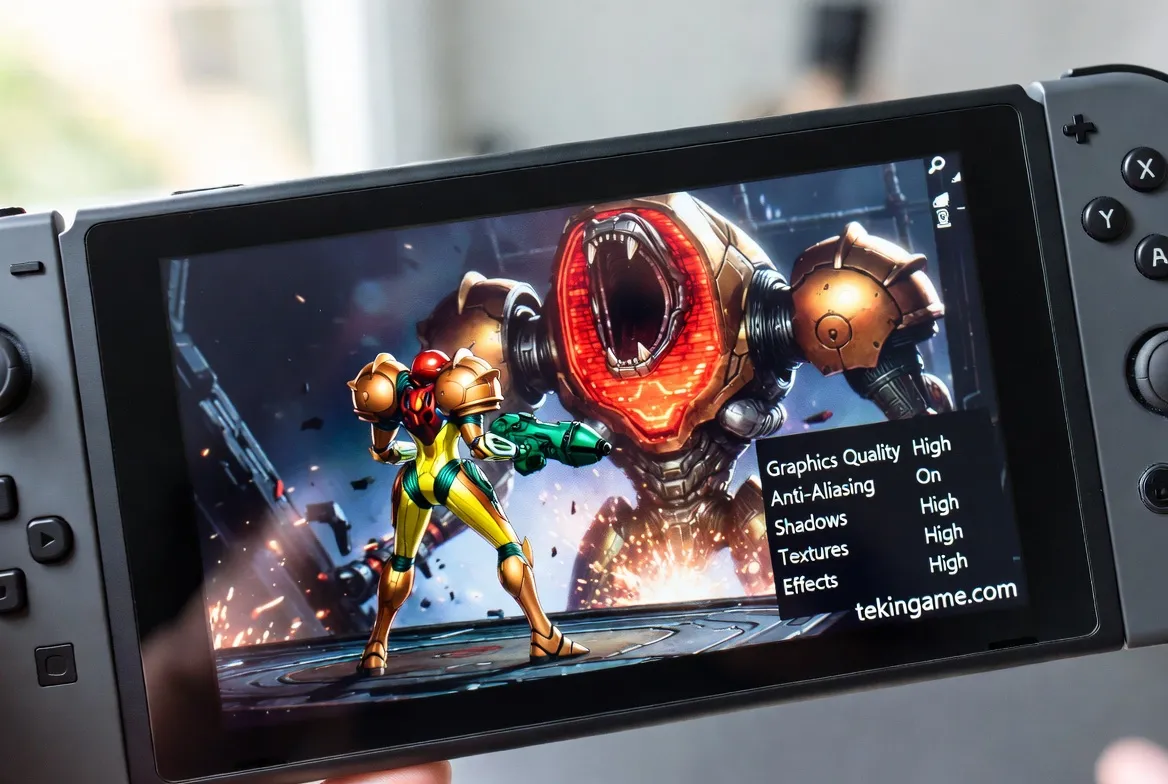
Missiles are extremely scarce in the early game (you start with only 5!). Do not waste them on fodder enemies.
Use the Charge Beam for standard troopers. It consumes no ammo and, if aimed correctly, disintegrates most early enemies in one hit. Save your Missiles for breaking heavy armor or opening Red Doors.
4. Navigation & Exploration: How Not to Get Lost
The biggest fear for new players in the "Metroidvania" genre is getting lost in the labyrinth.
4.1. Reading the 3D Map Like a Pro
Pressing (-) opens the Holographic Map. This map speaks to you through colors:
- Orange Rooms: Areas that still contain hidden items or haven't been fully scanned.
- Blue Rooms: Fully cleared areas.
- White Doors: Locked paths requiring a specific key or weapon.
4.2. Using "Time Shift" to Solve Environmental Puzzles
One of the major innovations in Metroid Prime 4 is the "Time Shift" mechanic. In certain areas (marked by floating blue particles), you can revert the environment to the "Past."
For example, if a bridge is broken in the present, activate the Time Scanner to manifest the bridge as it was in the past (intact), allowing you to cross. This mechanic is frequent in the Ancient Ruins sector.
5. Step-by-Step Boss Fight: Sylux’s Vanguard
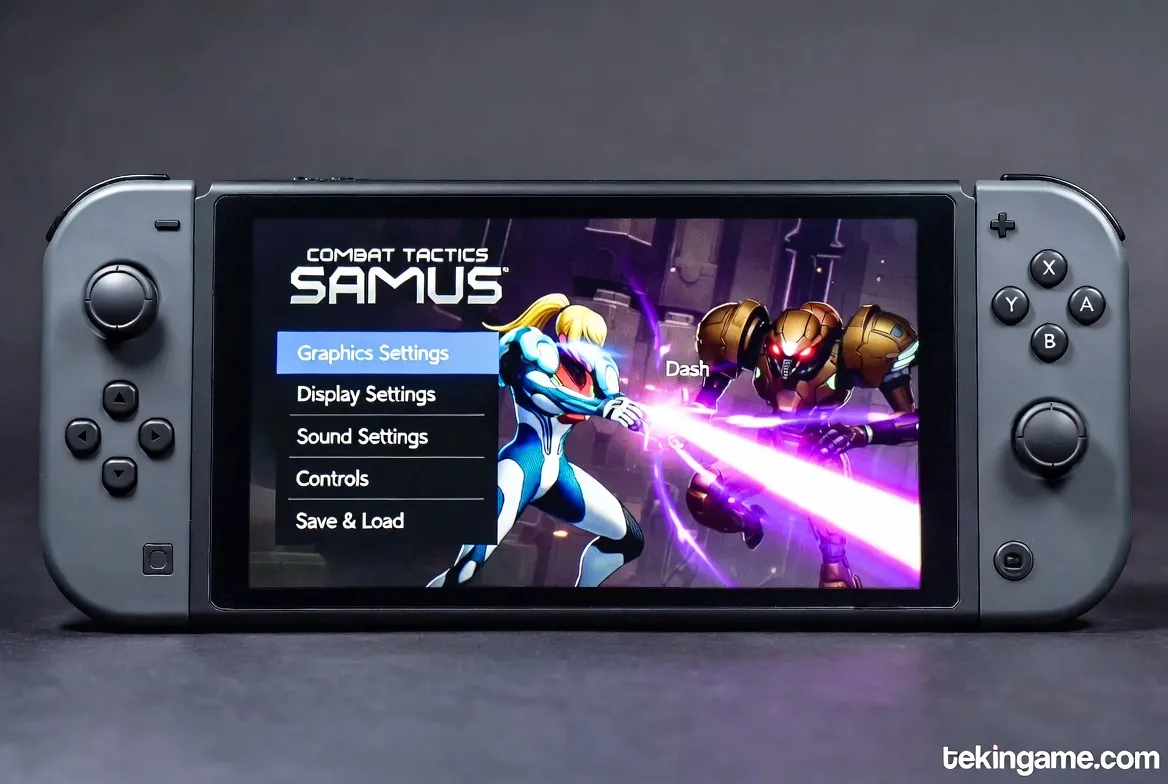
At the end of the first level (The Abandoned Outpost), you face the game's first real challenge: Vanguard. A massive war mech piloted remotely by the antagonist, Sylux.
5.1. Phase 1: Breaking the Energy Shields
Vanguard has a blue energy shield that deflects standard Power Beam shots.
How to Beat It: Strafe around him. Wait for him to pause and charge his purple laser. At that exact moment, his shield drops for 2 seconds to vent heat. Lock-on to his chest immediately and fire a Missile. Repeat this 3 times to shatter the shield.
5.2. Phase 2: The Hidden Weak Point
Once the shield is down, Vanguard enters "Aggressive Mode" and starts launching cluster bombs.
How to Beat It: In this phase, his weak point is revealed on his Back (a glowing red coolant tank).
Use your Dash ability to circle behind him. When his back is turned, fire a fully charged shot. Watch out for the shockwaves on the ground and use the Space Jump to hop over them. After 5 solid hits, he will explode, and you will reclaim the first major upgrade: the Morph Ball.
6. Common Rookie Mistakes (Avoid These!)
- Ignoring Audio Cues: There is a specific low-frequency "humming" sound in the game that indicates a hidden item (like an Energy Tank) is nearby. Play with headphones!
- Fear of Backtracking: When you get a new ability (like Double Jump), the game expects you to go back to previous levels to reach areas you couldn't access before. It’s not a chore; it’s the core of Metroid.
- Not Saving: Metroid has very few auto-checkpoints. Whenever you see a Save Station room, enter it and save, or you might lose 30 minutes of progress.
The world of Metroid Prime 4 is vast and full of secrets. If you are struggling with a puzzle or a boss, drop a comment below.
The TekinGame editorial team and our community of veterans are here to help.
Happy Hunting! 🌌🔫