
1. The Diagnosis: Why Default ChatGPT is Killing Your Engagement
Let’s be honest. If you go to ChatGPT (or Claude, or Gemini) right now and type: "Write an Instagram post about the iPhone 17," what do you get?
You get a disaster.
It will likely start with: "In today's fast-paced world of technology..."
It will use generic emojis like 🚀 and 📱.
It will lack opinion, depth, and "edge."
Why? because default AI is trained to be Safe, Polite, and Neutral. It tries to please everyone, which means it interests no one. In the cutthroat world of Social Media, "Neutral" is a death sentence. To stop the scroll, you need to be bold, opinionated, and specific.
The TekinGame Soul file is a "Jailbreak" of sorts—not in the illegal sense, but in the stylistic sense. It overrides those default safety settings and imposes a new strict set of rules: "Be concise. Be witty. Don't use clichés."
2. Step 1: The Injection Protocol
First, locate the TekinGame_Soul.txt file you downloaded from our Telegram channel. Open it. Select all the text (Ctrl+A) and Copy it (Ctrl+C). Now, we need to inject this code into the AI's "Context Window."

Method A: The Quick Fix (The "Session" Injection)
Use this if you only want the persona for a specific task.
- Open a New Chat.
- Paste the entire text into the message box.
- Hit Enter.
- The AI should respond with a confirmation phrase, something like: "System Online. Ready to analyze, Commander."
Note: In this method, the persona only exists in that specific chat. If you start a new conversation, the AI reverts to its factory settings.
Method B: The Permanent Implant (Custom Instructions)
Use this if you want ChatGPT to always act like a Pro Editor. (Recommended for ChatGPT Plus users).
- Click on your Name/Icon in the bottom left corner.
- Select "Customize ChatGPT" (or "Custom Instructions").
- In the bottom box ("How would you like ChatGPT to respond?"), Paste the entire code.
- Make sure "Enable for new chats" is toggled ON.
- Click Save.
Now, every time you open the app, it is already "TekinGame Optimized."
After injecting the code, type this command: "Status Report".
If it replies with a standard "I am an AI assistant," the injection failed.
If it replies with: "All systems nominal. Editorial engine running at 100%. Awaiting your directive, Commander," then congratulations. You have successfully performed the surgery.
3. Step 2: Creating Content (Live Scenario)
Now that the engine is running, let's take it for a test drive.
Scenario: You want to post about the "AI Phishing during Christmas" news we discussed this morning.
The Bad Prompt (Do NOT do this):
"Write a post about hackers and Christmas."
The Pro Prompt (With Persona Active):
"Topic: The 620% rise in AI Phishing Attacks this holiday.

Format: Instagram Carousel (5 Slides).

Goal: Scare the audience into being safe, but keep it entertaining.

Tone: Warning & Educational. Use the 'Tekin' style."
The Output You Will Get:
The system will automatically structure the response into a visual plan:
- Slide 1 (The Hook): It will suggest a visual of a "Robotic Santa" stealing a wallet. The headline will be punchy: "Is Your Christmas Gift a Virus?"
- Slide 2 (The Data): It will highlight the "620%" stat in big bold text.
- Slide 3 (The Mechanism): It will explain how the hack works (Voice Deepfakes) in simple terms.
- Caption: It will write a caption that starts with a question, uses bullet points for readability, and ends with a question to drive comments.

You didn't have to ask for "structure." The Persona knows that a Carousel needs a structure.
4. Step 3: Art Direction & Visuals
Text is useless on Instagram without visuals.
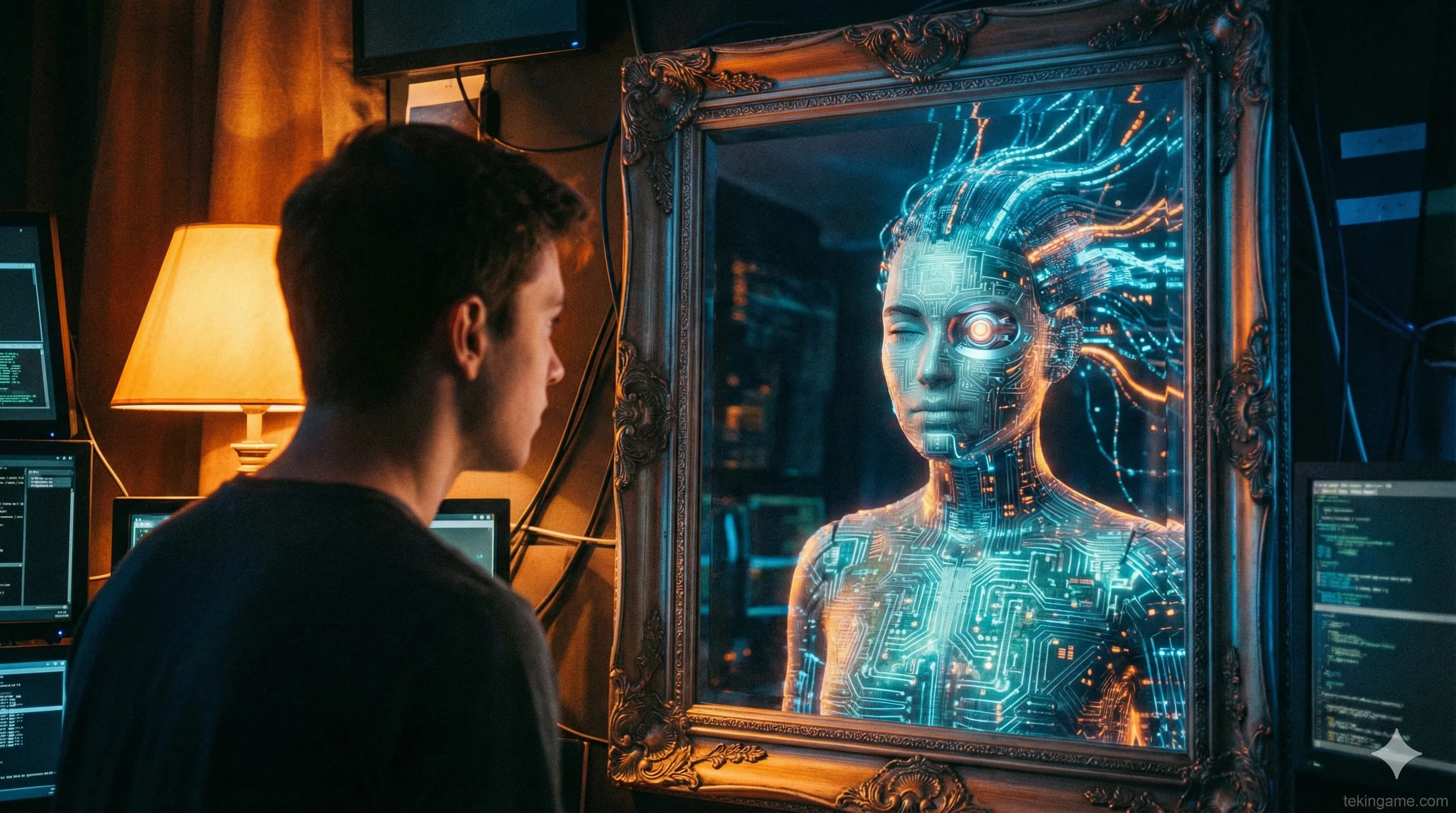
The TekinGame_Soul file contains a hidden module for "Art Direction." It knows how to speak the language of Midjourney and DALL-E 3.
Once you have your text content, simply type:
"Generate 5 Midjourney prompts for these slides."
The Magic:
Instead of a generic description like "A hacker at a computer," the system will output:
"/imagine prompt: A cinematic, low-angle shot of a hooded figure in a dark room illuminated by green matrix code. The figure is holding a glowing red digital gift box. Cyberpunk aesthetic, volumetric lighting, 8k resolution. --ar 4:5"
It adds aspect ratios (`--ar`), lighting descriptors, and style keywords automatically. You just Copy and Paste.
5. Advanced Technique: Building Your "Digital Twin"
This is the most valuable part of the Workshop.
You probably don't want to sound exactly like TekinGame. You want to sound like YOU.
The file is editable. It is open-source. Here is how to customize it:
- Open the text file.
- Find the section labeled
[ROLE: Senior Tech Editor]. - Change it to your profession. Example:
[ROLE: Professional Fitness Coach]or[ROLE: Real Estate Consultant]. - Find the section labeled
[TONE]. - Add your specific keywords.
Example: "Use energetic language. Use words like: Buddy, Gains, Hustle. Never use passive voice."

Save the file. Inject it again.
Now you have a Digital Twin. You have an AI that knows your job and speaks your slang. You can use this to reply to emails, write tweets, or even script YouTube videos that sound authentic to your personal brand.
6. Troubleshooting: The Drift Effect
Large Language Models suffer from "Context Drift." In very long conversations (after 20-30 messages), they might "forget" their persona and slowly revert to being a boring robot.
The Fix: The Reset Command
We coded a "wake-up call" into the file. If you feel the quality is dropping, or the AI is becoming too wordy, simply type:
"/reset tone"
This triggers a hidden instruction that forces the AI to re-read its primary directive and sharpen its pencil. It’s like splashing cold water on its face.
7. Conclusion: You Are Now the Editor-in-Chief
AI tools like ChatGPT are like a grand piano. Anyone can bang on the keys and make noise. But only those who learn to read the music (Prompt Engineering) can compose a symphony.
With the TekinGame Soul file, we have given you the sheet music. Now it is up to you to play it.
Go forth and create content that matters. Stop posting boring updates. Start leading the conversation.
We are watching. Tag us in your posts so we can see what you build.
The "TekinGame Soul" file is pinned in our Telegram channel for 24 hours only.
[Download from Telegram Channel]