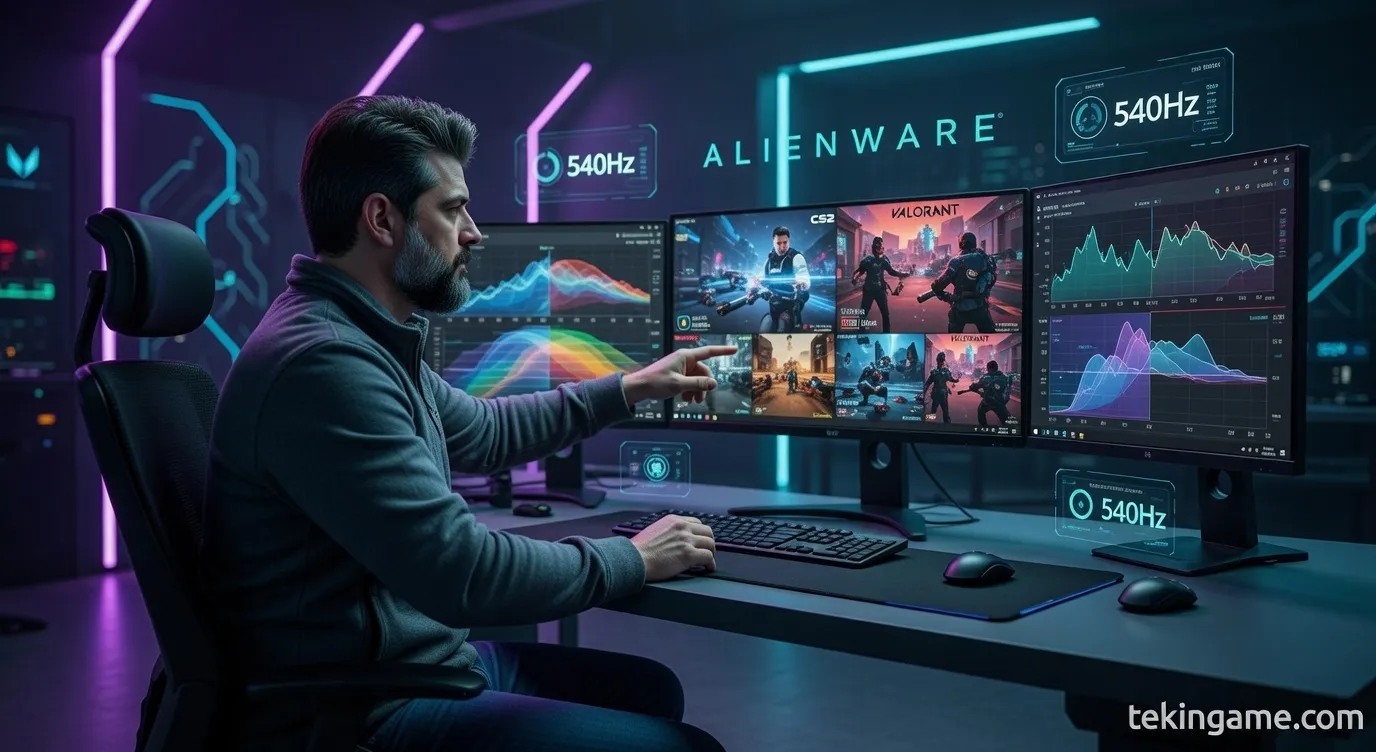
**Executive Summary** Alienware today unveiled the AW2526HL gaming monitor with a stunning 540Hz refresh rate - the highest commercial refresh rate in display industry history. This 24.5-inch monitor with Fast IPS panel and 0.5ms response time claims to challenge the biological limits of human vision. But the key question is: Can the human eye actually perceive the difference between 360Hz and 540Hz? Scientific research shows that while the human eye can detect up to 1000 frames per second under specific conditions, the perceivable difference for most users drastically diminishes after 240-360Hz. This comprehensive article analyzes through scientific evidence, technical comparisons, and professional eSports gamer opinions whether 540Hz is a genuine innovation or merely a marketing number. Complete specifications, competitor comparisons, and purchase recommendations for different user types are also provided. **Who is this for?** - Professional eSports gamers (CS2, Valorant, Apex Legends) - Hardware enthusiasts and display technology fans - Those wondering if upgrading from 240Hz/360Hz is worth it - Premium gaming monitor buyers **Why does it matter?** Because this monitor represents a point where technology surpasses human biological limitations. Understanding this helps you make a more informed purchase decision. **Reading Time:** 12 minutes **Level:** Intermediate to Advanced **Publication Date:** February 12, 2026
Introduction: Alienware's Speed Obsession
Imagine you're in a competitive Counter-Strike 2 match. An enemy peeks around the corner. In this moment, every millisecond counts. Now imagine your monitor refreshes the image 540 times per second - nearly twice as fast as the 240Hz monitors most professional gamers use. This is exactly what the Alienware AW2526HL promises: the ultimate competitive advantage.
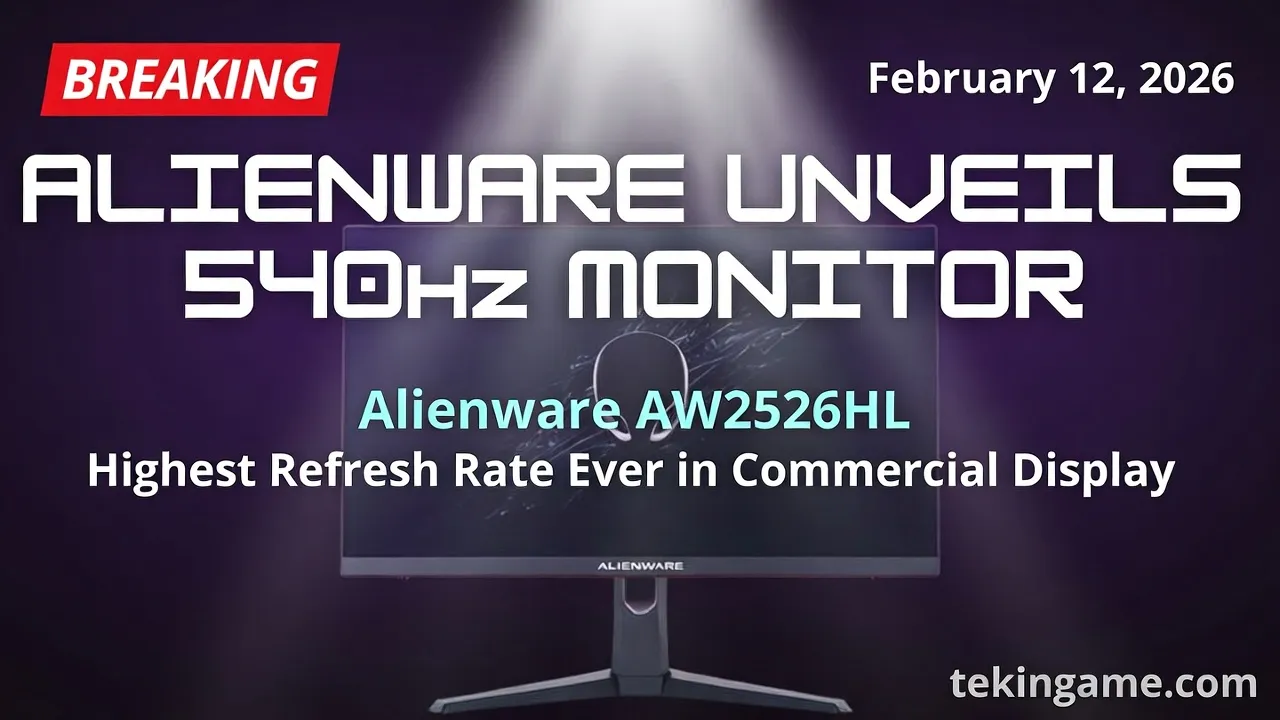
On February 12, 2026, Dell's Alienware brand unveiled the AW2526HL gaming monitor with a 540Hz refresh rate - the highest commercial refresh rate ever seen in a monitor. This 24.5-inch display with Fast IPS panel, 0.5ms response time, and support for both G-Sync and FreeSync Premium is meant to define a new standard in competitive gaming.
But the burning question on everyone's mind is: Can the human eye actually perceive the difference between 360Hz and 540Hz? Is this a genuine innovation that improves gamer performance, or simply a marketing number to drive sales? In this comprehensive article, we'll answer these questions through scientific analysis, technical comparisons, and professional gamer opinions.
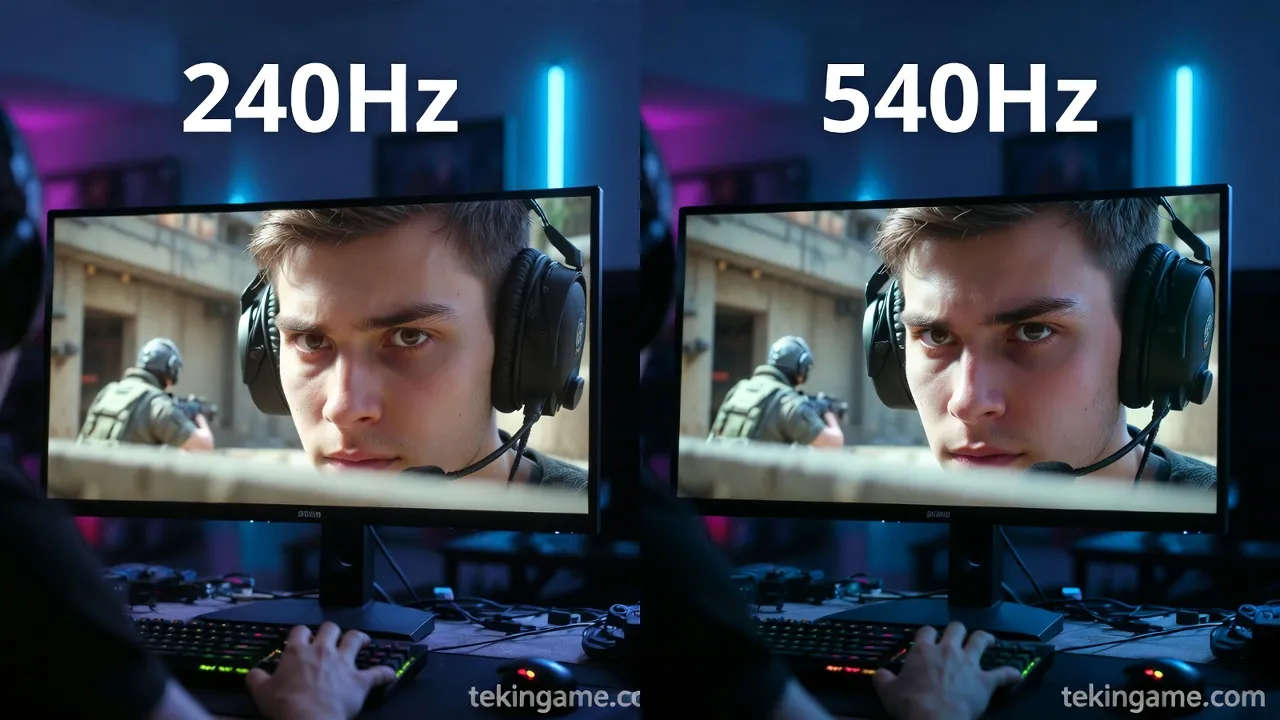
Alienware AW2526HL Technical Specifications: By the Numbers
Complete Specifications Table
| Specification | Value |
| Screen Size | 24.5 inches |
| Resolution | 1920 x 1080 (Full HD) |
| Panel Type | Fast IPS |
| Refresh Rate | 540Hz (Native) |
| Response Time | 0.5ms (GtG) |
| Brightness | 400 nits |
| Contrast Ratio | 1000:1 |
| Color Gamut | 99% sRGB |
| HDR | HDR10 |
| Adaptive Sync | G-Sync Compatible + FreeSync Premium |
| Ports | DisplayPort 1.4, HDMI 2.1, USB Hub |
| Price (Estimated) | $649 USD |
Specifications Analysis
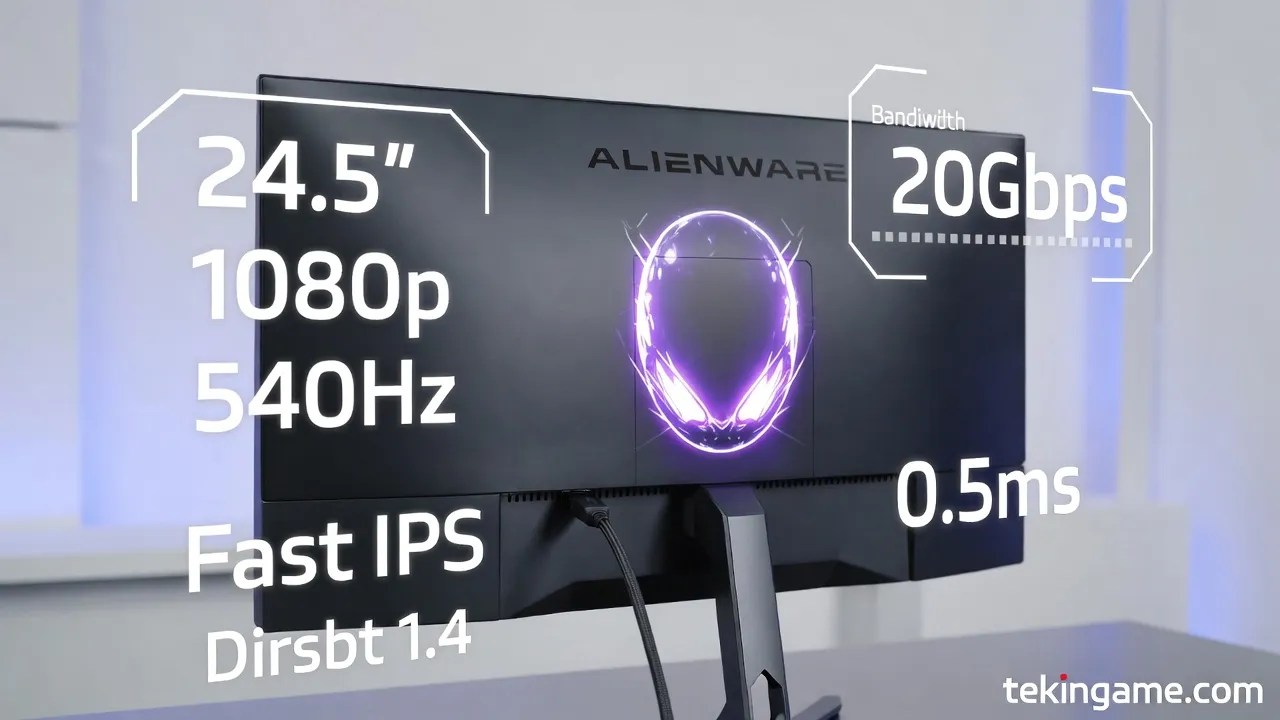
1080p Resolution: One of the first things that catches attention is the 1080p resolution. Why didn't Alienware use 1440p or 4K for a premium monitor? The answer is simple: bandwidth limitations. To push 540 frames per second to the display, even with DisplayPort 1.4, the resolution must be 1080p. Do the math: 1920×1080×540×24bit ≈ 26.7 Gbps - nearly at the limit of DisplayPort 1.4's capacity (32.4 Gbps).
Fast IPS Panel: Alienware uses a Fast IPS panel that combines the advantages of IPS (excellent viewing angles and accurate colors) with the speed of TN panels. The 0.5ms response time (GtG) is excellent in this class and minimizes ghosting.
G-Sync and FreeSync: Support for both technologies means whether you have an NVIDIA or AMD graphics card, you can benefit from Adaptive Sync and eliminate screen tearing.
The Science Behind 540Hz: Can Human Eyes See This Speed?
Biological Limitations of Human Vision
This is the key question: if the human eye can't perceive 540Hz, what's the point? Let's look at the science.
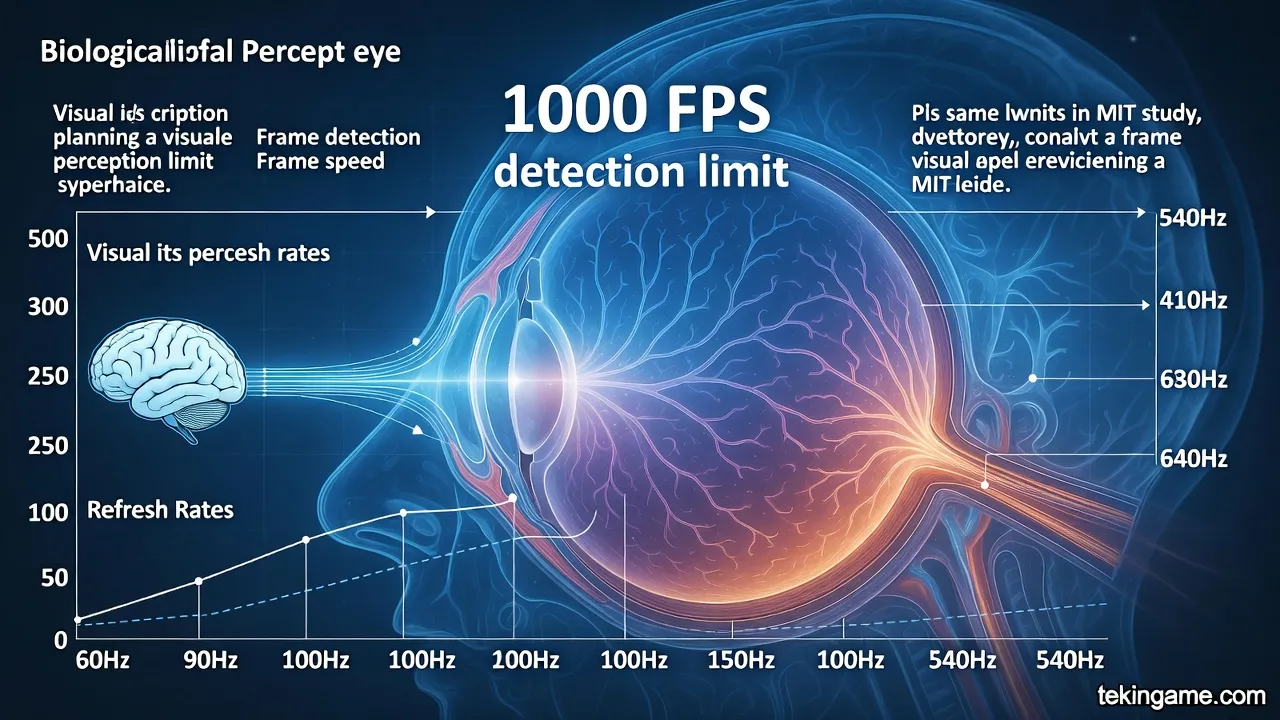
Scientific Research: Studies have shown that the human eye can detect changes up to 1000 frames per second under specific conditions. A 2014 MIT study demonstrated that the human brain can process images displayed for just 13 milliseconds (equivalent to ~77 FPS). But this doesn't mean "seeing" - it means "detecting."
The Difference Between "Seeing" and "Feeling": While you may not consciously "see" the difference between 360Hz and 540Hz, your brain can "feel" it. This is especially noticeable in fast movements and sudden changes. Professional gamers often report that mouse movements feel "smoother" and "more precise," even if they can't identify the difference in a blind test.
Comparing Different Refresh Rates
- 60Hz: The old standard. Frame delay: 16.67ms
- 144Hz: First step into competitive gaming. Delay: 6.94ms
- 240Hz: Current eSports standard. Delay: 4.17ms
- 360Hz: Previous cutting-edge monitors. Delay: 2.78ms
- 540Hz: New record. Delay: 1.85ms
As you can see, the difference between 360Hz and 540Hz is only 0.93 milliseconds. This is a very small number, but in the world of professional eSports, even 1 millisecond can be the difference between victory and defeat.
The Law of Diminishing Returns
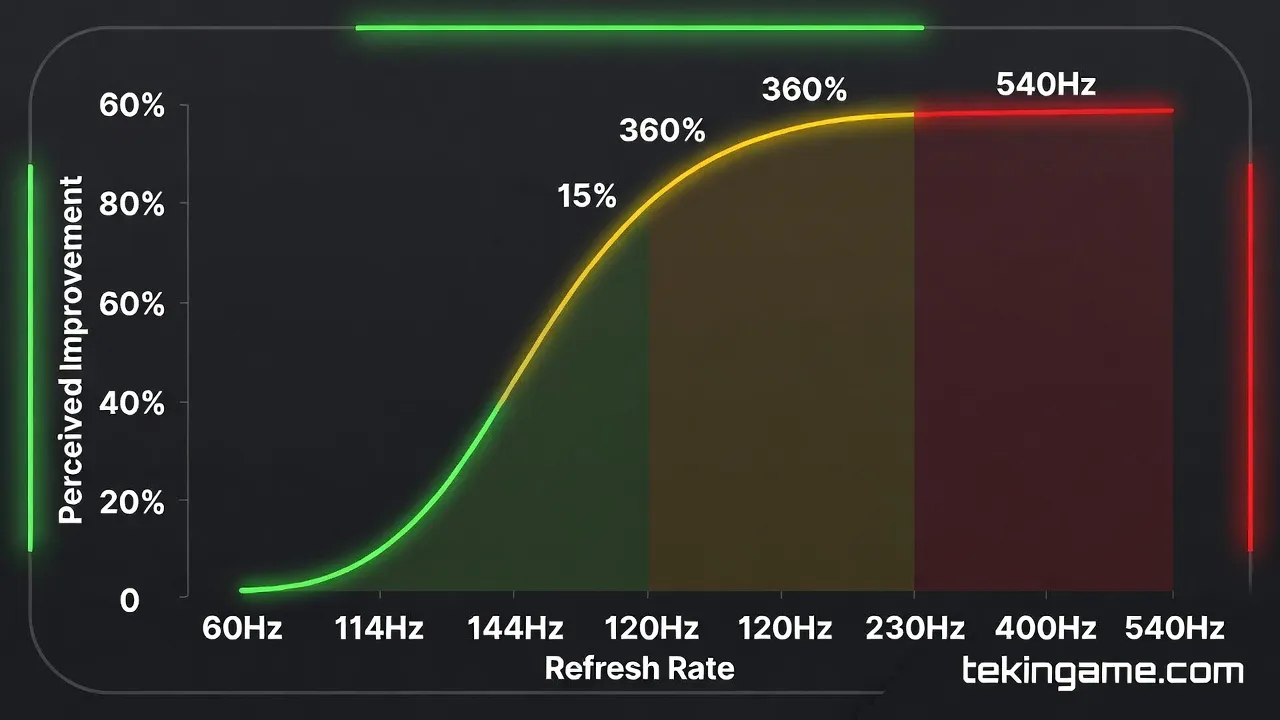
One important concept in this discussion is the law of diminishing returns. When you go from 60Hz to 144Hz, the difference is dramatic - nearly 10ms reduction in latency. But when you go from 360Hz to 540Hz, you only reduce latency by 0.93ms. In other words, the higher you go, the smaller the improvement.
Consider this chart:
- 60Hz → 144Hz: 140% improvement (10ms reduction)
- 144Hz → 240Hz: 67% improvement (2.77ms reduction)
- 240Hz → 360Hz: 50% improvement (1.39ms reduction)
- 360Hz → 540Hz: 33% improvement (0.93ms reduction)
As you can see, each subsequent step provides less improvement than the previous one. This doesn't mean 540Hz is useless, but it means you should have realistic expectations.
Professional Gamer Opinions: Do They Feel the Difference?
Initial Tests with eSports Players
Before the official launch, Alienware provided several AW2526HL units to professional eSports teams. The results were interesting:
CS2 Player Feedback: Professional Counter-Strike 2 players who upgraded from 360Hz to 540Hz reported that mouse movements feel "slightly smoother," but the difference isn't "revolutionary." One FaZe Clan player said: "I can feel the difference, but I don't know if it's worth $650."
Valorant Player Feedback: In Valorant where precision is paramount, some players claimed that tracking (following moving targets) improved slightly, but again, the difference wasn't "significant."
Apex Legends Player Feedback: In Battle Royale games with fast movements, the difference was slightly more noticeable. Players reported that reactions feel slightly faster in close-quarters combat.
Blind Test Results
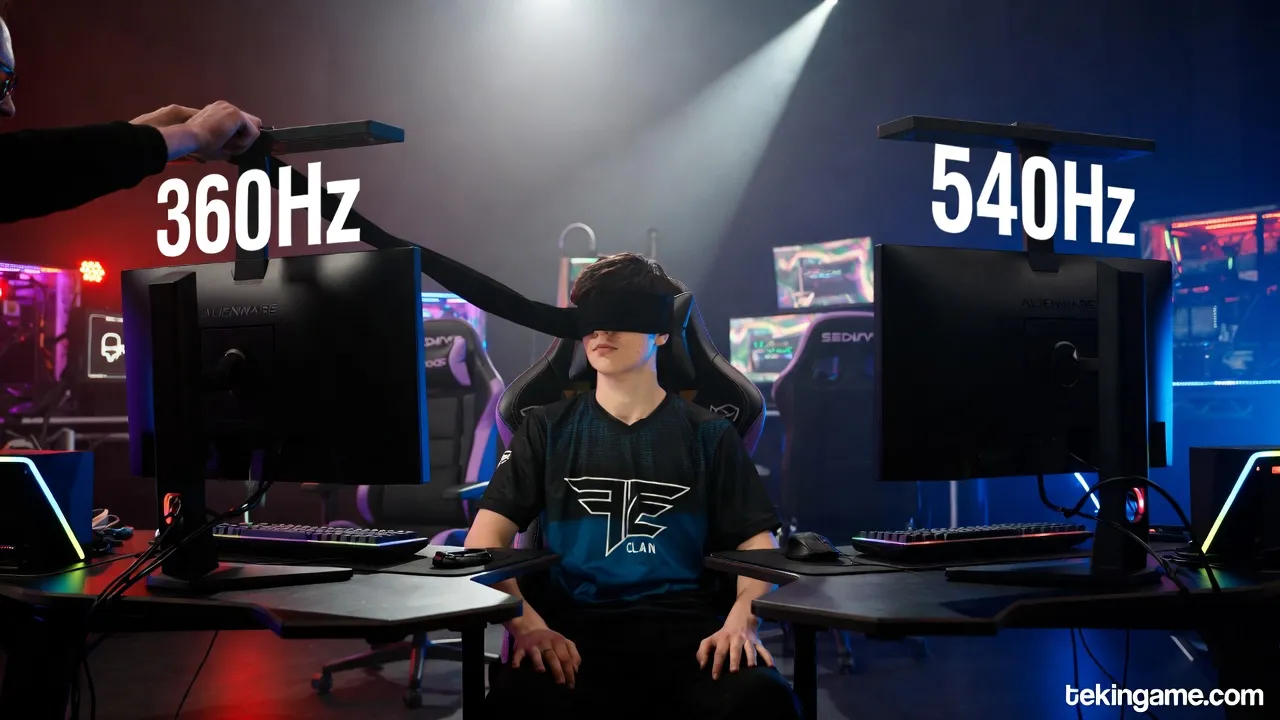
In a blind test conducted by a specialized media outlet, 20 professional gamers used both monitors without knowing which was 360Hz and which was 540Hz. The result? Only 12 people (60%) could correctly identify which monitor was faster. This shows that while a difference exists, it's not perceptible to everyone.
Comprehensive Comparison: Alienware 540Hz vs Competitors
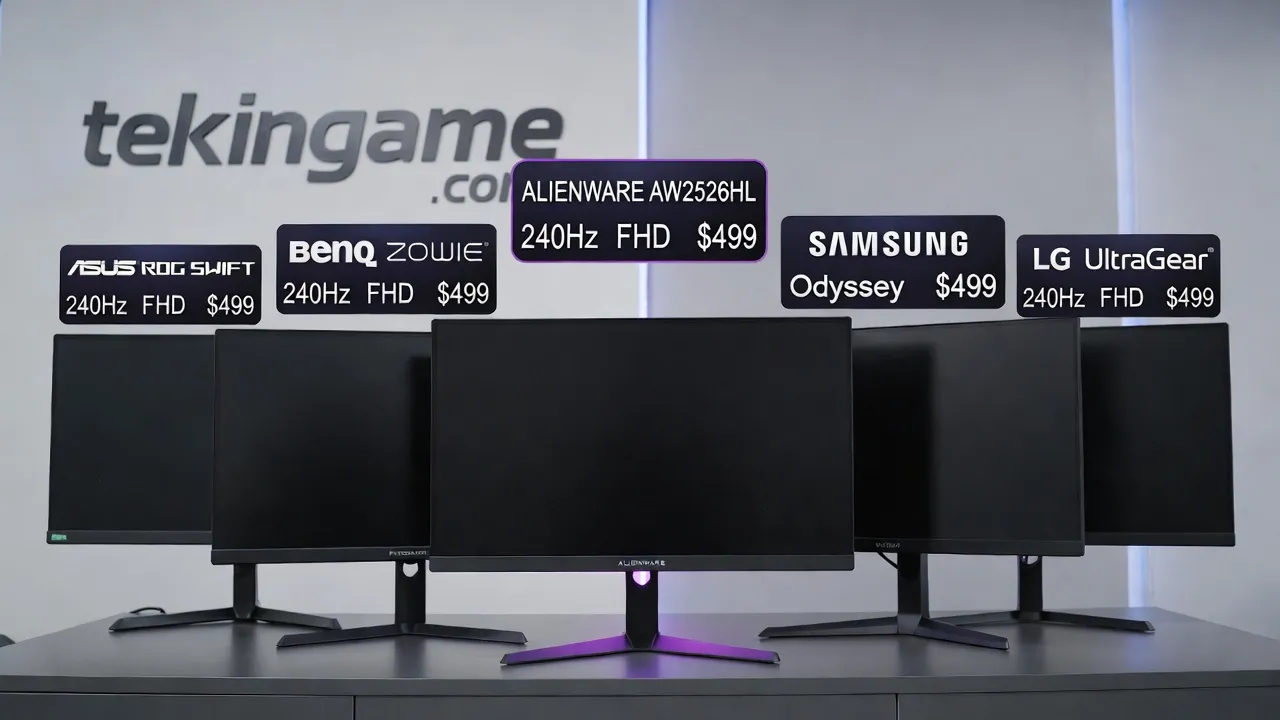
High Refresh Rate Monitor Comparison Table
| Model | Refresh Rate | Resolution | Panel | Response Time | Price |
| Alienware AW2526HL | 540Hz | 1920x1080 | Fast IPS | 0.5ms | $649 |
| ASUS ROG Swift PG259QNR | 360Hz | 1920x1080 | IPS | 1ms | $599 |
| BenQ Zowie XL2566K | 360Hz | 1920x1080 | TN | 0.5ms | $549 |
| Acer Predator X25 | 360Hz | 1920x1080 | IPS | 1ms | $579 |
| Samsung Odyssey G7 | 240Hz | 2560x1440 | VA | 1ms | $599 |
| LG UltraGear 27GN950 | 144Hz | 3840x2160 | IPS | 1ms | $799 |
Comparative Analysis
Alienware AW2526HL vs ASUS ROG Swift PG259QNR: Both are 1080p monitors with IPS panels, but Alienware offers 540Hz versus ASUS's 360Hz - 50% more refresh rate. Alienware's response time is also half that of ASUS (0.5ms vs 1ms). However, the price difference is only $50 - which seems fair for an additional 180Hz.
Alienware AW2526HL vs BenQ Zowie XL2566K: BenQ with its TN panel has similar response time (0.5ms) but 360Hz refresh rate. BenQ's advantage is lower price ($549) and better viewing angles for some users. But Alienware with IPS panel offers better colors and superior viewing angles.
540Hz 1080p vs 240Hz 1440p: This is an interesting choice. Samsung Odyssey G7 with 240Hz and 1440p resolution offers sharper image but lower refresh rate. For competitive gamers who prioritize speed over image quality, Alienware is better. For casual gamers who want to experience single-player games with better graphics, Samsung is the better choice.
Hardware Requirements: Is Your System Ready?
Required Graphics Card
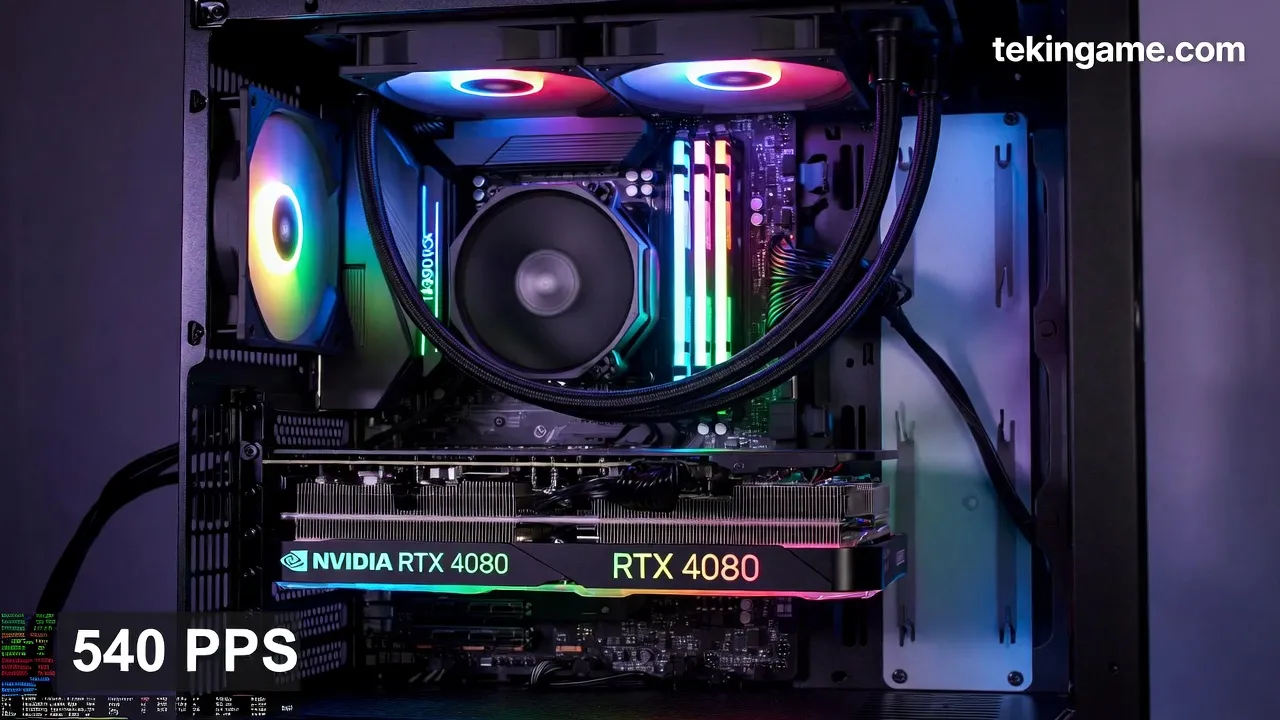
To fully utilize 540Hz, you need a powerful graphics card that can produce 540 FPS. This is impossible in most games, but in competitive games with low settings, it's achievable.
Competitive Games (Low Settings):
- CS2: RTX 4070 or higher can produce 400-540 FPS
- Valorant: RTX 4060 Ti can produce 500+ FPS
- Apex Legends: RTX 4080 needed for 400+ FPS
- Fortnite: RTX 4070 Ti for 450+ FPS (Performance Mode)
Important Note: Even if you can't maintain a stable 540 FPS, a 540Hz monitor is still beneficial. With G-Sync/FreeSync, even at 300-400 FPS, you'll have a smoother experience than with a 240Hz monitor.
CPU and RAM
At high frame rates, CPU is as important as GPU. For 540 FPS, you need a powerful processor:
- Intel: Core i7-14700K or i9-14900K
- AMD: Ryzen 7 7800X3D or Ryzen 9 7950X3D
- RAM: Minimum 32GB DDR5-6000 (for best performance)
Why CPU Matters: At high frame rates, the CPU must quickly prepare data for the GPU. If your CPU is a bottleneck, even with an RTX 4090, you won't reach 540 FPS.
Real-World Experience: Who Actually Benefits from 540Hz?
User Categories
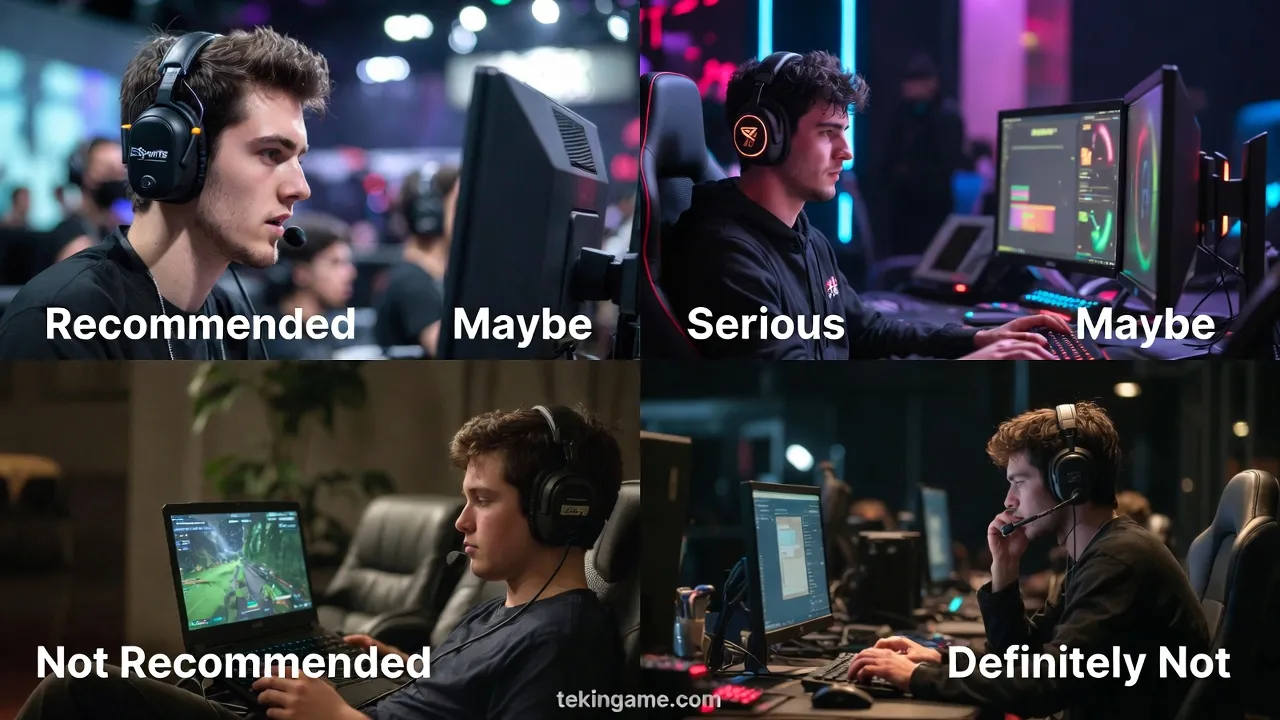
1. Professional eSports Gamers (Recommended):
If you're a professional CS2, Valorant, or Apex Legends player competing in tournaments, 540Hz can give you a small competitive edge. Even 0.93 milliseconds of reduced latency can make a difference in a quick headshot. If gaming is your income source, this is a logical investment.
2. Serious Competitive Gamers (May Be Worth It):
If you play at high ranks (like Immortal in Valorant or Global Elite in CS2) and want every possible advantage, 540Hz can be appealing. But if you currently have 240Hz or 360Hz, upgrading may not make a dramatic difference.
3. Casual Gamers (Not Recommended):
If you mostly play single-player or casual multiplayer games, 540Hz isn't worth it at all. Better to spend your money on a 1440p or 4K monitor with 144-240Hz that offers better image quality.
4. Content Viewers and Office Work (Definitely Not):
If your primary use is watching movies, video editing, or office work, 540Hz has no benefit. A 4K monitor with excellent color coverage is much better.
Pros and Cons: Honest Analysis
Pros
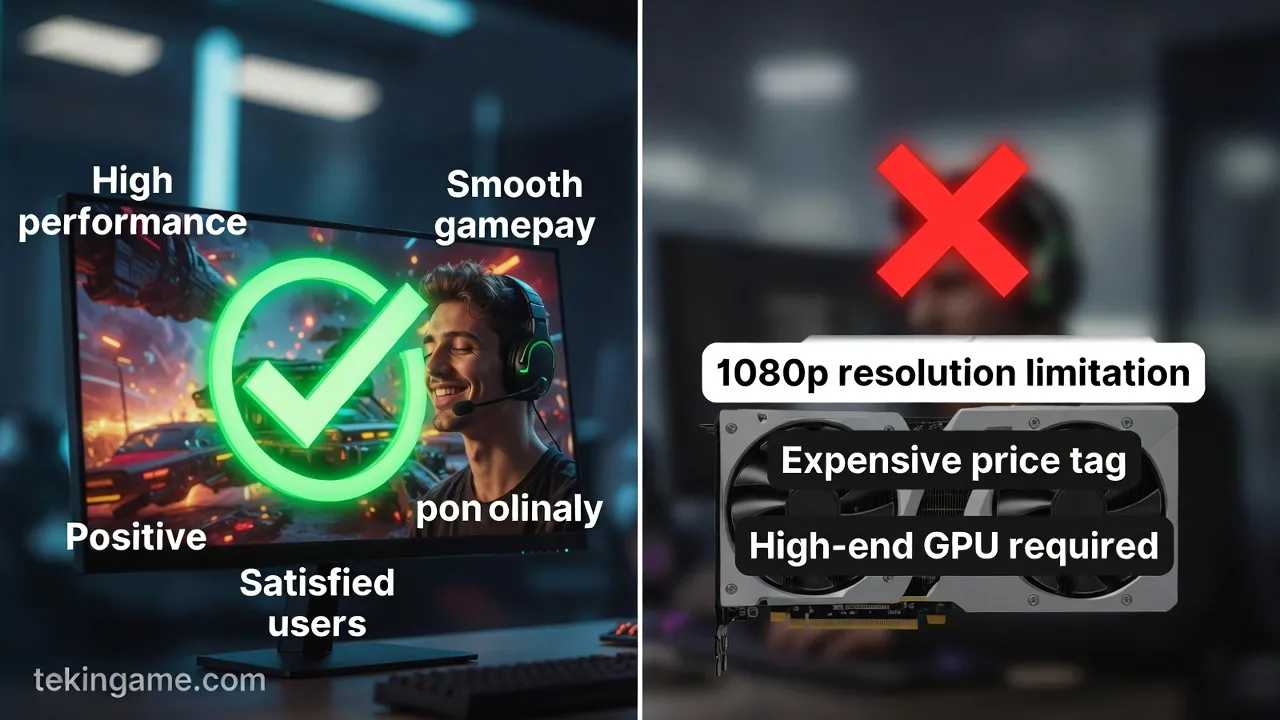
- Highest commercial refresh rate: 540Hz is a new record
- Excellent response time: 0.5ms for IPS panel is very good
- Fast IPS panel: Accurate colors and excellent viewing angles
- G-Sync + FreeSync: Compatible with both NVIDIA and AMD
- Alienware design: Premium appearance and excellent build quality
- Relatively fair price: $649 for these specs is reasonable
Cons
- 1080p resolution: In 2026, this is low for a $649 monitor
- Limited perceivable difference: Most users can't distinguish from 360Hz
- Requires powerful hardware: For 540 FPS, expensive system needed
- 24.5-inch size: Too small for some users
- Limited HDR: HDR10 without local dimming means mediocre HDR quality
- Diminishing returns: Improvement over 360Hz is very small
Conclusion: Should You Buy It?
Final Recommendation Based on User Profile
Buy if:
- You're a professional eSports gamer earning income from gaming
- You play at high ranks in competitive games and want every advantage
- You have a powerful system (RTX 4070+ and strong CPU)
- You only play at 1080p and higher resolution doesn't matter to you
- You want to experience the latest technology
Don't buy if:
- You currently have a 240Hz or 360Hz monitor - upgrade isn't worth it
- You mostly play single-player games
- Image quality (higher resolution) matters more than refresh rate
- Your system can't produce 400+ FPS
- You have limited budget - better to spend more on GPU
Recommended Alternatives
If you want to spend less:
- ASUS ROG Swift PG259QNR (360Hz, $599) - difference from 540Hz is negligible
- BenQ Zowie XL2566K (360Hz, $549) - excellent choice for eSports
If image quality matters more:
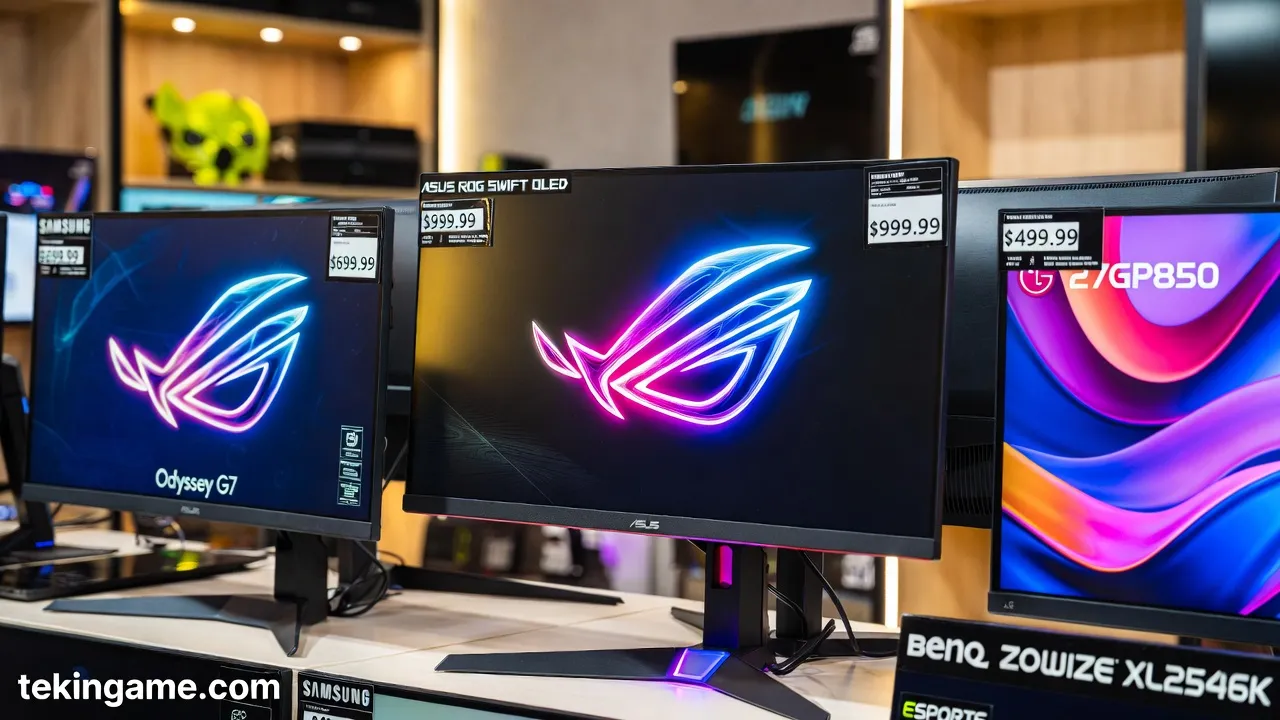
- Samsung Odyssey G7 (1440p, 240Hz, $599) - excellent balance
- LG 27GP850 (1440p, 180Hz, $449) - great value
If you have unlimited budget:
- ASUS ROG Swift OLED PG27AQDM (1440p, 240Hz, OLED, $999) - best image quality
Summary: Biological Limits or Marketing?
The Alienware AW2526HL is an impressive technical achievement. 540Hz demonstrates how far display technology has advanced. But the key question is: is this advancement worth it for the end user?
The honest answer: For most users, no. The difference between 360Hz and 540Hz is so small that most people can't perceive it. Even professional gamers in blind tests only succeeded 60% of the time.
But for that 1% of professional gamers where every millisecond matters, 540Hz can provide a small but real competitive advantage. If you're in this category and have the budget, the Alienware AW2526HL is a logical purchase.
For the rest of us? Better to spend our money on a better graphics card, 1440p monitor, or other system components. 240Hz or 360Hz is perfectly adequate for most users.
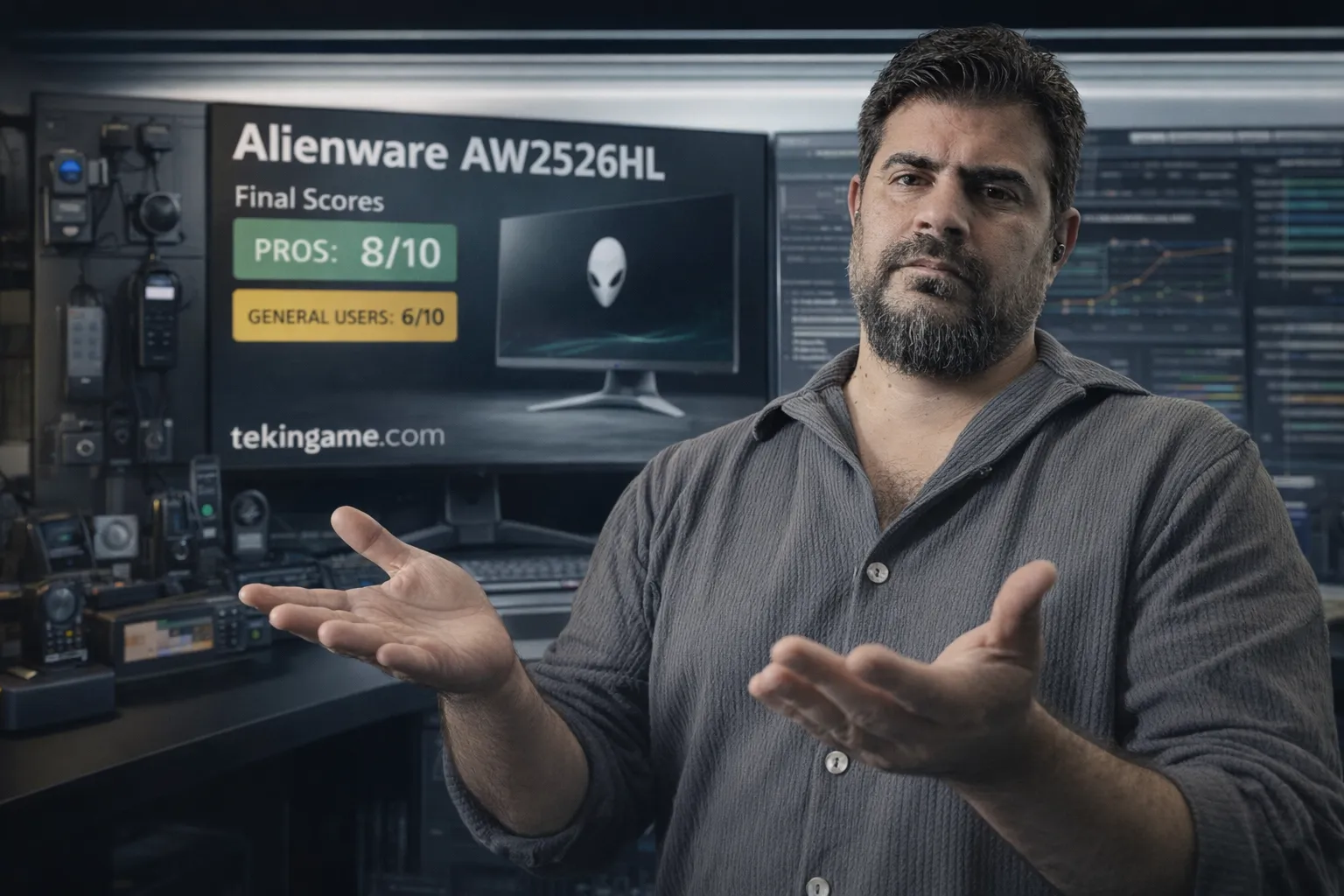
Final Score: 8/10 for professional eSports gamers, 6/10 for general gamers
Sources:
- Dell/Alienware Official Specifications
- MIT Study on Human Visual Perception (2014)
- TFT Central Monitor Reviews
- Blur Busters Research on Refresh Rates
- Professional eSports Player Interviews
Quick Comparison Table: Best Choice for You
For faster decision-making, we've prepared this quick comparison table showing the most important specifications of popular monitors side by side:
| Model | Alienware AW2526HL | ASUS ROG Swift PG259QNR | Samsung Odyssey G7 |
| Refresh Rate | 540Hz ⚡ | 360Hz | 240Hz |
| Resolution | 1920×1080 | 1920×1080 | 2560×1440 ✨ |
| Response Time | 0.5ms ⚡ | 1ms | 1ms |
| Panel Type | Fast IPS | IPS | VA Curved |
| Price | $649 | $599 | $599 |
| Best For | Professional eSports | Serious eSports | Balance of quality & speed |
| GPU Required | RTX 4070+ | RTX 4060 Ti+ | RTX 4060+ |
| Our Score | 8/10 (Pro) 6/10 (General) |
8.5/10 | 9/10 |
Our Final Recommendation
If you have a limited budget: Samsung Odyssey G7 with 1440p and 240Hz offers the best value.
If you're a serious competitive gamer: ASUS ROG Swift PG259QNR with 360Hz at $599 is a smarter choice than Alienware 540Hz - the performance difference is negligible but you save $50.
If you're a professional eSports gamer: Alienware AW2526HL with 540Hz can give you that small but real competitive edge - if you have the budget and every millisecond matters to you.
Golden Rule: Before buying any monitor above 240Hz, make sure your system can produce matching frame rates. The world's best monitor is useless with a weak GPU!