
1. Lovable: Programming in Human Language
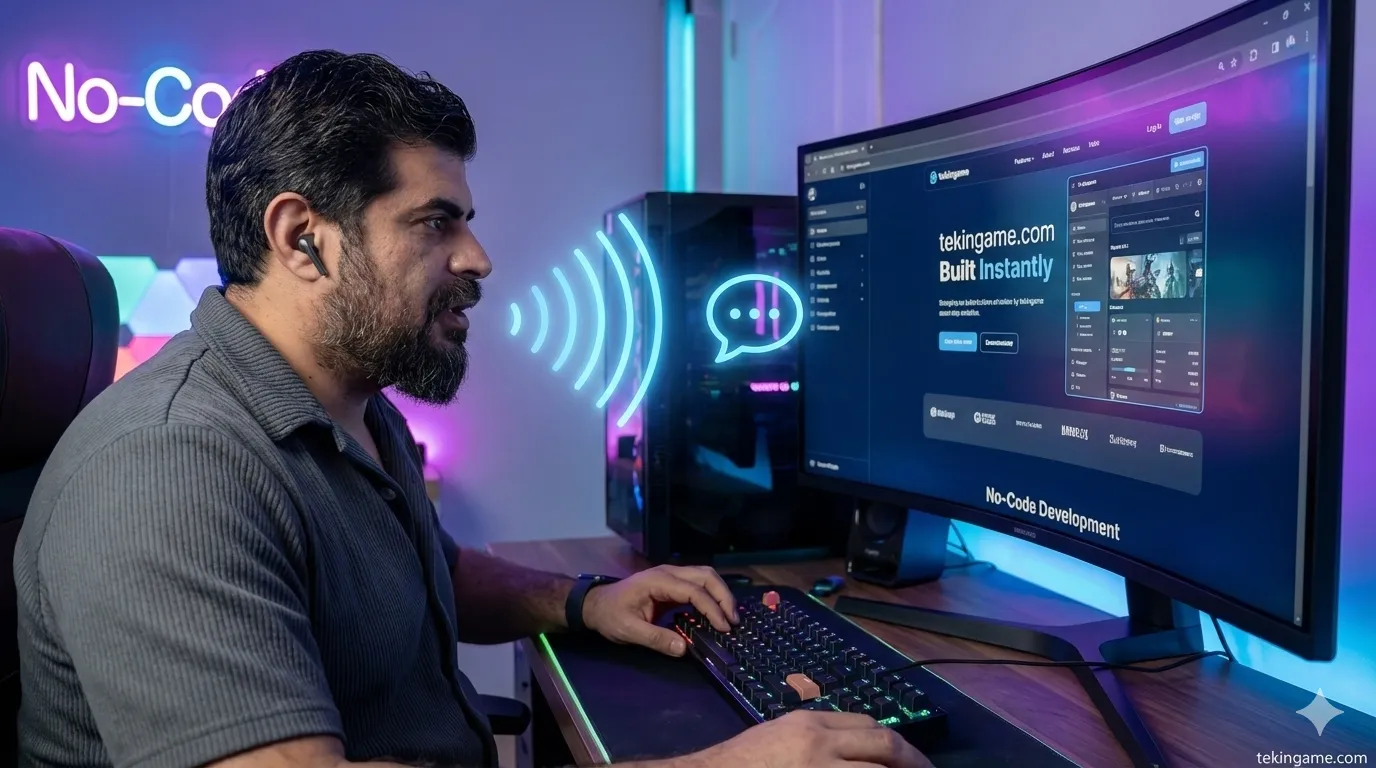
Let’s start with the star of the show. Lovable is currently the hottest AI development tool in Silicon Valley. It takes a text prompt and converts it into a full-stack web application.
The "Pro" version usually costs $25/month, but with the code we hunted down for you, you have 2 Months ($50 value) completely FREE.
How to Activate Your Gift:
- Go to Lovable.dev.
- Create an account (Google Sign-in is fastest).
- Navigate to Settings > Billing.
- Click "Upgrade to Pro" and enter code:
NEXTPLAY-LOV-25. - The total should drop to $0.00. Congratulations, you now have the power of a Senior Software Engineer at your fingertips.
Practical Project: Building a "Bottleneck Calculator"
Let's build something real right now. You don't need to write a single line of code.
In the Lovable chat box, type this prompt:
Hit Enter.
Watch the magic. In about 45 seconds, the AI will write the HTML, CSS, and JavaScript. It will deploy the site live. You can literally copy the link and send it to your friends to test their new rigs. If you don't like the color, just say *"Make the background darker"* and it updates instantly.
2. Kling AI (v1.6): Directing Without a Camera
The second tool in our box caused a massive stir last week. Kling AI introduced a feature called "Motion Control".
Previously, AI video was random. Now, you can control the movement using your own body.
How to Create Viral Content:
This is the secret behind those trending videos where an anime character mimics a real person's dance:
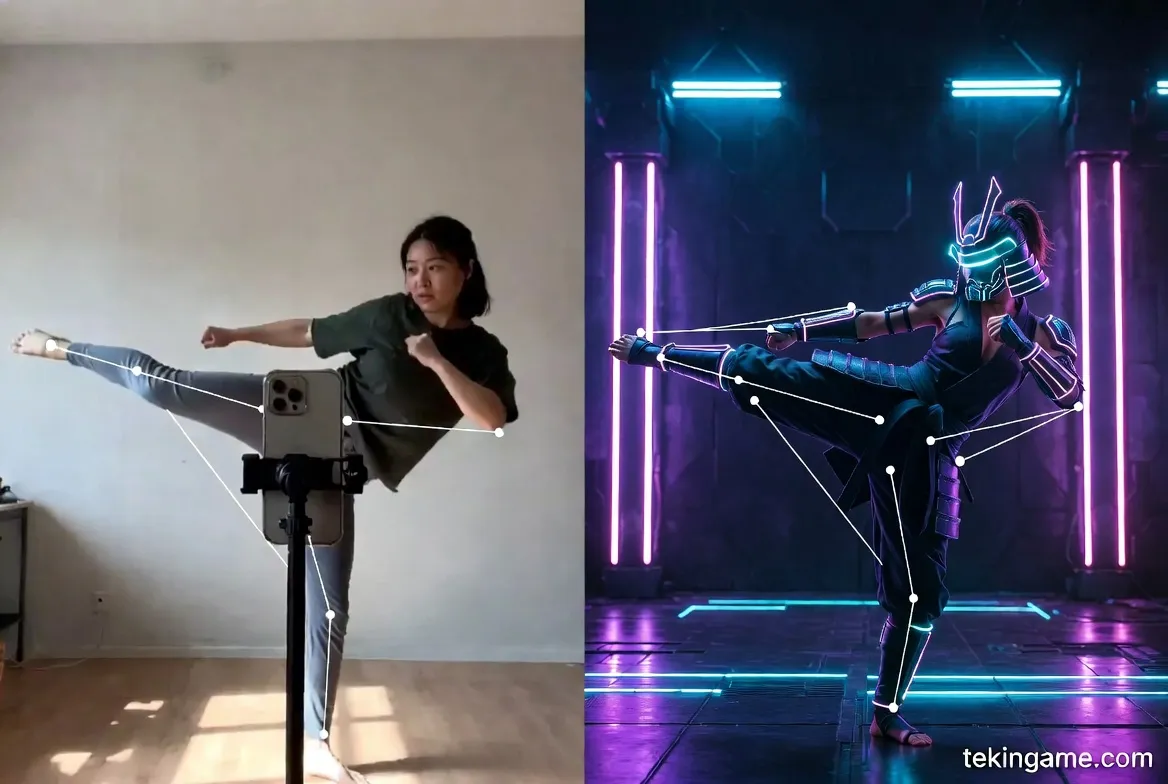
- Step 1 (The Actor): Record a video of yourself doing a specific action (swinging a sword, dancing, or just walking cool) with your phone.
- Step 2 (The Avatar): Use Midjourney to generate a character (e.g., *"A cyberpunk samurai in a neon city, full body shot"*).
- Step 3 (The Synthesis): Go to Kling AI. Upload the samurai image. Then, upload your video as the "Motion Reference".
- Step 4 (Generate): The AI will map your skeletal movement onto the samurai.
Use Case: You can create high-quality trailers for your imaginary games, or unique intros for your YouTube channel, without knowing 3D animation software like Blender.
3. Midjourney (v6.1): The TekinGame Aesthetic
You often ask us: *"How do you keep all your article images looking so consistent? Do you have a full-time artist?"*
No. We have Style References.
The Secret to Branding: `--sref`
Midjourney v6.1 added a powerful parameter called "Style Reference".
If you want to build a brand (for your Instagram, YouTube, or Blog), consistency is key. You don't want one image to look like a cartoon and the next like a photo.
The Trick:
1. Find an image you love (lighting, colors, vibe).
2. Copy its URL.
3. At the end of your prompt, add: --sref [URL].
4. Now, every single image you generate will share that exact DNA. It is like having a personal art director who ensures everything matches your brand guidelines.
4. The "Solo Developer" Workflow
The true power is unlocked when you combine these tools. Let's say you have an idea for a mobile game, but you are just one person.
Here is the 2026 Workflow:
- Concept Art: Use Midjourney with `--sref` to design your characters and world assets.
- Trailer / Cutscenes: Use Kling AI to animate those static images into dramatic cinematics.
- Landing Page: Use Lovable (with your free credit) to build a website that captures emails for pre-registration.
- Game Logic: Use Cursor (an AI code editor) to help you write the actual Unity or Godot scripts.
A project that used to require a team of 10 people and a budget of $50,000 can now be prototyped by YOU over a long weekend. The hardware you bought today is the engine; these AI tools are the fuel.
5. AI for Gamers: The NVIDIA App
Let's pivot back to gaming for a second. AI isn't just for creating; it's for upgrading your experience.
If you installed the new drivers we mentioned at noon, you likely installed the new NVIDIA App (the successor to GeForce Experience).
The Hidden Feature: RTX HDR
This is pure black magic.
NVIDIA uses AI tensor cores to analyze standard (SDR) games—like Skyrim, Fallout 4, or older titles—and converts them to HDR in real-time.
It doesn't just "brighten" the image; it understands light sources. It makes the sun blindingly bright and caves pitch black.
How to enable: Alt+Z > Game Filter > RTX HDR.
If you bought an OLED monitor today, this is the most important setting you will ever touch. It remasters your entire library instantly.
6. Conclusion: Don't Just Watch, Build.
The promo code NEXTPLAY-LOV-25 expires in 24 hours.
Even if you don't think you are a "developer," go create an account. Just play with it. Ask it to build a "Expense Tracker for my Steam Sales". Ask it to build a "ToDo list for Anime".
Once you see your words turn into functional software, something changes in your brain. You stop seeing technology as magic, and start seeing it as a tool.
Today, you upgraded your PC.
With this article, we hope you upgraded your skillset.
The future doesn't wait for anyone, Commander. Build something cool.