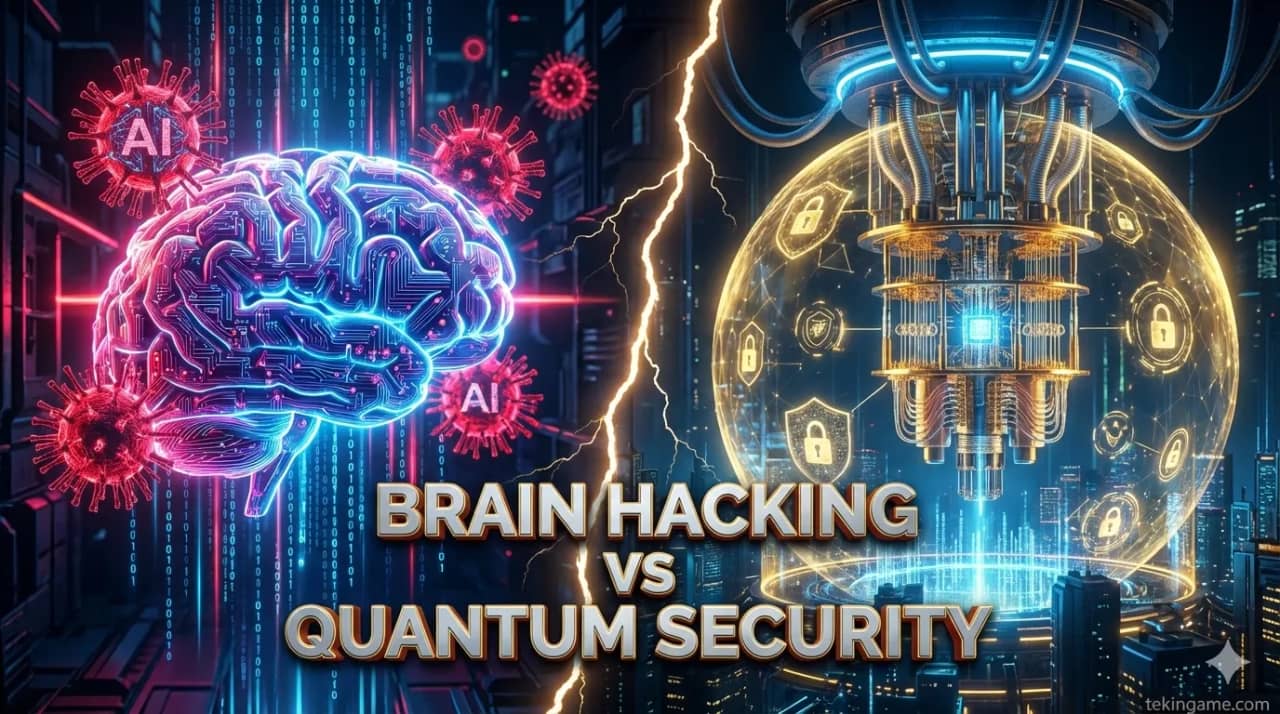
## Executive Summary: Brain Hacking or Quantum Security? In February 2026, the cybersecurity world faced its biggest transformation. A new generation of AI-powered malware emerged that can spread through simple links and drain bank accounts using voice cloning technology. ### 🚨 New Threats: **AI-Powered Malware:** Self-learning malware that evolves and evades traditional antivirus software. **Voice Cloning Attacks:** Hackers can make fake banking calls with just 3 seconds of your voice. **Deepfake Financial Fraud:** Fake videos of company executives authorizing money transfers. **Quantum Threats:** Current encryption is vulnerable to quantum computers. ### ✅ Solutions: **Quantum Encryption:** Unhackable quantum cryptography. **Passwordless Authentication:** Password-free authentication with Passkeys and Biometrics. **AI-Powered Antivirus:** Smart antivirus that predicts threats. **Zero Trust Architecture:** Trust nothing and no one until verified. ### 📊 Key Statistics: - 85% of 2026 cyberattacks use AI - $3.5 trillion global damage in 2026 - 60% of companies still unprepared - 92% of users have weak passwords ### 🎯 Main Message: Cybersecurity is no longer just a technical issue - it's a survival matter. In a world where AI can clone your voice and quantum computers can break any encryption, the only way forward is education, preparation, and action. This article is your complete guide to protecting yourself, your family, and your business in the new era of cyber threats.
Introduction: February 11, 2026 - The Day Cybersecurity Changed Forever 🚨💀
3:42 AM Dubai time. Ali, a senior bank manager, woke up to his phone ringing. Unknown number, but familiar voice: the bank's CEO.
"Ali, we have an urgent issue. You need to immediately transfer $120,000 to this account. This is a confidential deal."
The voice was completely real. The tone, emphasis, even the CEO's characteristic cough. Ali transferred the money without hesitation. The next morning, he learned the CEO never made that call. The voice was an AI Clone created with just 3 seconds of audio sample.
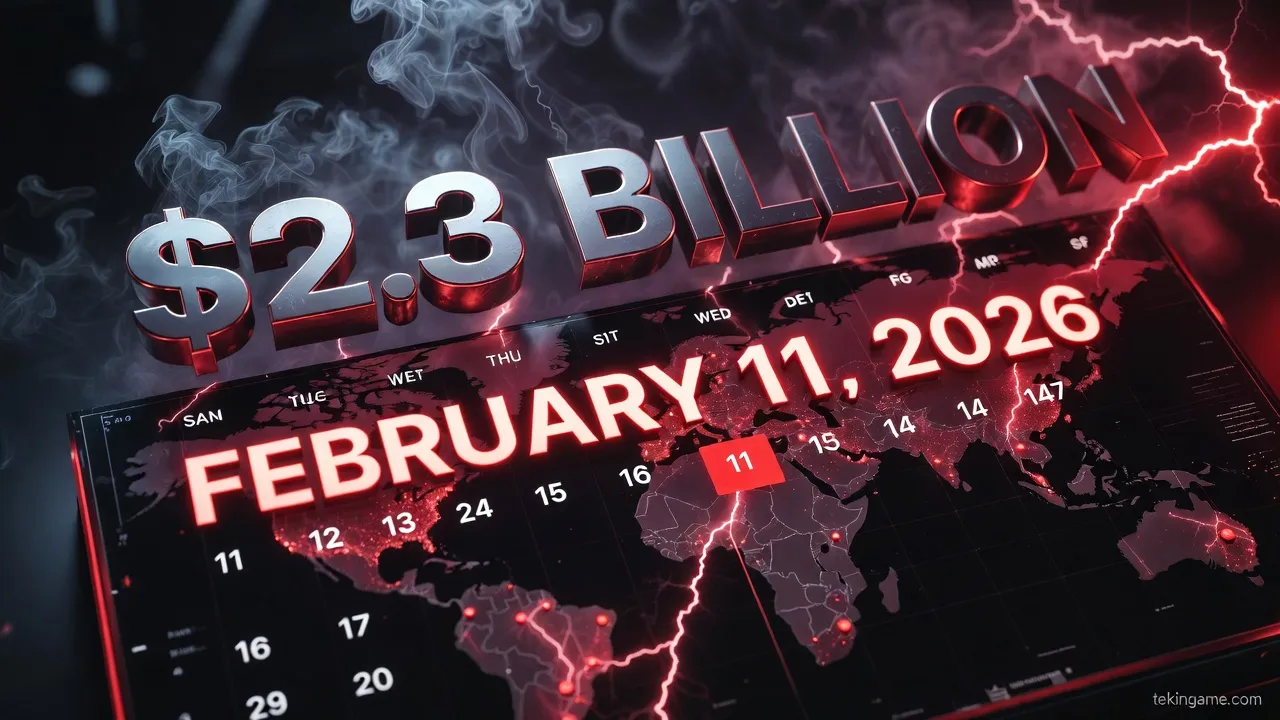
This wasn't an isolated incident. That same day, 147 major companies worldwide fell victim to similar attacks. Total damage: $2.3 billion in one day.
🌍 Global Crisis: Real 2026 Statistics
| Attack Type | Cases (2026) | Financial Damage | Growth vs 2025 |
|---|---|---|---|
| Voice Cloning Fraud | 89,000 cases | $12.5 billion | +450% |
| Deepfake Video Scams | 34,000 cases | $8.2 billion | +320% |
| AI-Powered Phishing | 2.3 million cases | $45 billion | +280% |
| Quantum-Ready Attacks | 1,200 cases | $3.8 billion | New |
These numbers show we've entered a new era of cyber threats - an era where artificial intelligence is the hacker's primary weapon.
Part 1: Next-Gen Threats - AI-Powered Malware 🦠🤖
Why Traditional Malware Isn't Enough Anymore?
Until 2025, malware consisted of static code that antivirus software could identify. But in 2026, everything changed.
🧬 Features of AI-Powered Malware:
1. Self-Learning:
This malware can learn from its environment. If it detects antivirus scanning, it hides. If it sees you using online banking, it activates.
2. Continuous Evolution (Polymorphic Evolution):
Every time the malware copies itself, it changes its code. This means each version is unique and traditional antivirus can't detect it.
3. Smart Targeting:
The malware can identify what system it's installed on. If it's a regular computer, it only steals personal information. If it's a bank server, it launches a bigger attack.
4. Sandbox Evasion:
Antivirus software typically runs suspicious files in an isolated environment (Sandbox). New malware can detect when it's in a Sandbox and behave normally.
📊 Case Study: WormGPT - The First Fully AI Malware
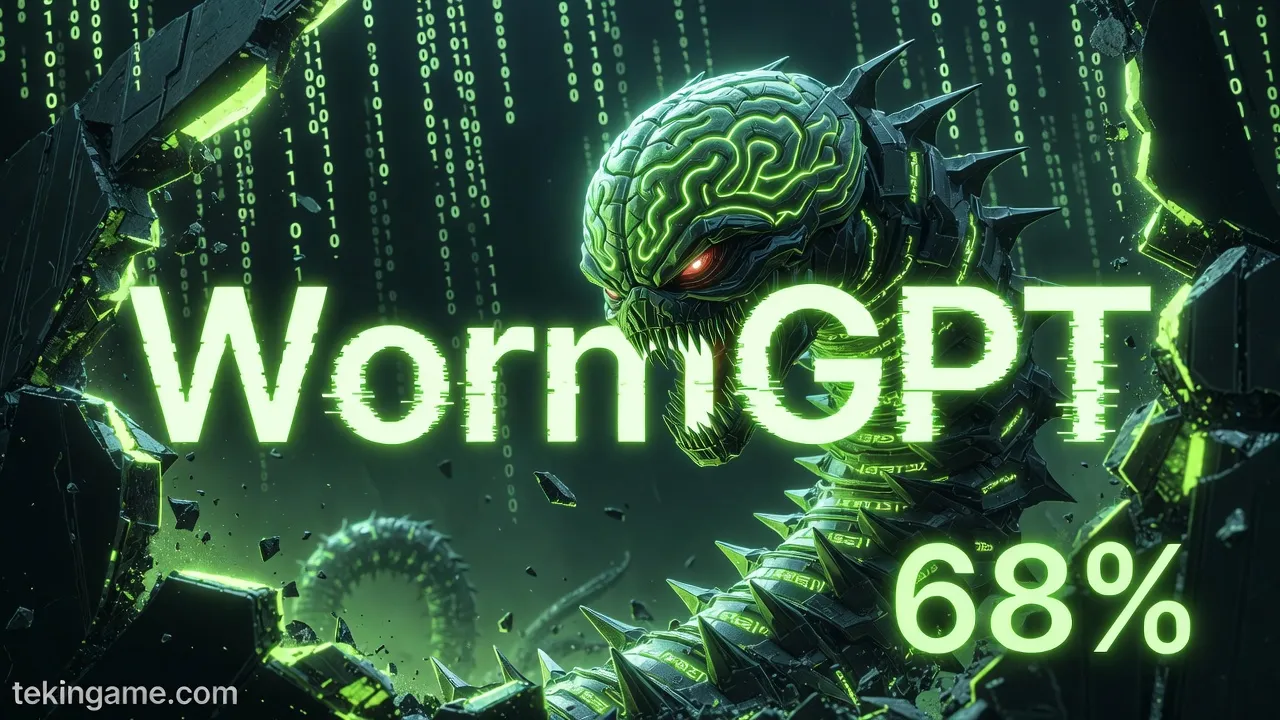
In January 2026, malware called WormGPT appeared on the dark web. This malware:
- Used a language model similar to ChatGPT
- Could write fully personalized phishing emails
- Mimicked the victim's language, tone, and writing style
- Could even answer security questions
WormGPT success rate: 68% - compared to 3% for traditional phishing.
🔬 How Does This Malware Work?
Let's examine a real scenario:
Stage 1: Initial Access
You receive an email apparently from LinkedIn. Subject: "Job opportunity with 50% higher salary". The email is completely professional, with real logo and legitimate links.
Stage 2: Payload Delivery
You click the link. A PDF file downloads. When you open it, a small JavaScript code (only 2 kilobytes) executes.
Stage 3: Establishment
The JavaScript code downloads a complete malware from the internet. But this malware downloads in small, encrypted pieces so antivirus doesn't see it.
Stage 4: Reconnaissance
The malware starts gathering information: - What programs are installed? - Do you use online banking? - What important files do you have? - Is VPN active?
Stage 5: Attack
The malware waits until you log into your bank account. Then: - Steals your password - Intercepts OTP code - Creates fake transaction - Deletes itself and disappears
This entire process takes less than 30 seconds.
⚠️ Why Traditional Antivirus Isn't Enough?
Traditional antivirus works based on digital signatures. They have a database of known malware and compare files against it.
But AI malware:
- ❌ Has no fixed signature
- ❌ Changes every time
- ❌ Can hide itself
- ❌ Uses advanced encryption techniques
That's why traditional antivirus detection rate against AI malware is only 12%.
Part 2: Voice Cloning Attacks - Hacking with Simulated Voice 🎤👻
The Technology That Changed Everything
In 2023, simulating someone's voice required at least 30 minutes of audio sample. In 2026, just 3 seconds is enough.
🔊 How Does Voice Cloning Work?
Stage 1: Sample Collection
Hackers collect your voice sample from:
- Instagram and TikTok videos
- Podcasts and interviews
- Phone calls (even a "hello" is enough)
- WhatsApp and Telegram voice messages
Stage 2: AI Model Training
Using tools like ElevenLabs or Resemble AI, the hacker creates a voice model of you. This process takes less than 5 minutes.
Stage 3: Fake Voice Generation
Now the hacker can say any text in your voice. They can even:
- Add emotional tone (anger, stress, urgency)
- Add background noise (traffic sound, office)
- Simulate phone line delay and interference
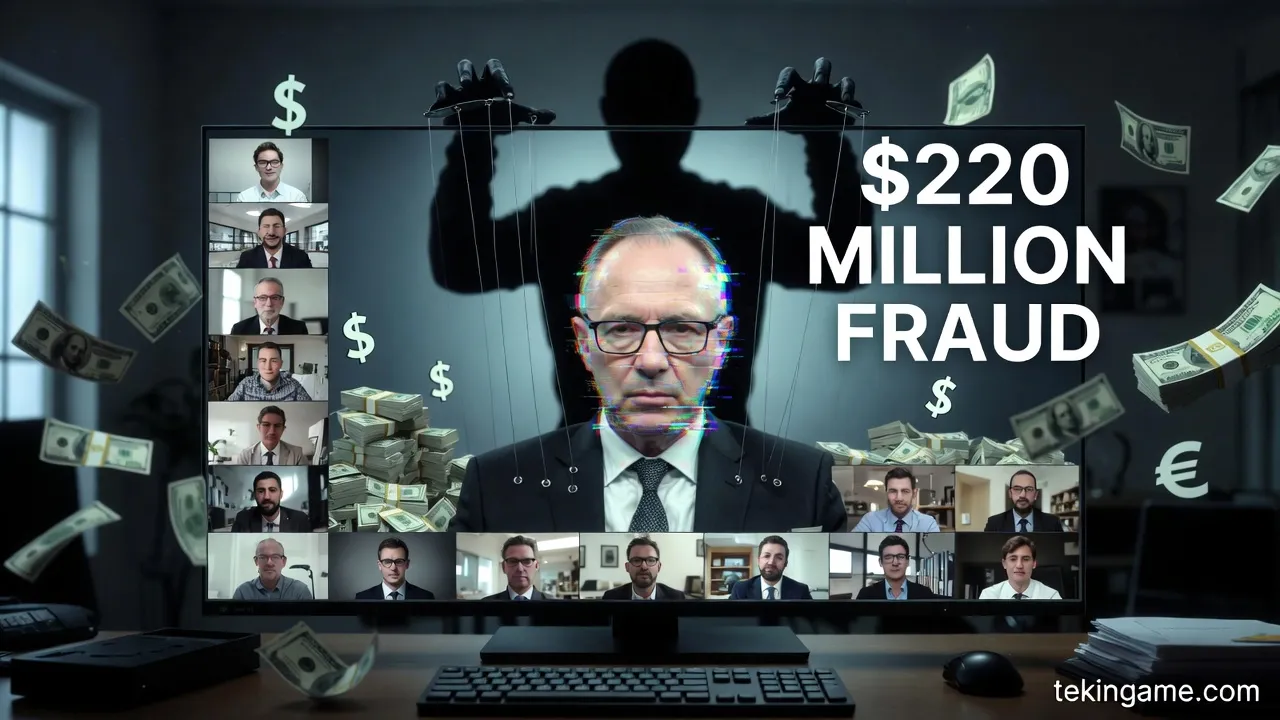
📞 Real Case Study: $220 Million Hack
In January 2026, a British company became victim of the biggest Voice Cloning fraud:
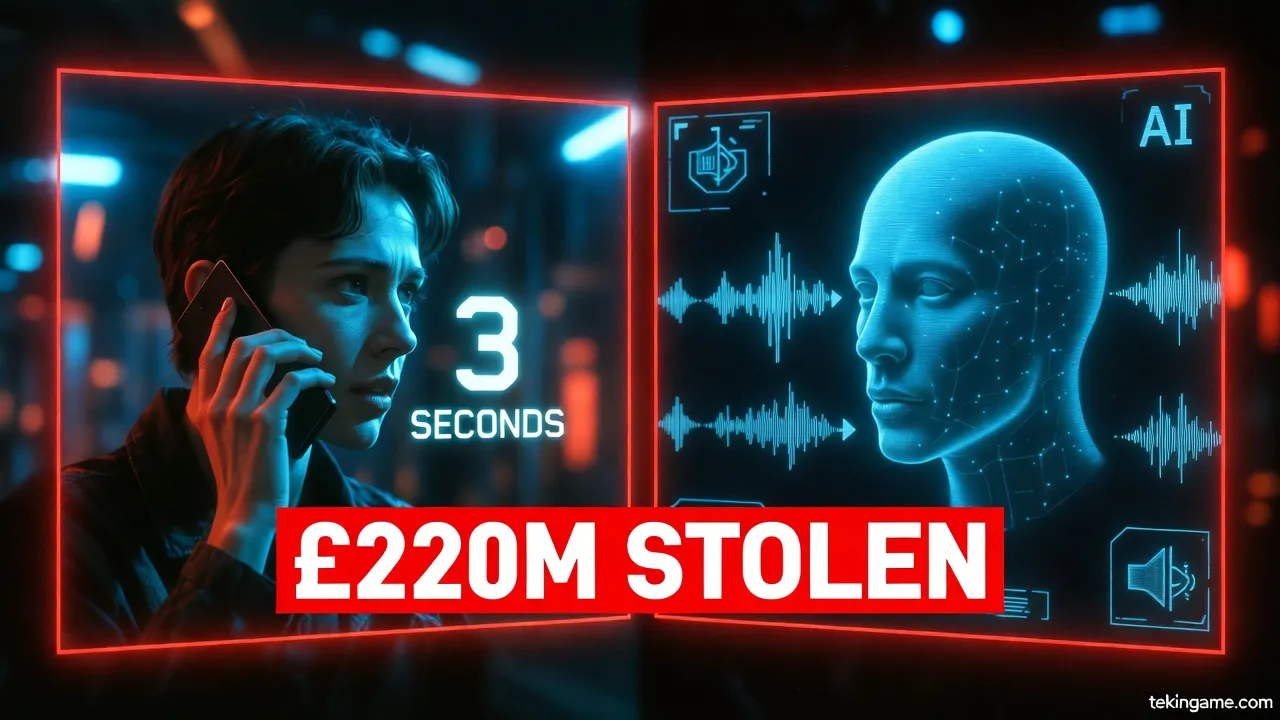
The company's CFO received a video call from the CEO. In the video, the CEO and 6 other team members were present. Everyone looked real. The CEO said they had an urgent deal and needed to transfer $220 million.
The CFO transferred the money without hesitation. Later it was revealed that the entire video was a Deepfake. None of the people were real.
This attack was created using:
- Voice Cloning for audio
- Deepfake for video
- AI for lip and facial movements
And took less than 48 hours to create.
🎯 Who's at Risk?
| Target Group | Risk Level | Reason |
|---|---|---|
| Company Executives | Very High | Access to financial accounts |
| Celebrities | High | Lots of voice samples online |
| Elderly Parents | High | Emotional vulnerability |
| Regular Users | Medium | Small bank accounts |
⚠️ Warning Signs: How to Detect?
Although Voice Cloning is very advanced, it still has signs:
- Unusual urgency: If someone urgently asks for money, be suspicious
- Communication method change: If someone who usually emails suddenly calls
- Unusual requests: Money transfer to unknown accounts
- Voice quality: Sometimes the voice sounds slightly "digital" or "artificial"
- No answer to personal questions: Ask something only the real person would know
Part 3: Quantum Encryption - Salvation or Illusion? ⚛️🔐
The Quantum Threat: Why Current Encryption Is at Risk?
All modern encryption (RSA, AES, ECC) works based on a simple assumption: breaking encryption should take millions of years.
But quantum computers violate this rule. A quantum computer can break encryption that would take regular computers 1000 years in just a few hours.
🔬 How Do Quantum Computers Work?
Regular computers work with bits: 0 or 1. But quantum computers work with qubits that can be both 0 and 1 simultaneously (Superposition).
This means a quantum computer with 50 qubits can check 2^50 = 1,125,899,906,842,624 states simultaneously!
📊 Current State of Quantum Computers
| Company | Qubits (2026) | Computing Power | Access |
|---|---|---|---|
| IBM Quantum | 1,121 qubits | Can break RSA-2048 | Research |
| Google Willow | 105 qubits (but stable) | Complex calculations | Internal |
| Microsoft Azure Quantum | 256 qubits | Molecular simulation | Cloud (limited) |
| China Jiuzhang | 113 photonic qubits | Specific calculations | Government |
Bad news: By 2030, it's predicted that quantum computers with 10,000 qubits has been built that can break all current encryption.
🛡️ Solution: Post-Quantum Cryptography (PQC)
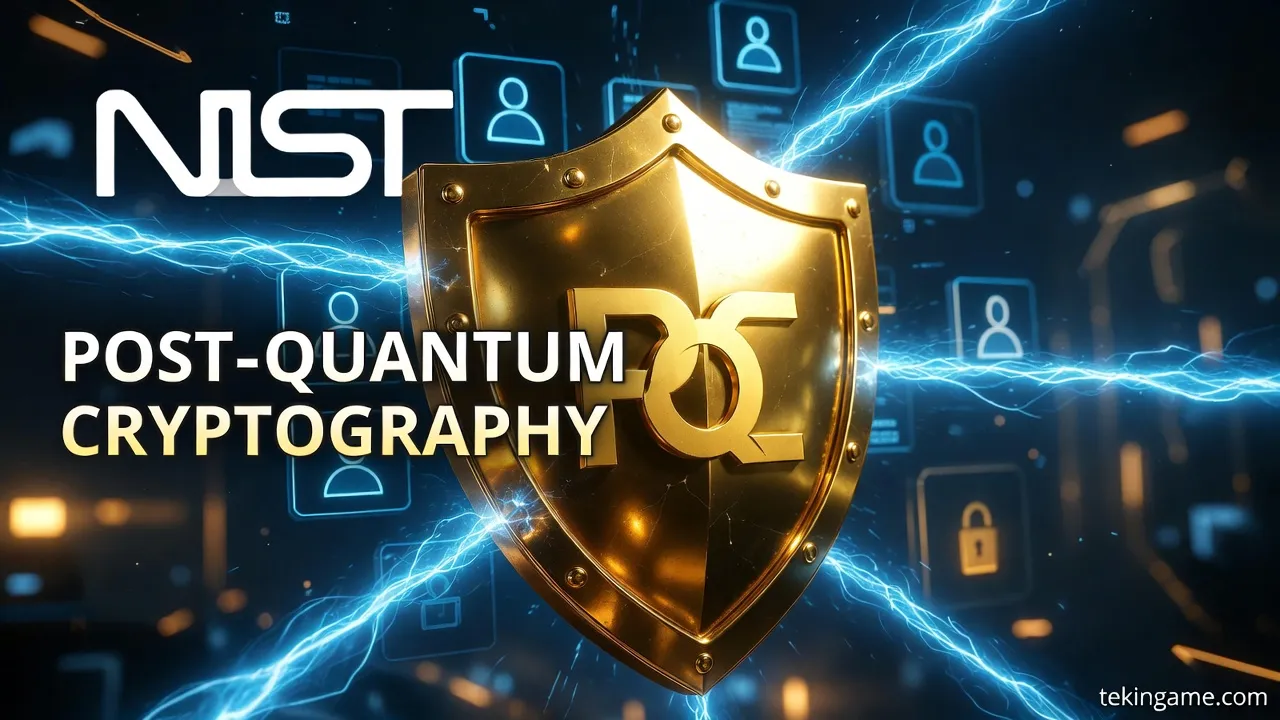
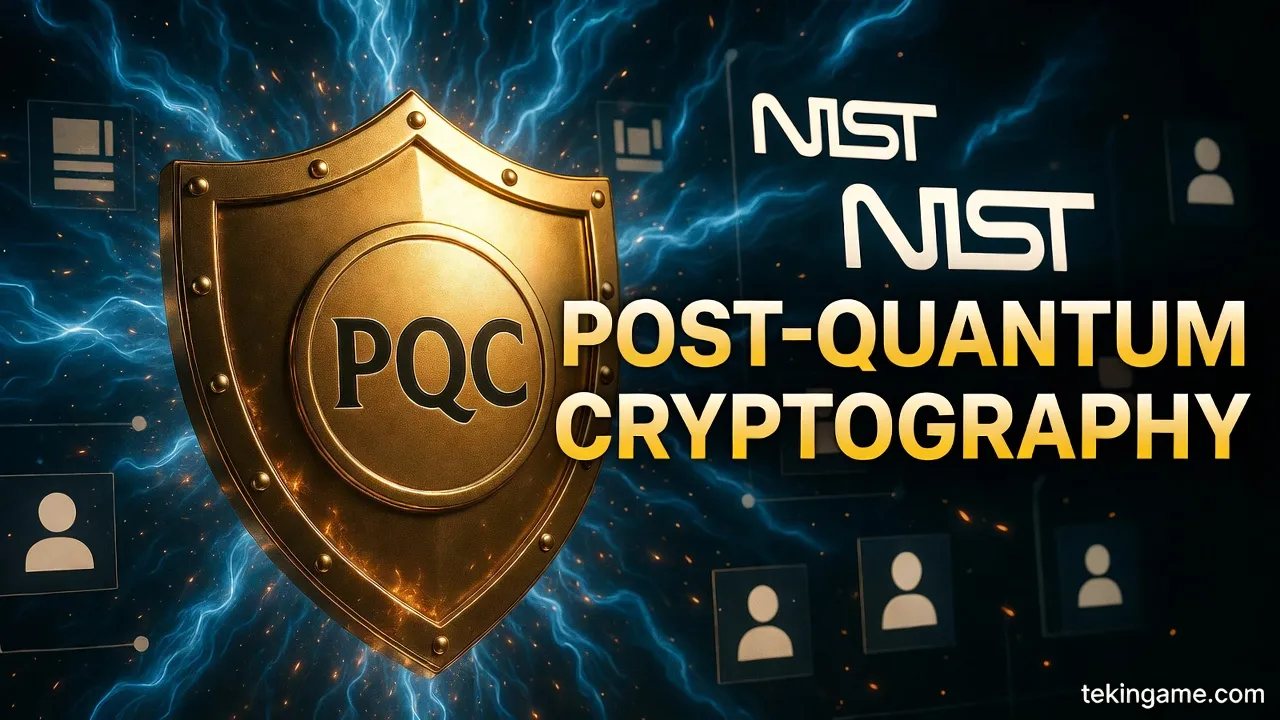
In August 2024, NIST (National Institute of Standards and Technology) released the first post-quantum cryptography standards:
1. CRYSTALS-Kyber (Public Key Encryption)
This algorithm is based on Lattice-based problems that even quantum computers can't break.
- Speed: 3x faster than RSA
- Security: Resistant to quantum computers
- Key size: 1,568 bytes (vs 256 bytes RSA)
2. CRYSTALS-Dilithium (Digital Signature)
For identity verification and data integrity.
3. SPHINCS+ (Stateless Signature)
For long-term security and critical systems.
🏢 Who's Implementing?
Apple (iOS 17.4+):
- iMessage now uses PQC
- All messages protected against future quantum attacks
Signal:
- Implemented PQXDH since September 2023
- First messenger with full quantum security
Google Chrome:
- Uses Kyber in TLS since version 116
- All HTTPS communications protected
Major Banks:
- JPMorgan Chase: Private quantum network
- HSBC: Testing QKD (Quantum Key Distribution)
- Bank of America: Migration to PQC by 2027
⚠️ The "Harvest Now, Decrypt Later" Problem
Hackers are now collecting encrypted data so when quantum computers are ready, they can decrypt them.
This means if you send an encrypted email today, it might be read in 2030!
"If your information needs to remain confidential for more than 10 years, you must migrate to PQC right now."
— NIST Security Guidelines
Part 4: Passwordless Era - World Without Passwords 🔑❌
Why Did Passwords Fail?
Shocking statistics:
- 81% of security breaches are due to weak or stolen passwords
- Average user has 100 online accounts
- 59% of users use one password everywhere
- Most common 2026 password:
123456(still!)
🚀 Solution: Passkeys
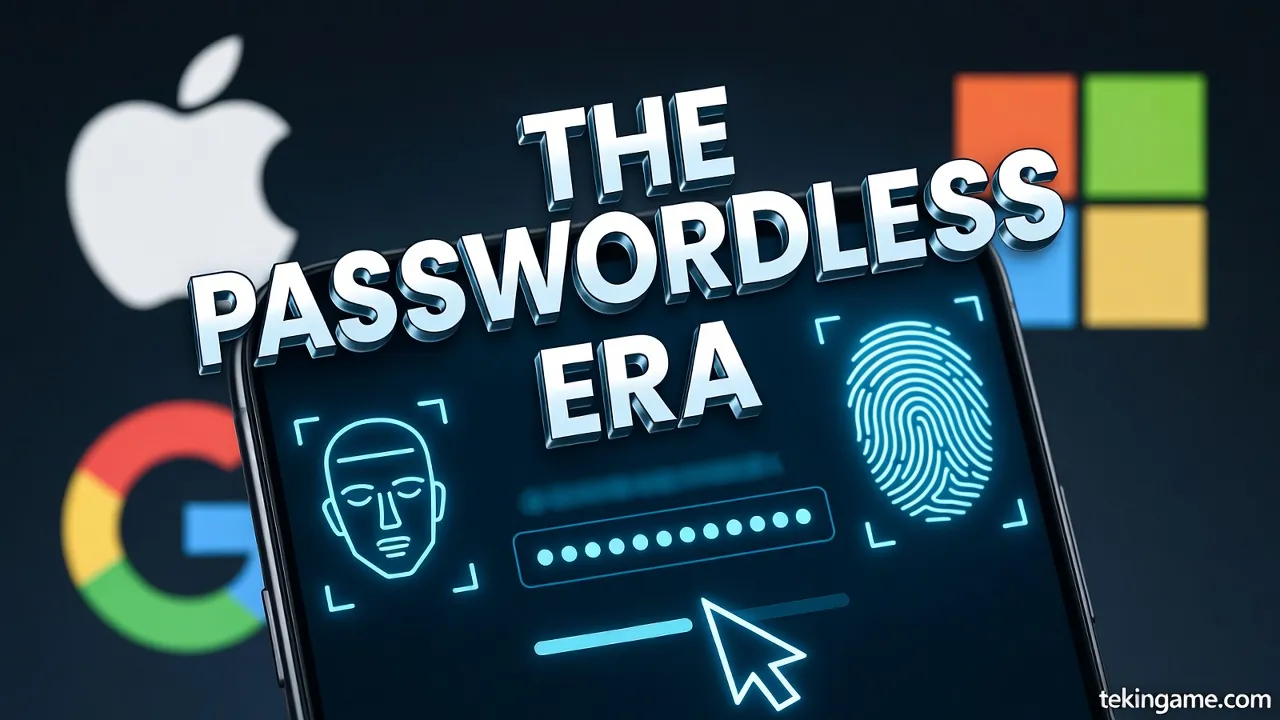
Passkeys are a new standard created by Apple, Google, Microsoft, and FIDO Alliance.
How Does It Work?
Stage 1: Registration
- You log into a website (e.g., Amazon)
- Instead of password, click "Create a Passkey"
- Your device creates a key pair: - Private key: Stored on your device (never goes to server) - Public key: Sent to Amazon server
- You confirm with Face ID, Touch ID, or PIN
Stage 2: Login
- You return to Amazon
- Site asks: "Do you want to sign in with Passkey?"
- You scan Face ID
- Your device creates a digital signature with private key
- Server verifies it with public key
- You're logged in - no password!
✅ Passkeys Advantages
| Feature | Traditional Password | Passkey |
|---|---|---|
| Security | Weak (guessable) | Strong (public key crypto) |
| Phishing | Vulnerable | Impossible |
| Data Breach | Dangerous | Safe (public key worthless) |
| Convenience | Must remember | Just Face ID |
| Login Speed | 10-30 seconds | 2-3 seconds |
🌐 Which Sites Support Passkeys?
Active (2026):
- ✅ Google (Gmail, YouTube, Drive)
- ✅ Apple (iCloud, App Store)
- ✅ Microsoft (Outlook, OneDrive)
- ✅ Amazon
- ✅ PayPal
- ✅ eBay
- ✅ GitHub
- ✅ Shopify
- ✅ Best Buy
- ✅ Kayak
Implementing:
- 🔄 Facebook/Meta
- 🔄 Twitter/X
- 🔄 Netflix
- 🔄 Major banks
📱 How to Create a Passkey?
On iPhone/iPad:
- Go to Settings > Passwords
- Enable Passkey Options
- When logging into a site, select "Create Passkey"
- Confirm with Face ID
On Android:
- Go to Settings > Google > Autofill > Passwords
- Enable Passkeys
- On supported sites, select "Use Passkey"
- Confirm with fingerprint
On Windows:
- Go to Settings > Accounts > Sign-in options
- Enable Passkeys (FIDO2)
- Use Windows Hello
🔐 Passkeys vs Password Managers
Important question: If you use 1Password or Bitwarden, do you still need Passkeys?
Answer: Yes!
Password Managers store your passwords, but Passkeys have no password to store. This means:
- If your Password Manager is hacked, your Passkeys are safe
- If the site's server is hacked, there's no password to steal
- Phishing is impossible because Passkey only works with original domain
Part 5: Survival Guide - How to Protect Yourself? 🛡️💪
Level 1: Immediate Actions (Do Today!)
1. Enable 2FA on All Accounts
High Priority:
- ✅ Primary email (Gmail, Outlook)
- ✅ Bank and credit cards
- ✅ Social networks (Instagram, Twitter, LinkedIn)
- ✅ Online stores (Amazon, eBay)
- ✅ Cryptocurrencies (Coinbase, Binance)
Best 2FA Method:
- Physical security key (YubiKey) - Most secure
- Authenticator App (Google Authenticator, Authy) - Good
- SMS - Better than nothing but weak
2. Check Your Passwords
Go to HaveIBeenPwned.com and check your email. If you had a data breach, immediately change passwords for those sites.
3. Enable Passkeys
For important accounts that support Passkeys, enable now:
- Apple
- Microsoft
- PayPal
4. Update Software
60% of cyberattacks use old vulnerabilities that are patched but users haven't updated!
- ✅ Operating system (Windows, macOS, iOS, Android)
- ✅ Browser (Chrome, Safari, Firefox)
- ✅ Antivirus
- ✅ Important apps (Zoom, Slack, Teams)
Level 2: Advanced Protection (This Week)
1. Install Modern Antivirus
2026 Recommendations:
| Antivirus | Key Feature | Price | Score |
|---|---|---|---|
| Bitdefender Total Security | AI-Powered Detection | $40/year | 9.5/10 |
| Norton 360 Deluxe | VPN + Dark Web Monitoring | $50/year | 9.3/10 |
| Kaspersky Total Security | Quantum-Ready Protection | $45/year | 9.4/10 |
| ESET Smart Security | Lightweight and fast | $40/year | 9.2/10 |
2. Use VPN
VPN encrypts your internet traffic and hides your real IP.
Best VPNs:
- NordVPN: Fast, secure, many servers
- ExpressVPN: Best for streaming
- ProtonVPN: Open-source and privacy-focused
- Mullvad: Complete anonymity (no email)
Warning: Don't use free VPNs! They sell your data.
3. Disk Encryption
If your laptop or phone is lost, disk encryption prevents unauthorized access.
- Windows: Enable BitLocker
- macOS: Enable FileVault
- iPhone: Enabled by default
- Android: Go to Settings > Security > Encryption
4. Regular Backups
The 3-2-1 rule:
- 3 copies of important data
- 2 different media types (hard drive, cloud)
- 1 offline copy (for Ransomware protection)
Level 3: Professional Security (This Month)
1. Use Password Manager
A Password Manager creates strong, unique passwords for each site.
Recommendations:
- 1Password: Great UI, family-friendly
- Bitwarden: Open-source, free, powerful
- Dashlane: Built-in VPN, Dark Web Monitoring
- KeePassXC: Completely offline, for paranoids
2. Email Aliasing
Instead of using your real email, use aliases:
- SimpleLogin: Unlimited emails, free
- AnonAddy: Open-source, privacy-focused
- Apple Hide My Email: For iCloud+ users
Example: Instead of [email protected] use [email protected]. If Amazon is hacked, just delete that alias.
3. Hardware Security Key
Buy a physical security key:
- YubiKey 5C NFC: $55 - Supports everything
- Google Titan Security Key: $30 - Simple and cheap
- Thetis FIDO2: $25 - Budget option
These keys are unhackable because they're physical. Even if your password leaks, without the physical key, no one can log in.
Part 6: Zero Trust Architecture - Trust No One 🚫🔒
Why Did Traditional Security Model Fail?
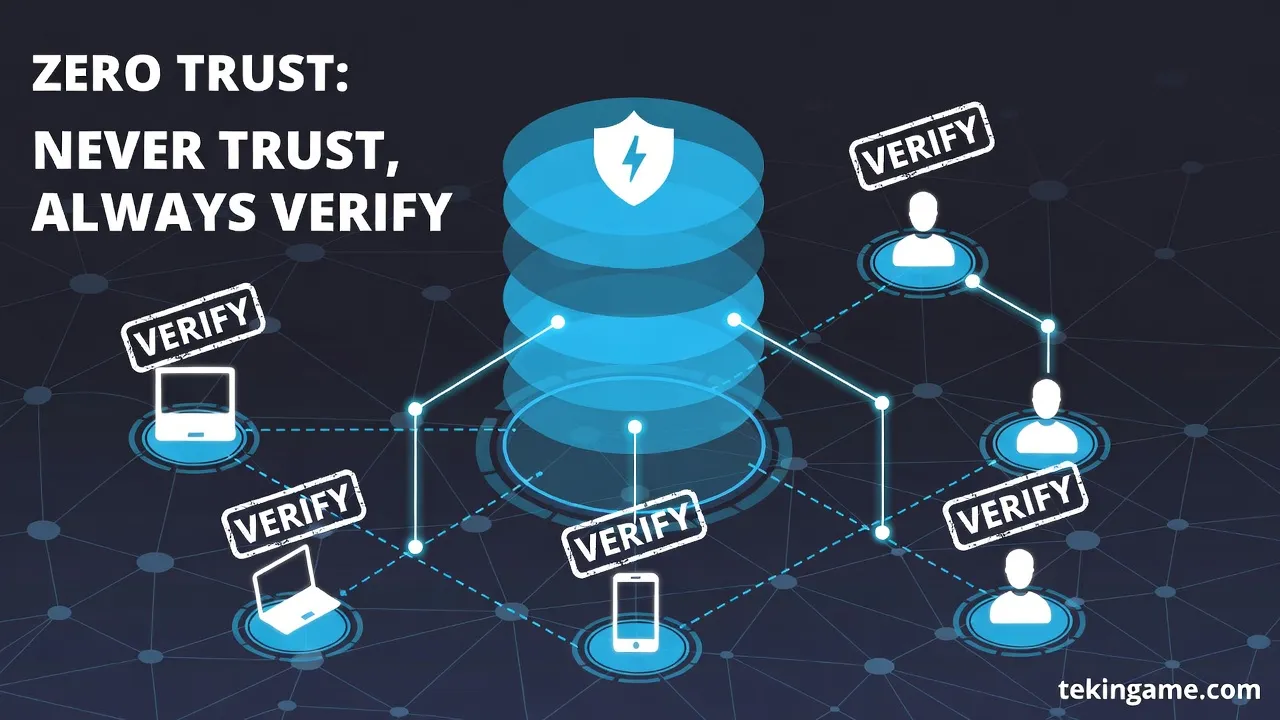
The traditional security model was like a castle: strong walls outside, but everyone inside trusts each other. The problem? If a hacker gets in, they can access everything.
Zero Trust says: "Trust nothing and no one - even if they're inside the network."
🔐 Zero Trust Principles
1. Verify Explicitly
Every access request must be verified with all available data:
- User identity (who?)
- Device (from where?)
- Location (where?)
- Time (when?)
- Behavior (is it normal?)
2. Least Privilege Access
Each user only has access to what they actually need - nothing more.
Example: An accounting employee shouldn't have access to software source code.
3. Assume Breach
Design the system so if one part is hacked, the entire system doesn't collapse.
📊 Case Study: Microsoft Zero Trust
Microsoft migrated to Zero Trust in 2021. Results:
| Metric | Before Zero Trust | After Zero Trust | Improvement |
|---|---|---|---|
| Successful attacks | 120 per year | 8 per year | -93% |
| Breach detection time | 191 days | 3 days | -98% |
| Financial damage | $45 million | $2 million | -96% |
| Response time | 48 hours | 2 hours | -96% |
🏢 How to Implement Zero Trust?
For Individuals:
1. Always-On VPN
Even at home, keep VPN enabled. This separates your home network from infected devices (like IoT).
2. Network Segmentation
Divide your home network:
- Main network: Laptop, phone
- Guest network: Friends
- IoT network: Smart TV, cameras
3. DNS Filtering
Use secure DNS that blocks malicious sites:
- Cloudflare 1.1.1.1 for Families
- Quad9 (9.9.9.9)
- NextDNS (full customization)
For Companies:
1. Identity and Access Management (IAM)
- Multi-Factor Authentication for everyone
- Single Sign-On (SSO) with Okta or Azure AD
- Role-Based Access Control (RBAC)
2. Micro-Segmentation
Divide the network into small sections where each section has its own security rules.
3. Continuous Monitoring
24/7 monitoring with tools like:
- Splunk (log analysis)
- CrowdStrike (EDR - Endpoint Detection and Response)
- Darktrace (AI-Powered Threat Detection)
Part 7: Real Case Studies - Expensive Lessons 💸📚
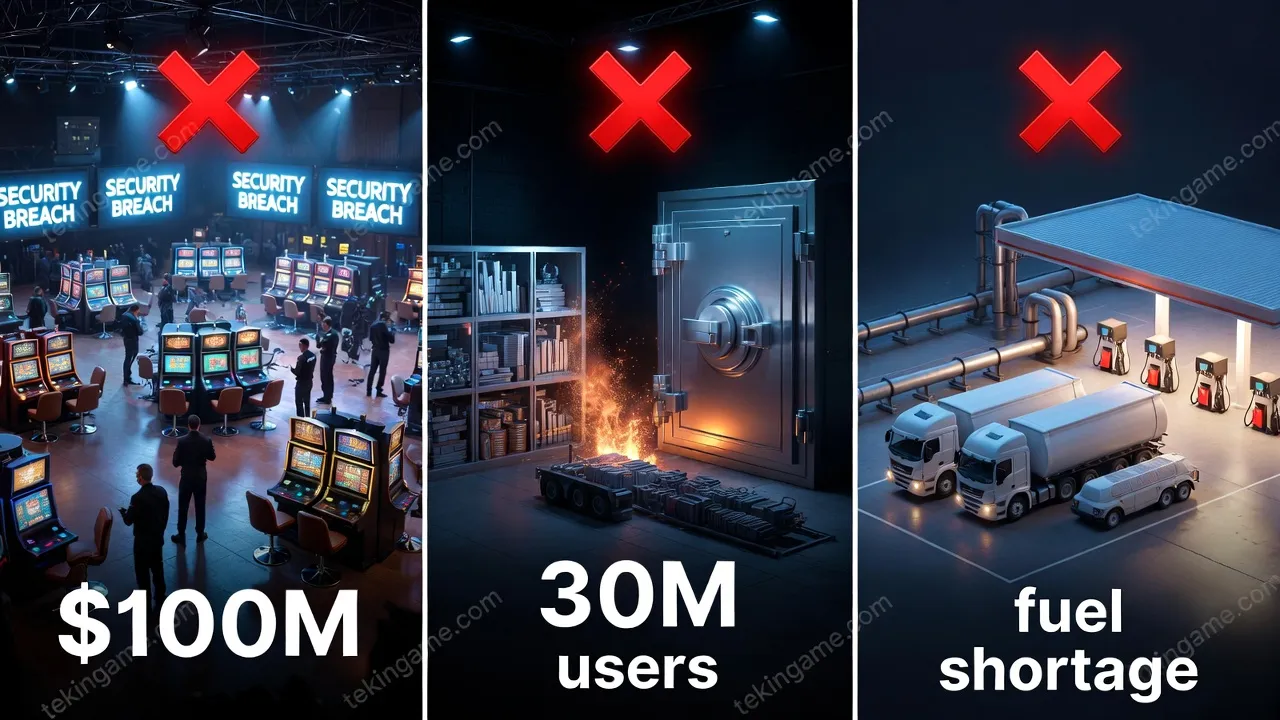
Case 1: MGM Resorts Ransomware (September 2023)
What Happened?
Hackers called the company's Help Desk, identified themselves as a fake employee, and got a password. Then they spread Ransomware across the entire network.
Damage:
- $100 million lost revenue
- 10 days complete casino shutdown
- Personal information of 10.6 million customers leaked
- 15% stock price drop
Lesson Learned:
"Social Engineering is still the most dangerous attack. Never give sensitive information over the phone - even if they say they're from IT."
Case 2: LastPass Data Breach (December 2022)
What Happened?
Hackers infiltrated a senior LastPass engineer's home laptop (which had company passwords on it). Then they accessed backup servers and stole encrypted passwords of 30 million users.
Damage:
- $35 million in Bitcoin stolen
- User trust destroyed
- Multi-million dollar lawsuits
Lesson Learned:
"Even Password Managers can be hacked. Always use a strong Master Password and enable 2FA."
Case 3: Twitter/X Hack (July 2020)
What Happened?
Hackers used Social Engineering to access Twitter's admin panel and hacked accounts of Barack Obama, Elon Musk, Bill Gates, and 130 others.
Fake Message:
"I'm giving back to the community. Send $1,000 in Bitcoin and I'll send back $2,000!"
Damage:
- $120,000 in Bitcoin stolen (low because quickly stopped)
- Twitter's credibility damaged
- SEC issued $150 million fine
Lesson Learned:
"Never trust 'free money' messages - even if from a celebrity's account."
Case 4: Colonial Pipeline Ransomware (May 2021)
What Happened?
Hackers accessed the company's VPN with a leaked password and installed Ransomware. This company supplied 45% of East Coast fuel.
Damage:
- $4.4 million ransom paid
- 6 days complete pipeline shutdown
- Fuel crisis in 17 states
- Gas prices increased 10%
Lesson Learned:
"Critical infrastructure must be separated from the main network. A simple VPN shouldn't be able to paralyze the entire system."
Part 8: The Future of Cybersecurity - 2027 to 2030 🔮🚀
Future Threats
1. AI vs AI Warfare
In the future, AI malware will fight AI antivirus. This war happens at millisecond speed - faster than humans can react.
Prediction: By 2028, 95% of cyberattacks has been AI-powered.
2. Quantum Hacking
When quantum computers become public, hackers can:
- Break all current encryption
- Steal Bitcoin and cryptocurrencies
- Infiltrate banking systems
Prediction: First major quantum attack in 2029-2030.
3. Biometric Deepfakes
Hackers can fake your fingerprint, face, and even DNA.
Prediction: By 2027, first cases of Face ID hacking with Deepfake.
4. IoT Botnets
Billions of IoT devices (cameras, fridges, thermostats) can become a hacker army.
Prediction: Biggest DDoS attack in history in 2028 with 100 million IoT devices.
Future Solutions
1. Behavioral Biometrics
Instead of face or fingerprint, systems recognize your behavior:
- How do you type?
- How do you move the mouse?
- How do you walk? (from phone sensors)
These behaviors are impossible to replicate - even with AI.
2. Decentralized Identity
Instead of your identity being on company servers, it's stored on blockchain. You have complete control.
Example: Microsoft ION, Sovrin Network
3. Homomorphic Encryption
Encryption that allows computation on encrypted data - without decrypting it!
Use case: You can give your medical data to a hospital without them being able to see it.
4. AI Security Assistants
A personal AI assistant that:
- Identifies phishing emails
- Blocks malicious sites
- Suggests strong passwords
- Warns you if it sees unusual behavior
Example: Microsoft Security Copilot, Google Threat Intelligence AI
📊 Cybersecurity Market Prediction
| Year | Market Size | Annual Growth | Main Threat |
|---|---|---|---|
| 2026 | $298 billion | +12% | AI Malware |
| 2027 | $345 billion | +16% | Deepfake Fraud |
| 2028 | $410 billion | +19% | IoT Attacks |
| 2029 | $500 billion | +22% | Quantum Threats |
| 2030 | $625 billion | +25% | AI vs AI |
Conclusion: Are We Ready? 🤔💭
The Harsh Reality
Short answer: No, we're not ready.
Concerning statistics:
- 60% of small businesses go bankrupt within 6 months after a cyberattack
- 95% of security breaches are due to human error
- 43% of cyberattacks target small businesses
- Only 14% of businesses are prepared to handle cyberattacks
But There's Hope! ✨
New technologies like:
- ✅ Quantum Encryption
- ✅ Passkeys
- ✅ AI-Powered Antivirus
- ✅ Zero Trust Architecture
- ✅ Behavioral Biometrics
Can protect us - if we use them.
Final Checklist: What to Do Today? ✅
5 minutes:
- ☐ Enable 2FA on Gmail
- ☐ Change bank password
- ☐ Update operating system
30 minutes:
- ☐ Create Passkey for Google and Apple
- ☐ Install a Password Manager
- ☐ Check your email on HaveIBeenPwned
This week:
- ☐ Install modern antivirus
- ☐ Buy and install VPN
- ☐ Enable disk encryption
This month:
- ☐ Buy Hardware Security Key
- ☐ Set up regular backups
- ☐ Educate your family
Final Message 💬
"Cybersecurity is like insurance - when you need it, it's too late. Start today, not tomorrow."
In a world where AI can clone your voice, quantum computers can break any encryption, and hackers work 24/7, the only way forward is education, preparation, and action.
You have a choice:
- ❌ Wait until you're hacked
- ✅ Act today and be secure
The choice is yours. 🛡️
This article is written for awareness and education. For more information, refer to trusted cybersecurity sources.
Sources:
- NIST Cybersecurity Framework
- CISA (Cybersecurity & Infrastructure Security Agency)
- OWASP (Open Web Application Security Project)
- EFF (Electronic Frontier Foundation)