1. Introduction: The End of the "Waiting Game" in Rendering
1.1. The Viral Shock
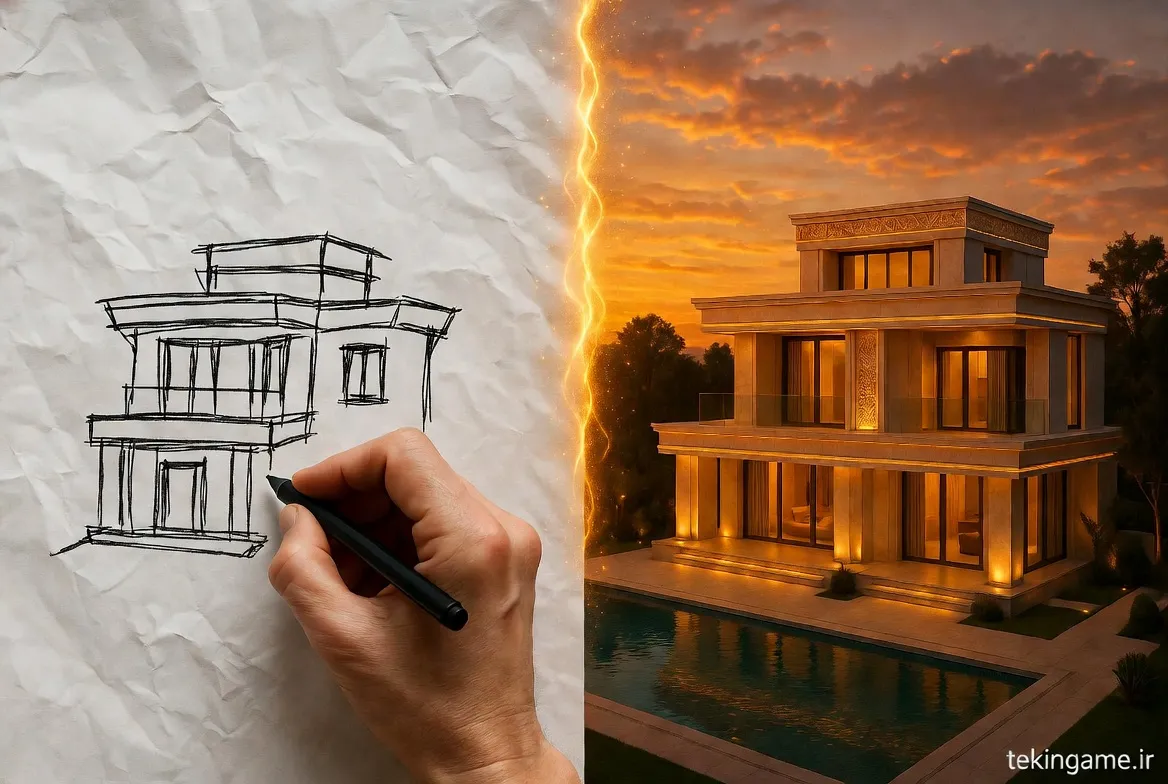
A few months ago, a video went viral on X (formerly Twitter) showing a designer drawing a few crooked lines on a screen. On the right side of the split-screen, those same lines instantly transformed into a modern building bathed in sunset lighting. Everyone asked: "What kind of magic is this?" The answer was Krea AI.
Until now, working with AI (like Midjourney) was a "turn-based" process: write a prompt, wait 60 seconds, see the result, and if it's bad, repeat. Krea AI eliminated this delay. This tool turns your "thinking" directly into "seeing."
1.2. What is LCM Technology?
The secret to Krea's speed lies in a new technology called Latent Consistency Models (LCM). Unlike older diffusion models that required 50 steps of denoising to create an image, LCM can achieve results in just 4 to 8 steps. This means image generation in under 500 milliseconds! To the human mind, this speed feels "Instant."
2. Core Feature: Real-Time Generation
2.1. The Live Canvas
Krea's interface is split into two: the left side is your canvas (with tools like brushes, geometric shapes, and image uploads), and the right side is the AI output.
Let's say you want to draw an "Astronaut Frog." 1. You draw a green circle. (Krea shows a green apple). 2. You add two black circles for eyes. (Krea morphs it into a frog). 3. You type the prompt: "Space suit." (Suddenly, the frog is wearing high-tech armor). This live interaction prevents "Creative Block" because you are constantly iterating.
2.2. Webcam Input
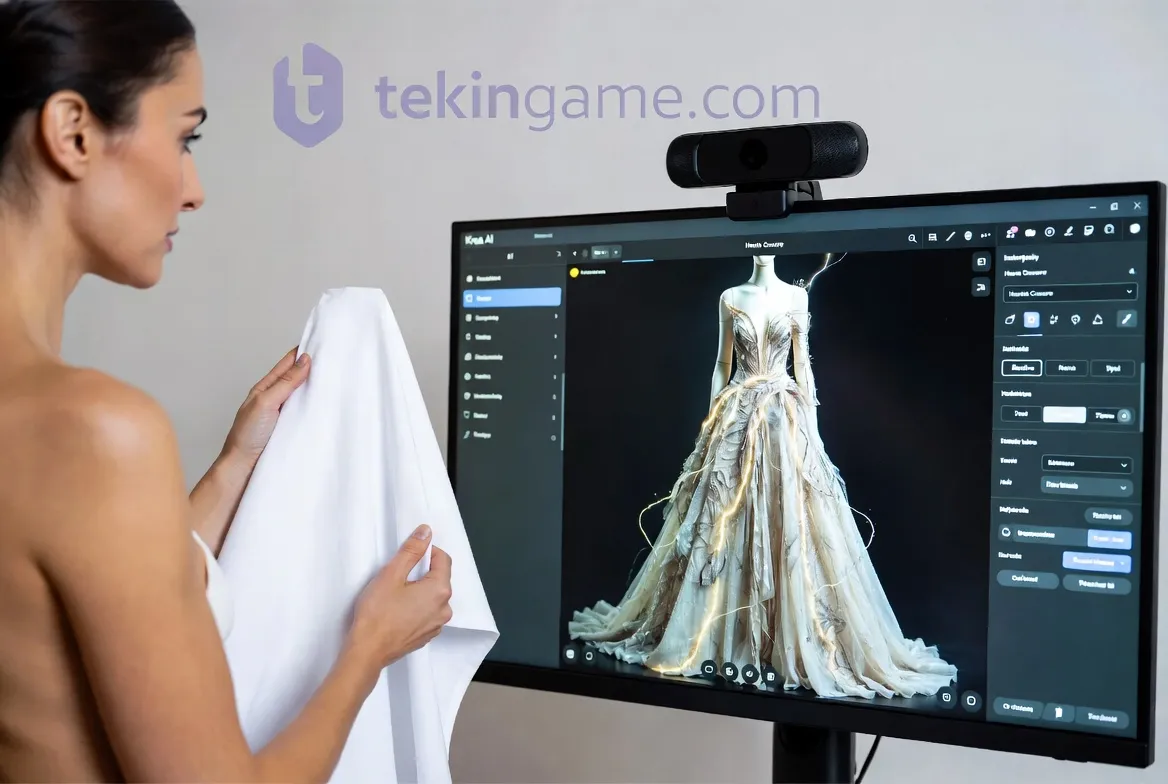
One of the most entertaining yet practical features is the live webcam feed. You can pose in front of your camera, or hold a physical product (like a shoe), and Krea transforms it instantly. Fashion designers use this to see how a specific fabric pattern would look on a model's body in real-time without sewing a single stitch.
3. The Enhancer & Upscaler: The Miracle of Clarity
3.1. Turning Blurry Photos into 4K
You might know Krea for its live painting, but many professionals subscribe solely for its Upscaler. It boasts one of the most powerful image enhancement engines on the market. Do you have an old, blurry childhood photo? Or a grainy night shot? Krea doesn't just increase resolution (up to 4K); it "reconstructs" lost details like skin texture, hair strands, and fabric weave. This "Hallucinating Details" technique is so precise it feels almost scary.
4. Pattern & Logo Illusions
4.1. Hidden Art (Subliminal Messages)
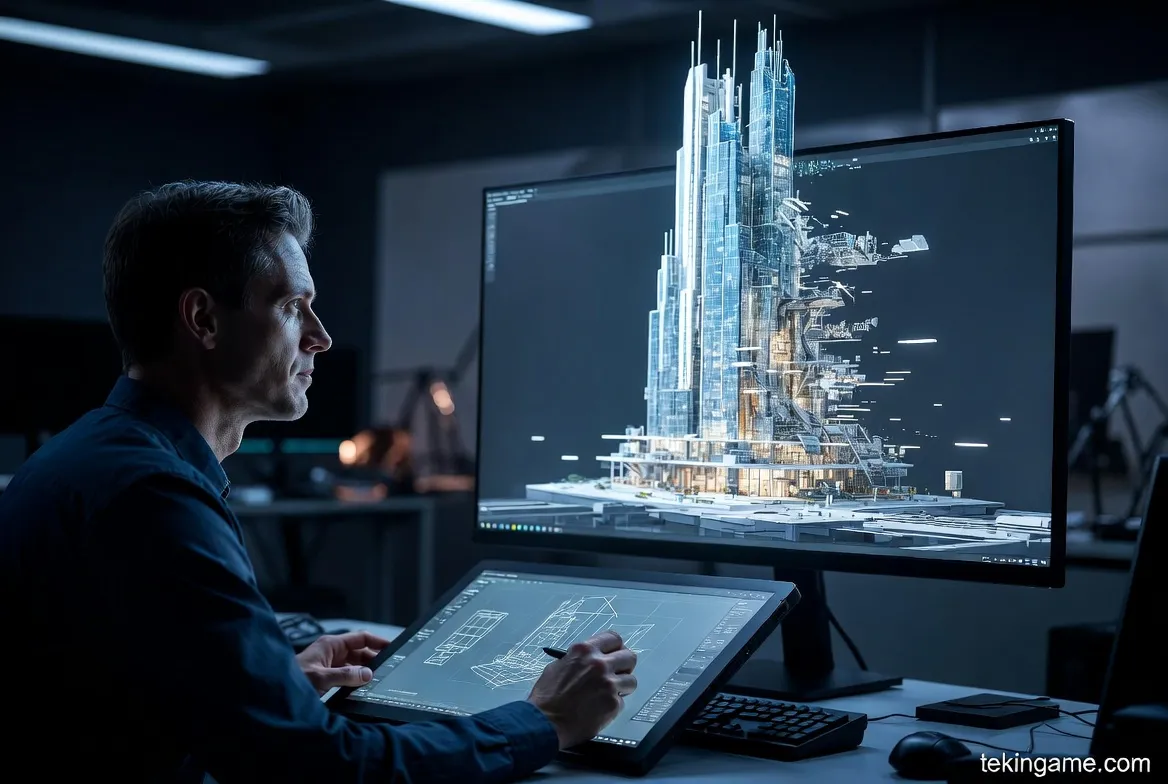
You've surely seen images that look like a natural landscape at first glance, but when you squint, you see the Nike logo or the word "OBEY." Krea AI is the king of creating these images. Called Logo Illusions, this feature is gold for Viral Marketing. Brands can subliminally hide their logos within engaging Instagram content, increasing brand recall without being intrusive.
5. Specialized Use Cases Across Industries
5.1. Architecture: From Sketch to Render
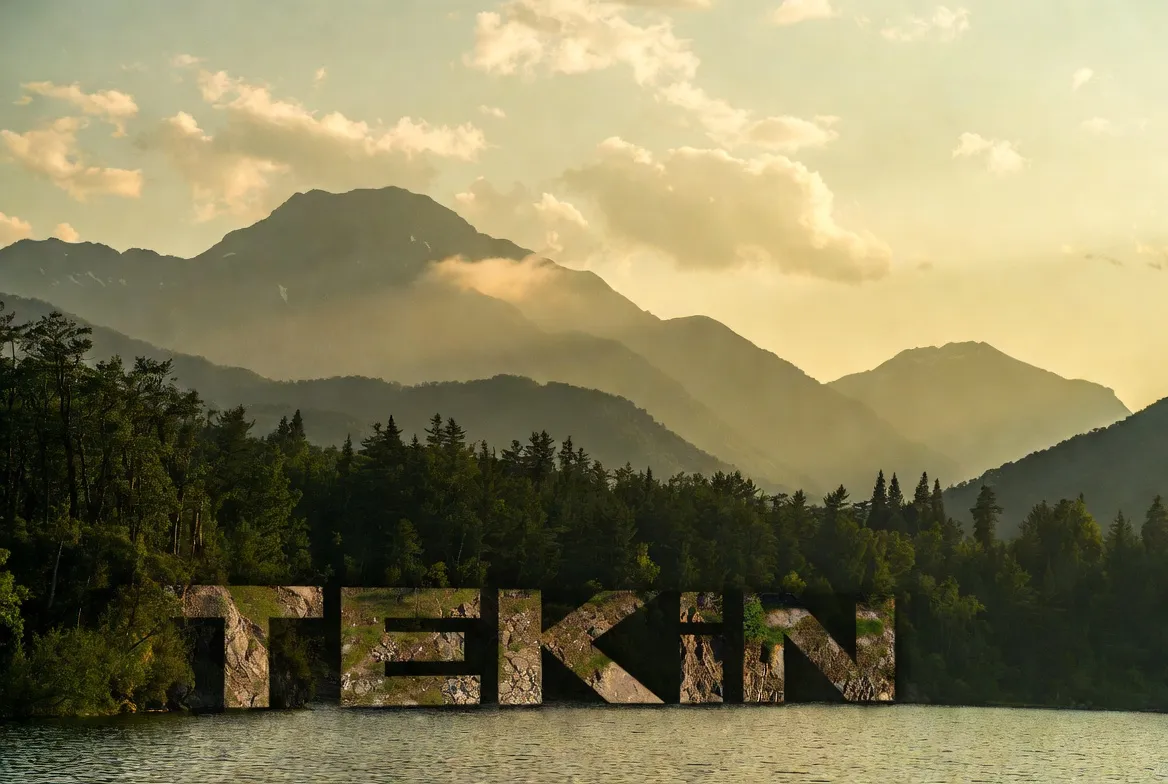
Architects love Krea. You can draw a quick sketch of a building facade on paper, take a photo, and upload it to Krea. By typing "Modern concrete villa, forest background," your sketch turns into a photorealistic architectural render in one second. This reduces the ideation process, which used to take days, down to mere minutes.
5.2. Industrial Design
Imagine you want to design a chair. You draw three simple rectangles. Krea gives you 10 variations of wooden, metal, and leather chairs based on those rectangles instantly. Product designers use this tool for "Visual Brainstorming," rapidly iterating through concepts before opening heavy CAD software.
6. Comparison with Rivals: Krea vs. Midjourney
6.1. Quality or Speed?
- Midjourney v6/v7: The absolute winner in "Artistic Quality" and "Composition." If you want a single masterpiece for a magazine cover, Midjourney is better.
- Krea AI: The absolute winner in "Control" and "Speed." Midjourney is like ordering food from a chef (you see the final result), but Krea is like cooking it yourself (you are involved in every step).
6.2. User Interface (UI)
Midjourney is still somewhat stuck in Discord (despite the new web alpha), but Krea offers a very modern, fluid, and user-friendly website that feels magical even on an iPad with an Apple Pencil.
7. Pricing & Value Proposition
The good news is that Krea offers a Free Tier that resets daily, allowing you to experiment with Real-time tools. Paid plans (ranging from $10 to $30 per month) unlock features like "Private Mode," faster generation speeds, and more concurrent jobs. For professionals, the time saved justifies the cost immediately.
8. Tekin Plus Verdict: Toy or Tool?
Krea AI is far more than a fun toy. It is the missing link between "Human Imagination" and "Machine Execution." For designers, architects, and concept artists, Krea is an essential assistant in 2025.
If you think you "can't draw," Krea proves you wrong. You have the idea; Krea lends you the hand skills. We recommend visiting their site today and turning your first "scribble" into a masterpiece.