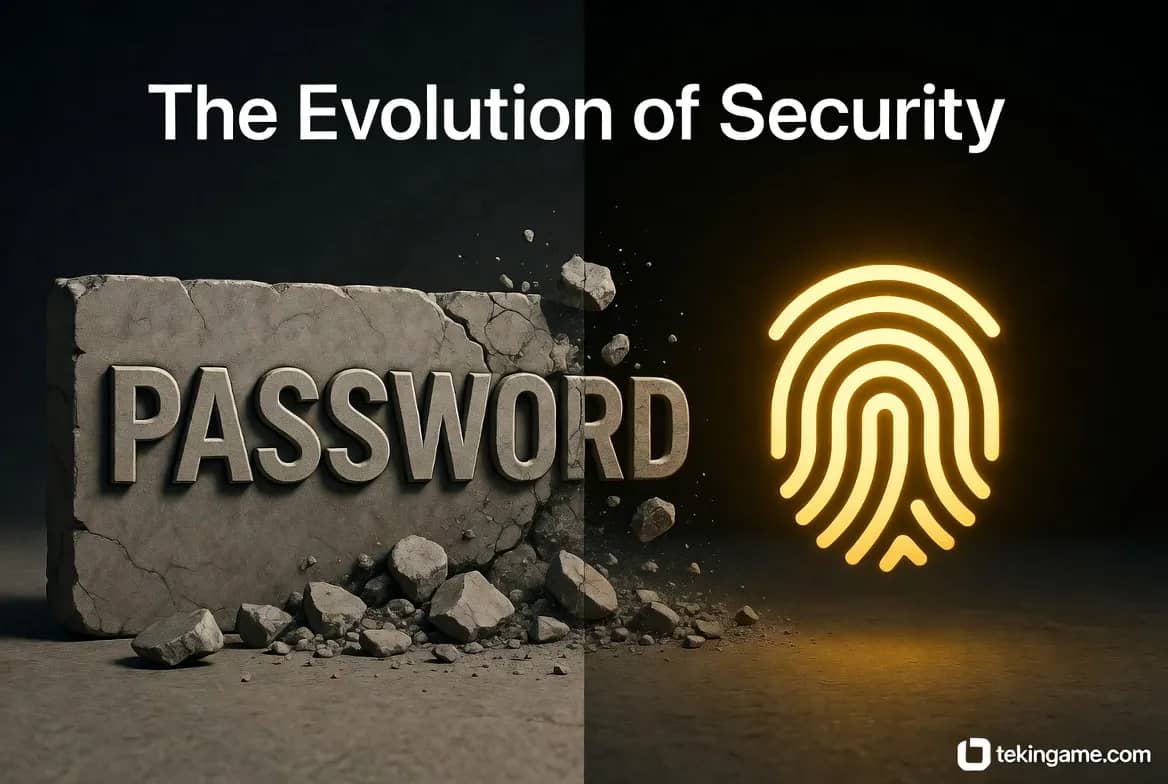
1. Introduction: Why Sunday, Dec 7, Was the Day the Password Died
1.1. The End of an Insecure Era
Last night (December 6, 2025), 50 million Steam gamers and millions of Meta users woke up in horror. Databases were leaked, and passwords were auctioned on the dark web. But the question is: Why?
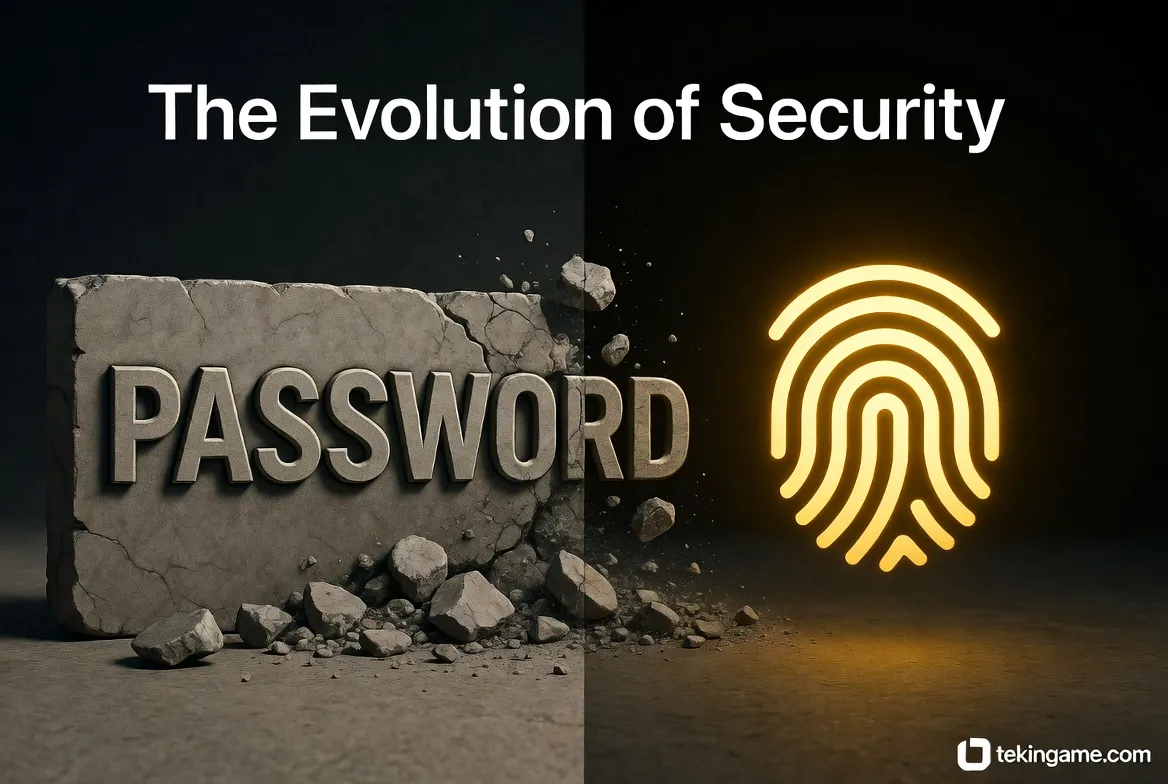
The problem isn't that your password was 123456. Even if your password was Tr&4$mP9!z, once a server is breached, that text string is no longer safe. In 2025, with the rise of quantum-assisted decryption and "Credential Stuffing" attacks (testing leaked passwords on other sites), the concept of a "text-based password" is fundamentally obsolete.
1.2. Goodbye to SMS 2FA
For years, we were told to enable "SMS Two-Factor Authentication." But now, hackers use "SIM Swapping" techniques (cloning your SIM card) to easily intercept these codes. If you still rely on SMS to protect your Binance or Steam account, you are sitting on a ticking time bomb.
2. The Passkey Revolution: What Is It?
2.1. Simple Explanation
Passkey technology, standardized by the global FIDO Alliance (including Google, Apple, and Microsoft), removes the password from the equation entirely.
In this system, your smartphone or laptop becomes the "Key." When you want to log in, the website sends a mathematical "riddle" to your device. Your device solves the riddle by scanning your fingerprint or face (FaceID) and logs you in.
Key Takeaway: No "code" or "password" is ever transmitted across the internet for a hacker to steal. The Private Key never leaves your device's security chip.
2.2. Why is it Phishing-Proof?
The biggest advantage of a Passkey is that it is cryptographically locked to the website's Domain. If hackers build a fake site that looks exactly like tekingame.ir (e.g., tekingame.co) and try to trick you, your phone will recognize the domain mismatch and refuse to offer the Passkey. This effectively ends the era of phishing.
3. Practical Guide: Activating Passkeys
3.1. Google Account (Gmail & YouTube)
Google is a pioneer in this movement.
1. Go to myaccount.google.com.
2. Navigate to the Security tab.
3. Find Passkeys and click Create a Passkey.
4. Scan your fingerprint. Done! Now you only need your fingerprint to sign in.
3.2. Apple ID (Apple Account)
In iOS 19 and macOS Sequoia, this feature is enabled by default. Your Passkeys are stored in iCloud Keychain and securely synced between your iPhone, iPad, and MacBook. If you visit a site that supports Passkeys, the iPhone keyboard will automatically offer to create one.
3.3. Steam
Following last night's hack, Valve has accelerated its security updates. 1. Update your Steam Mobile App. 2. Go to the Steam Guard section. 3. Enable Add Passkey (replacing the old code generator). Now, even if a hacker has your password, they cannot log in without physical access to your phone and your biometric data.
4. Managing Passwords in 2025
4.1. Why Browsers Are Unsafe
Saving passwords in Chrome or Edge is convenient, but risky. If malware enters your computer (like Info-Stealer trojans), the first thing it attacks is the browser's password database.
4.2. Best Password Managers
You need a dedicated "Digital Vault." In 2025, the top two options are:
🔒 Bitwarden: Open-source, free, and incredibly secure.
🔒 1Password: Excellent UI and the "Watchtower" feature, which alerts you if any of your saved passwords have appeared in a dark web leak.
5. New Threats: AI and Deepfakes
5.1. When "Mom" Calls You!
The scariest threat of 2025 is AI Voice Cloning. Hackers can clone a voice with just 3 seconds of audio (scraped from an Instagram Story).
The Scenario: Your parents receive a call, hearing your voice crying, claiming you've been in an accident and need money immediately.
The Solution: Establish a "Family Safe Word." A word that only you and your family know, which does not exist in the AI's script. If the caller doesn't know the word, it's a scam.
5.2. GPT-5 Emails
Phishing emails are no longer full of typos. They are written by advanced AI, making them formal, context-aware, and highly convincing.
Golden Rule: Never click on links inside "Password Reset" or "Verify Transaction" emails. Always type the website address into your browser manually.
6. Security Hardware: Physical Keys (YubiKey)
6.1. A House Key for the Internet
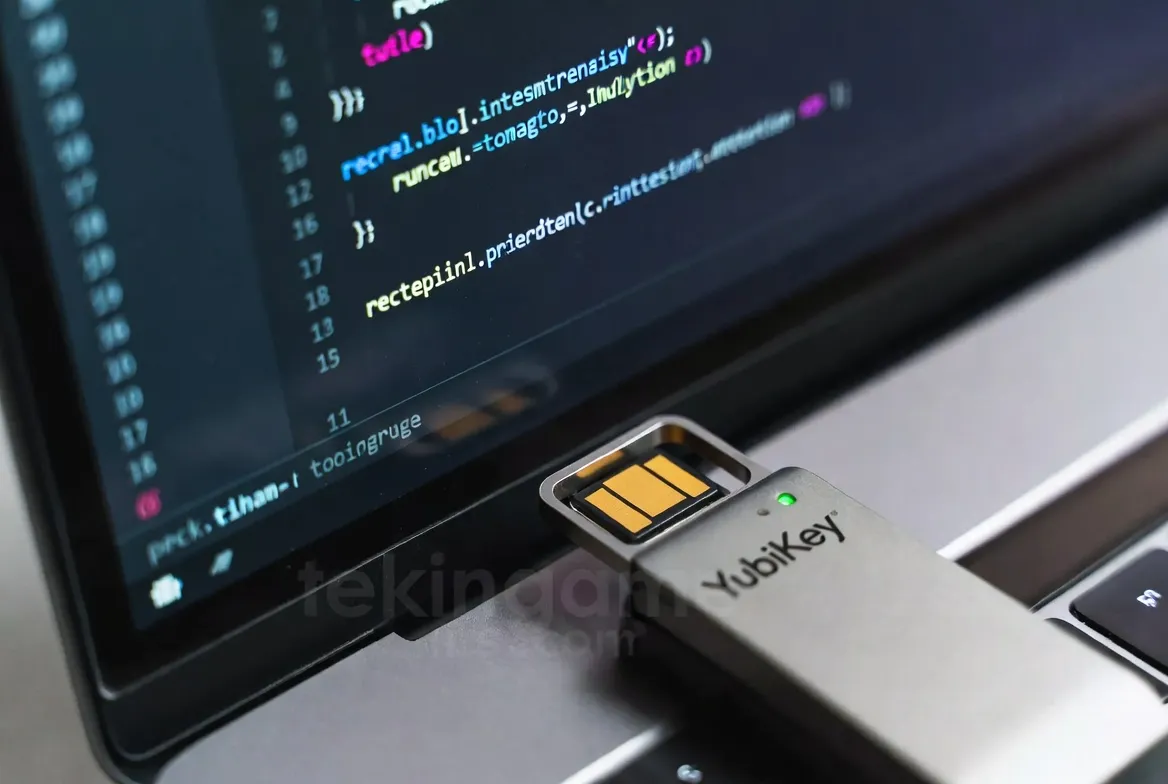
If your Steam account is worth thousands of dollars, or you run large Telegram channels, software is not enough. You need a YubiKey 6 Bio. This is a small USB drive with a fingerprint sensor. To log in, you must plug it into the USB port and touch it. Even if a hacker has remote control of your PC, they cannot physically touch your USB port! The $50 price tag is negligible compared to the security of your digital assets.

7. Emergency Checklist: If You Are Hacked
If you suspect you are currently compromised, follow these steps in order (The 20-Minute Rule):
- Kill Sessions: In the settings of Telegram, Gmail, or Steam, hit "Log out of all other sessions."
- Change Primary Password: Change your main Email password immediately. Your email is the gateway to everything else.
- Freeze Banking: If your card info was saved on the compromised account, freeze the card via your banking app.
- Malware Scan: Scan your system with a reputable antivirus. You may have a Keylogger installed.
8. Tekin Plus Verdict
Friends, security is not a product you buy and install; security is a "Culture." In 2025, laziness in security means losing your capital.
Your Action Items Today: 1. Create a Passkey for your Gmail and Steam right now. 2. Turn off SMS 2FA and switch to an Authenticator App (Google Authenticator or Authy). 3. Send this article to friends who have valuable accounts.
Stay Safe and Game Smart.