
1. Introduction: Why Is My Ping High?
Before jumping to solutions, we must diagnose the issue. Many gamers confuse "Lag" with "Frame Drops." If the game stutters visually, it's your GPU. If you shoot and the enemy dies 1 second later, it's your Internet.
1.1. The Deadly Triangle
- Ping: Round-trip time to the server (ms). Under 40 is great, over 120 is unplayable.
- Packet Loss: Data getting lost. Result? Disappearing enemies.
- Jitter: Ping fluctuation. Stability is more important than low numbers.
2. Step 1: The Magic of DNS
2.1. Why DNS Matters?
DNS is the internet's phonebook. A good DNS finds a shorter "Route" to the game server. For region-locked games, specialized DNS services are essential.
2.2. Best Gaming DNS (2025)
We recommend these for stability:
- Cloudflare: 1.1.1.1 / 1.0.0.1 (Fastest globally)
- Google: 8.8.8.8 / 8.8.4.4 (Most stable)
- Regional Options (Radar/Electro): Essential for bypassing specific game sanctions in restricted regions.
3. Step 2: Hardware Optimization
3.1. LAN is King
Wi-Fi is a gamer's enemy. Wireless waves are unstable and cause Packet Loss. Using a CAT6 Ethernet cable can drop your ping by 10-20ms and eliminate jitter. If the router is far, use a Powerline Adapter.
3.2. Router Settings (QoS)
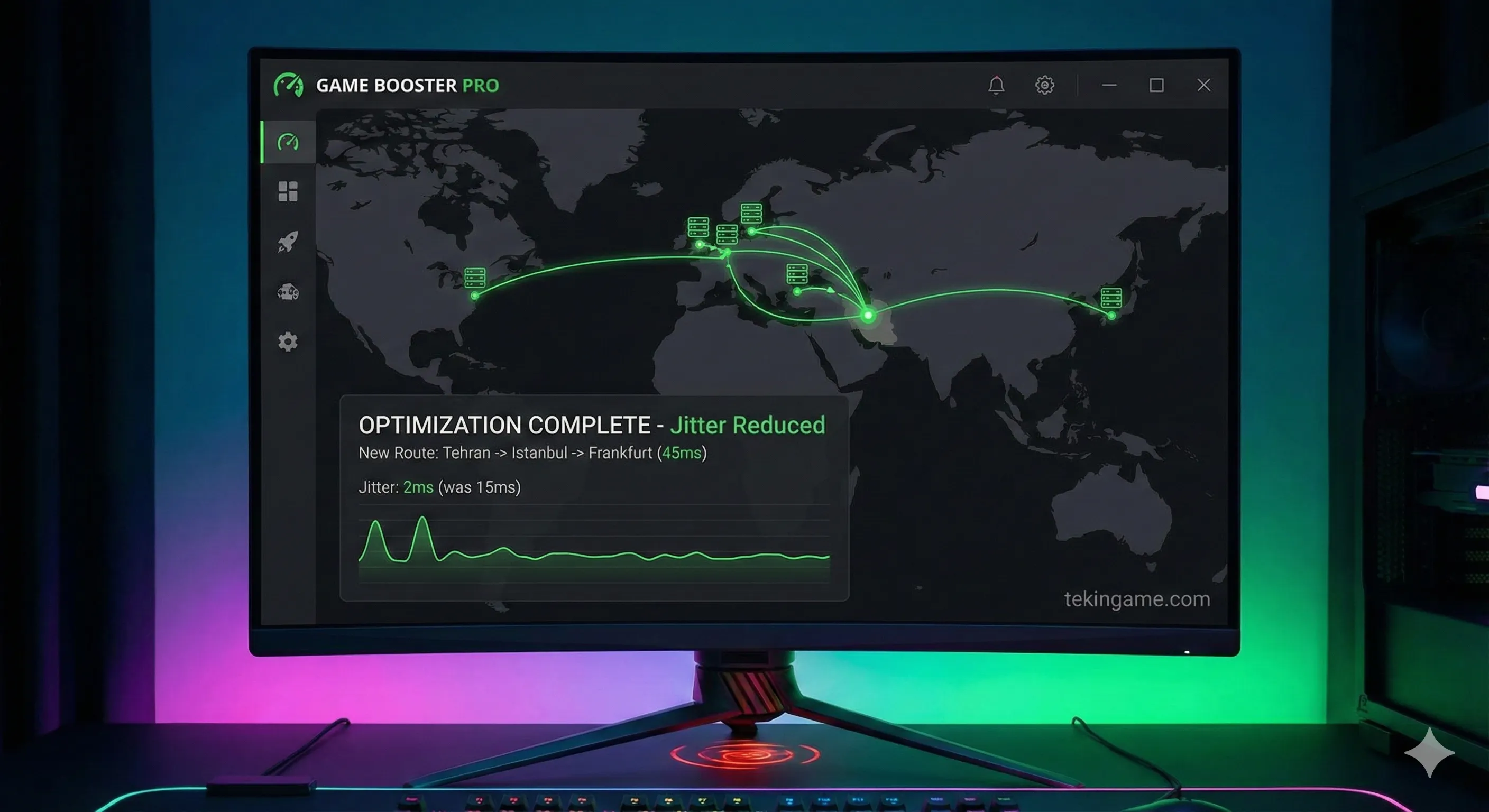
Enable UPnP in your router settings to get an Open NAT Type. Also, configure QoS (Quality of Service) to prioritize your console/PC traffic over other devices streaming Netflix.
4. Step 3: Ping Reduction Software (GPN)
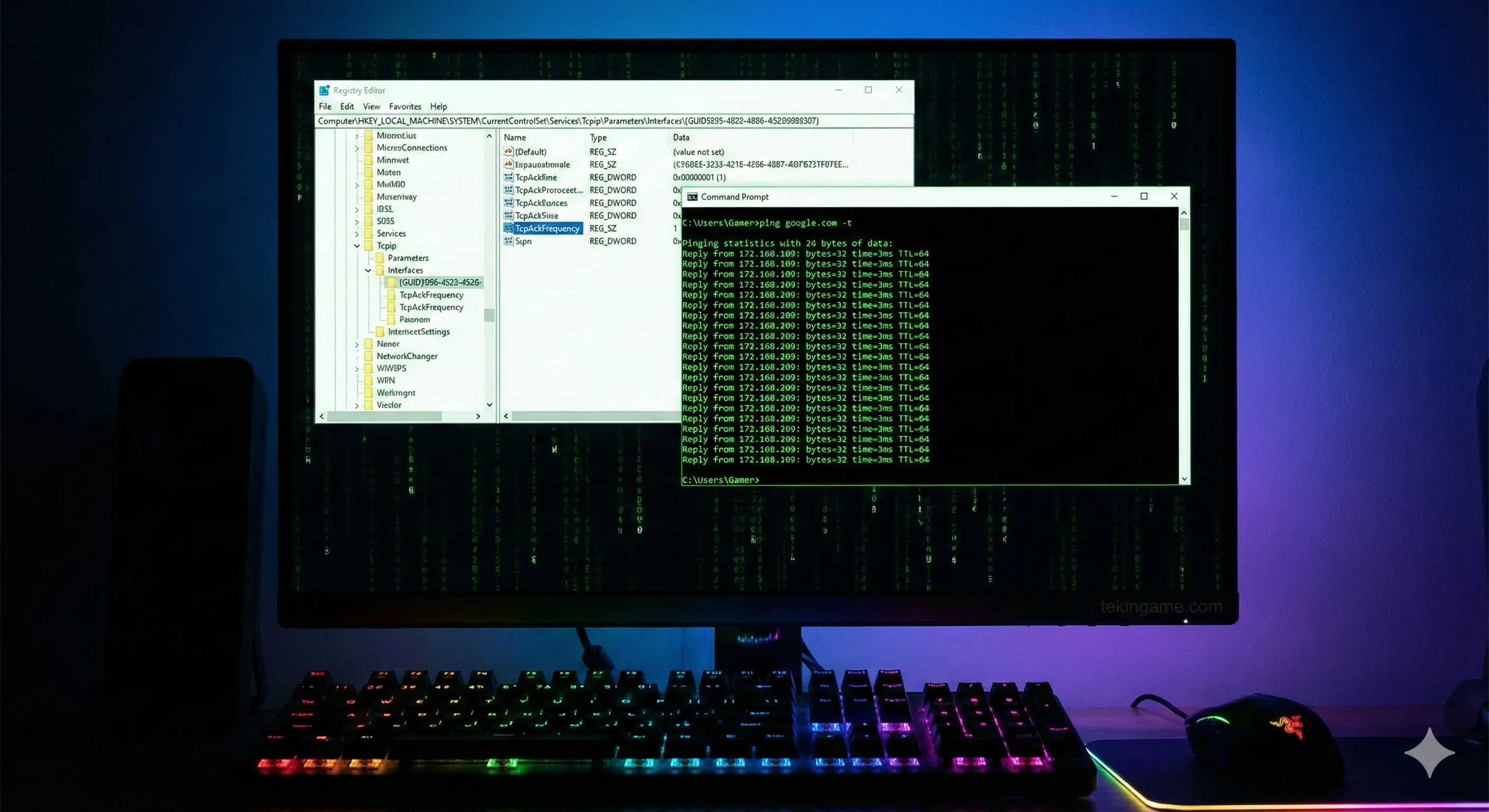
Apps like ExitLag or GearUP Booster aren't standard VPNs. They are Gamers Private Networks (GPN). They route your data through the least congested path to the game server. In our tests, ExitLag reduced Dota 2 ping from 120ms to 95ms.
5. Step 4: Pro Windows Tricks
5.1. Disabling Nagle’s Algorithm
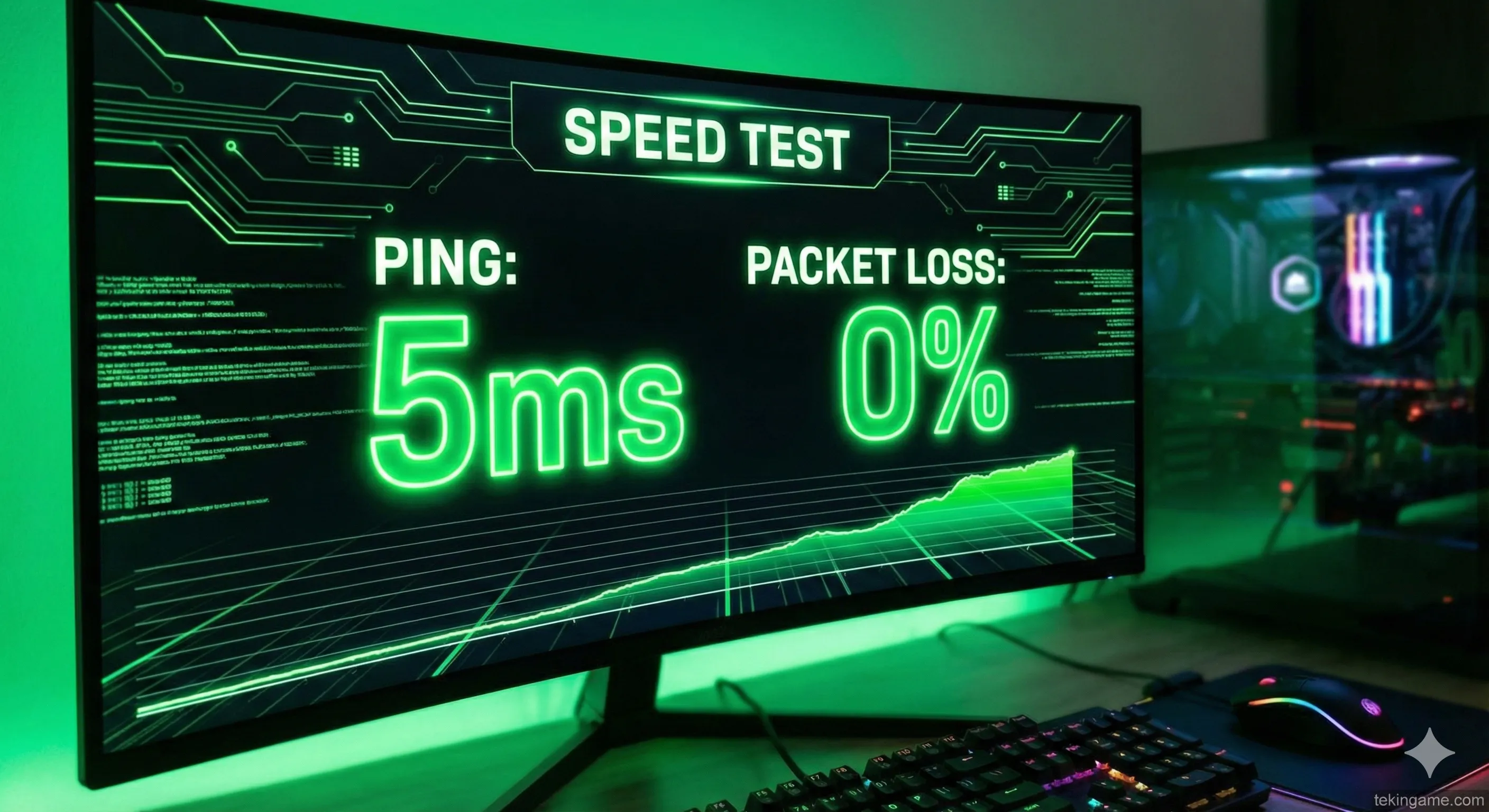
Windows bundles small data packets together to increase efficiency (Nagle’s Algorithm). This is bad for gaming. You can disable this in the Registry (TcpAckFrequency) to send packets instantly, reducing latency.
5.2. Perfect MTU
Finding the correct MTU (Maximum Transmission Unit) size prevents packet fragmentation. Use the command prompt to find the highest value that doesn't fragment (usually 1492 for PPPoE connections).
6. Fiber Optic Supremacy
If you've done everything and ping is still high, it's your ISP infrastructure. Copper wires (DSL) are noisy. Switching to Fiber Optic (FTTH) is the only real salvation in 2025, offering pings as low as 1ms to local servers.
7. Tekin Plus Conclusion
Follow this checklist: 1. Use LAN. 2. Set a fast DNS. 3. Disable background apps. 4. Consider Fiber internet. Zero ping doesn't exist, but stable ping is your right.